CAPINTEC, INC. CAPTUS
®
4000e
8-16 WIPE TESTS November 16
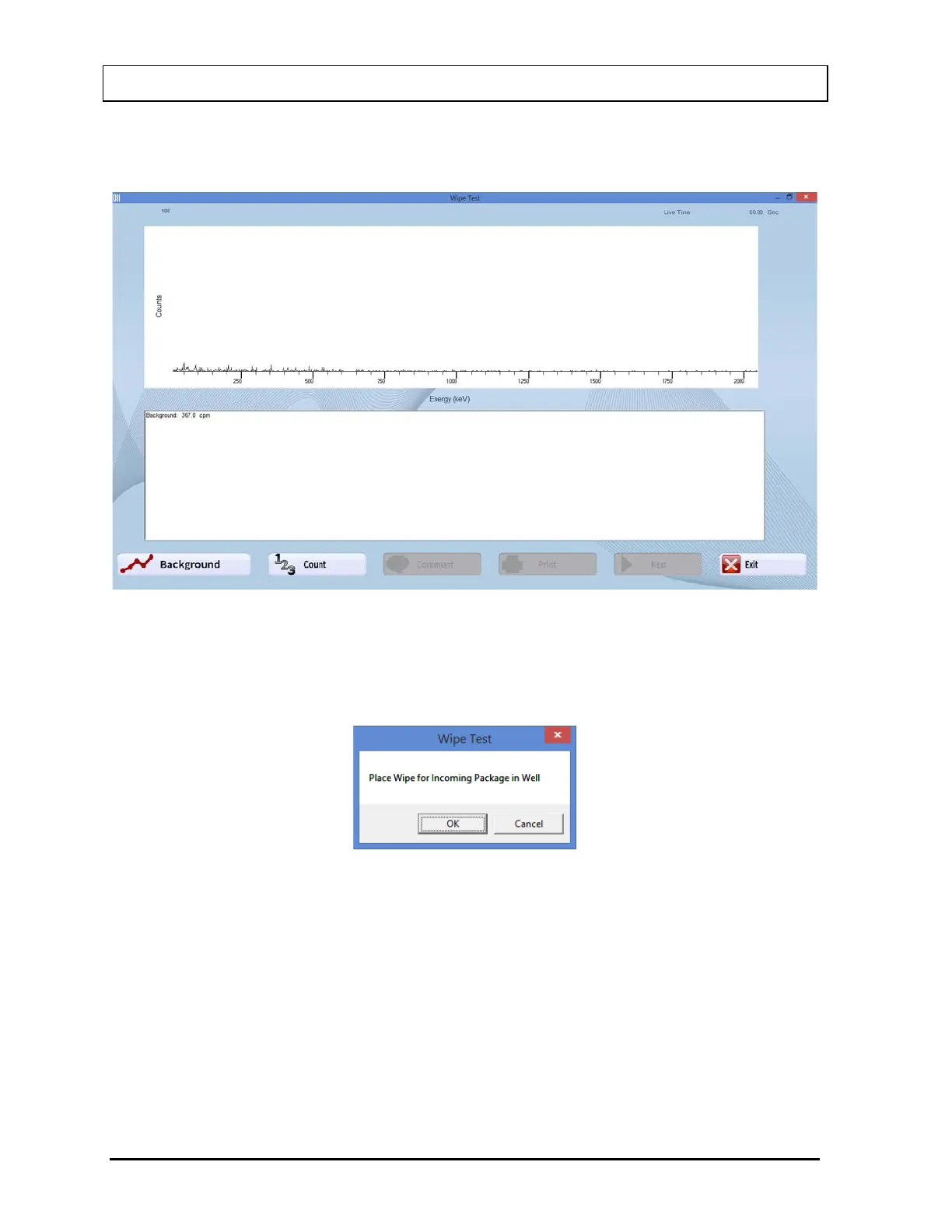
7. Once the Background measurement is completed and accepted, the spectrum and the
Background total count are displayed as shown in Figure 8-19.
Figure 8-19
8. To begin counting the wipe location, select the Count button or press Alt+C. The
message window shown in Figure 8-20 will appear (the location Incoming Package is
shown in the example).
Figure 8-20
9. Place the appropriate wipe in the Well and select the OK button. The measurement
screen appears similar to that shown in Figure 8-17 above while counts are being
collected.
10. Once the measurement is completed and accepted, the spectrum and the results are
displayed similar to that shown in Figure 8-21.



 To Next Page