CAPINTEC, INC. CAPTUS
®
4000e
July 16 CLEANING AND MAINTENANCE 16-9
Computer Battery Replacement
To replace the battery located inside the computer, please contact the computer
manufacturer for proper procedure and battery type.
FUSE SERVICING
CAUTION: FOR CONTINUED PROTECTION, REPLACE ONLY WITH SAME
TYPE AND RATING OF FUSE(S). A FIRE HAZARD MAY EXIST IF
THE WRONG RATING OF FUSE IS INSTALLED.
Power Line Fuses
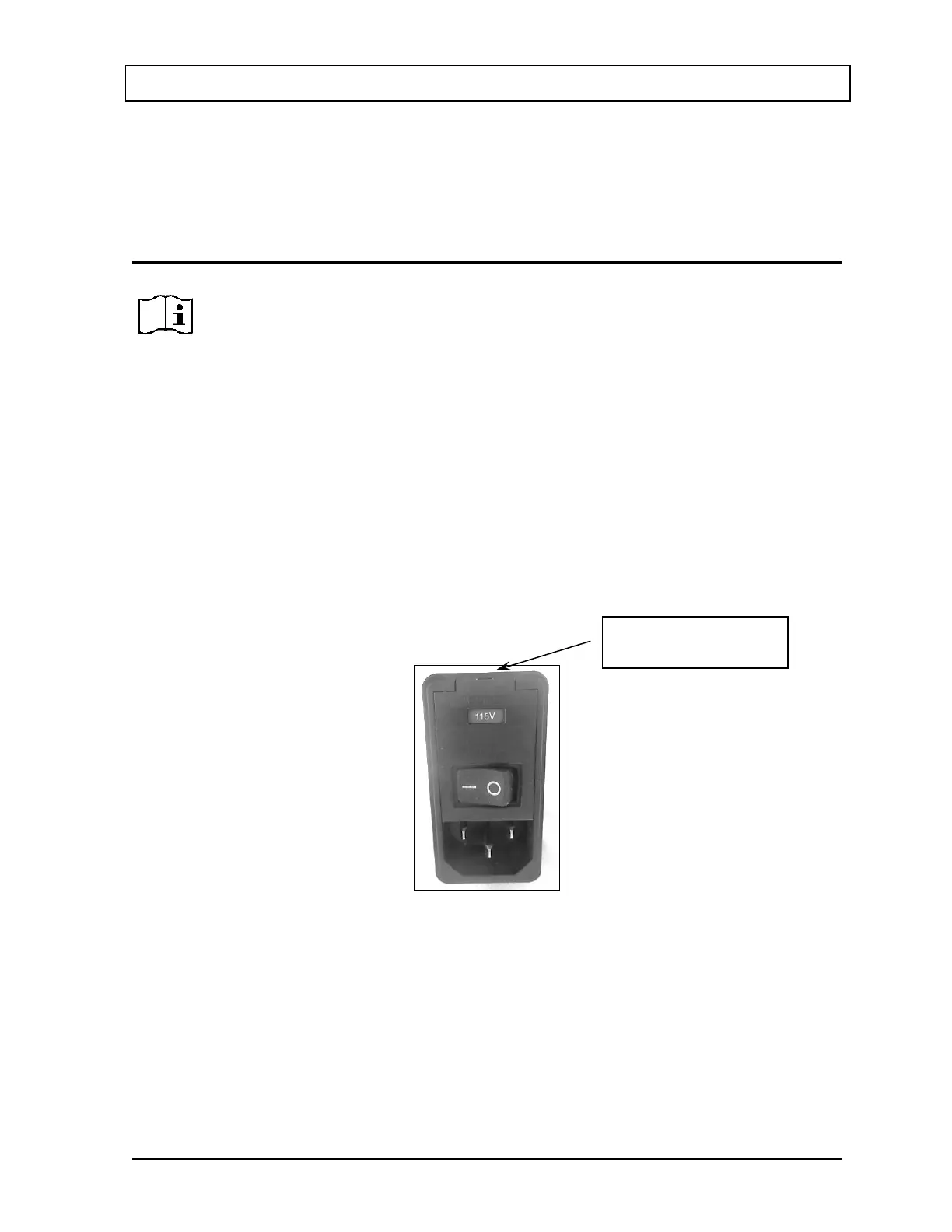
The power line fuses are located on the front side of the Isolation Transformer directly above
the main power cord connector. The type and rating of these two fuses is listed on the label
that is located on the Isolation Transformer.
To change the fuses:
1. Turn off the power to the computer, CAP-MCA and printer.
2. Unplug the power cord connected to the Isolation Transformer.
3. Use a small screwdriver to pry open the tab of the fuse door that is located directly
above the power cord switch. (Refer to Figure 16-5)
Figure 16-5
here and pry door open



 To Next Page