CAPINTEC, INC. CAPTUS
®
4000e
August 22 QUALITY ASSURANCE 5-11
CONSTANCY TEST
CAUTION: Calibration is recommended before making any measurements. Refer to
the AUTO CALIBRATION section on page 5-5.
This test compares the Cs137 standard source activity entered in the setup with the activity
that it measures. The activity entered in the setup is decay corrected by the software. The
counts measured in the Constancy test are converted to activity using efficiency values from
the Isotope Library. The deviation between the calculated and measured activity is the
percent error and should be within ±10%. If the deviation is outside ±10%, it will be indicated
as HIGH. NaI detectors are very sensitive and any radioactive sources even in neighboring
rooms may affect the results.
Perform SETTING UP QA PARAMETERS on page 5-2 before performing the
Constancy Test the first time.
Perform Auto Calibration before Constancy Test.
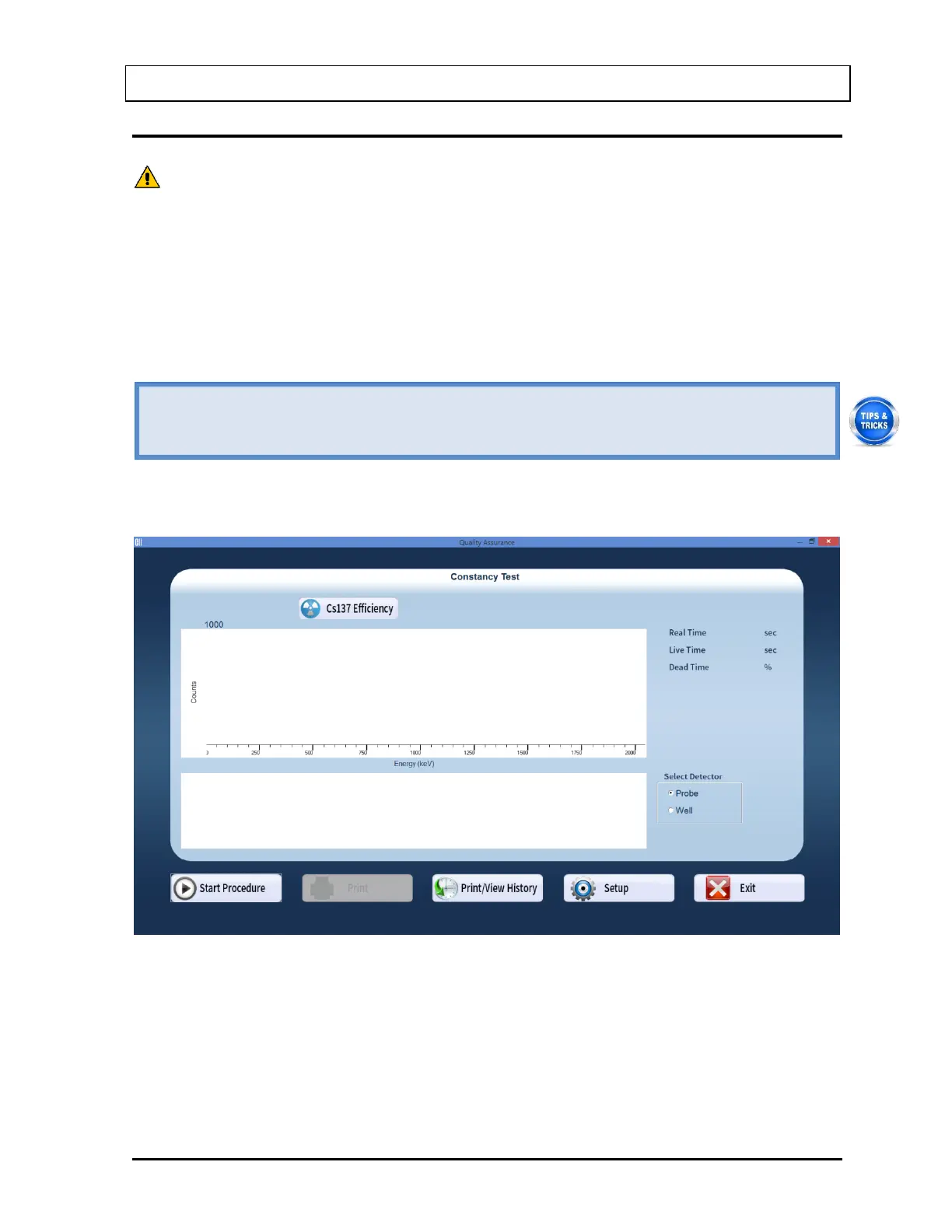
1. Select the Constancy Test button or press Alt+C on Figure 5-1 Quality Assurance Main
Screen. Figure 5-11 Constancy Test Main Screen will appear.
Figure 5-11 Constancy Test Main Screen
2. If the Cs137 efficiency has never been measured on your system, proceed to Step 3.
Otherwise, skip to Step 4.
3. Measuring Cs137 Efficiency – The Constancy Test requires a Cs137 efficiency value
as measured on your system. This step enters the Cs137 efficiency value into the Isotope
Library, which is used for calculations every time Constancy Test is performed.



 To Next Page