CAPINTEC, INC. CAPTUS
®
4000e
August 22 QUALITY ASSURANCE 5-3
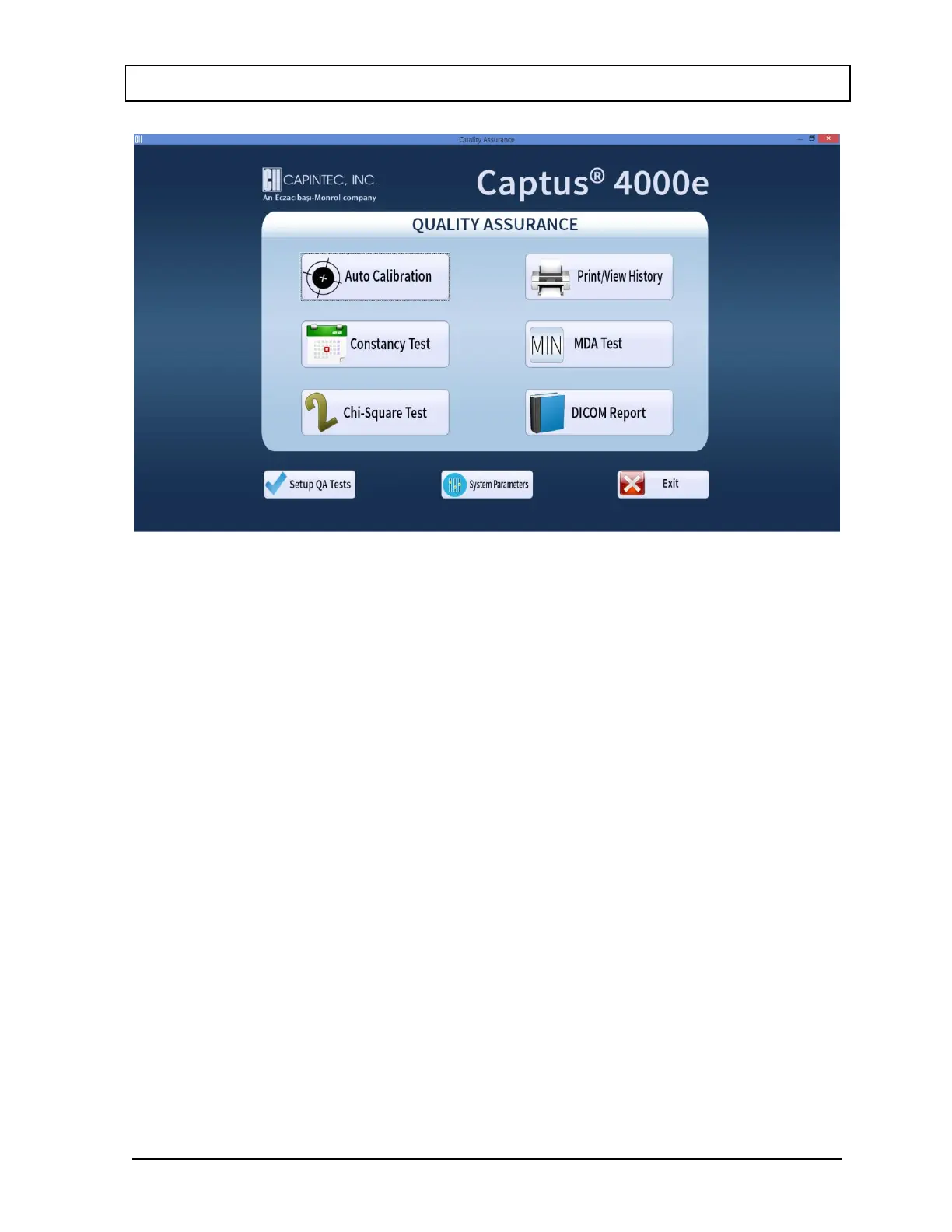
Figure 5-1 Quality Assurance Main Screen
Note: The DICOM Report button will only be displayed if the valid Cap-DICOM license is
entered in your system.
The following tests require setting up parameters prior to performing the test: Constancy
Test, Chi-Square Test and MDA Test. This can be done via the QA Setup screen, which is
accessible through the Setup QA Tests button at the bottom of Figure 5-1 Quality
Assurance Main Screen or through the Setup button provided on all QA Test screens.
1. Select the Setup QA Tests button or press Alt+S on Figure 5-1 Quality Assurance Main
Screen. Figure 5-2 Quality Setup Screen appears as shown.



 To Next Page