CAPINTEC, INC. CAPTUS
®
4000e
December 15 CUSTOM PROTOCOLS 15-11
Note: The status of a check box can be toggled by quickly double-clicking the
desired item.
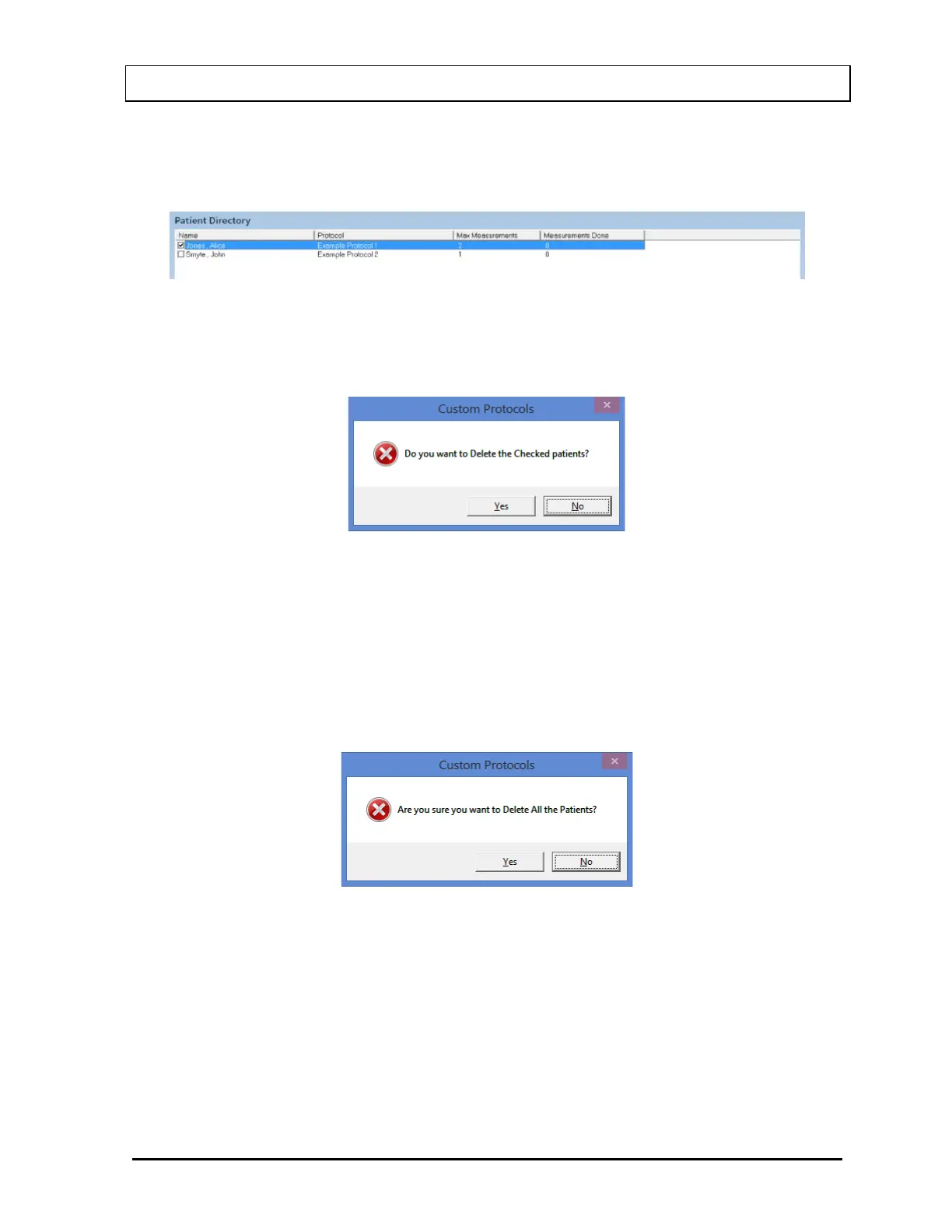
Figure 15-10
1. Select the Delete button on Figure 15-1 Custom Protocols Main Screen. Figure 15-11
will appear.
Figure 15-11
2. Select the Yes button or press the Y key to confirm the deletion. Otherwise, select the
No button or press the N key.
Deleting All Patients
1. Select the Delete All button on Figure 15-1 Custom Protocols Main Screen. Figure
15-12 will appear.
Figure 15-12
2. Select the Yes button or press the Y key to confirm the deletion. Otherwise, select the
No button or press the N key.



 To Next Page