CAPINTEC, INC. CAPTUS
®
4000e
November 16 WIPE TESTS 8-19
The Wipe Test Search window allows users to search for certain wipe test results, export
selected wipes in Excel format and print selected wipes to the system printer. The Summary
Reports button allows printing of selected reports.
Search
Wipes test results can be searched by using the specified criteria as follows:
Note: Fields that are left blank are not used when the Search button is selected. The
minimum search requirement is the Wipe Date/To range.
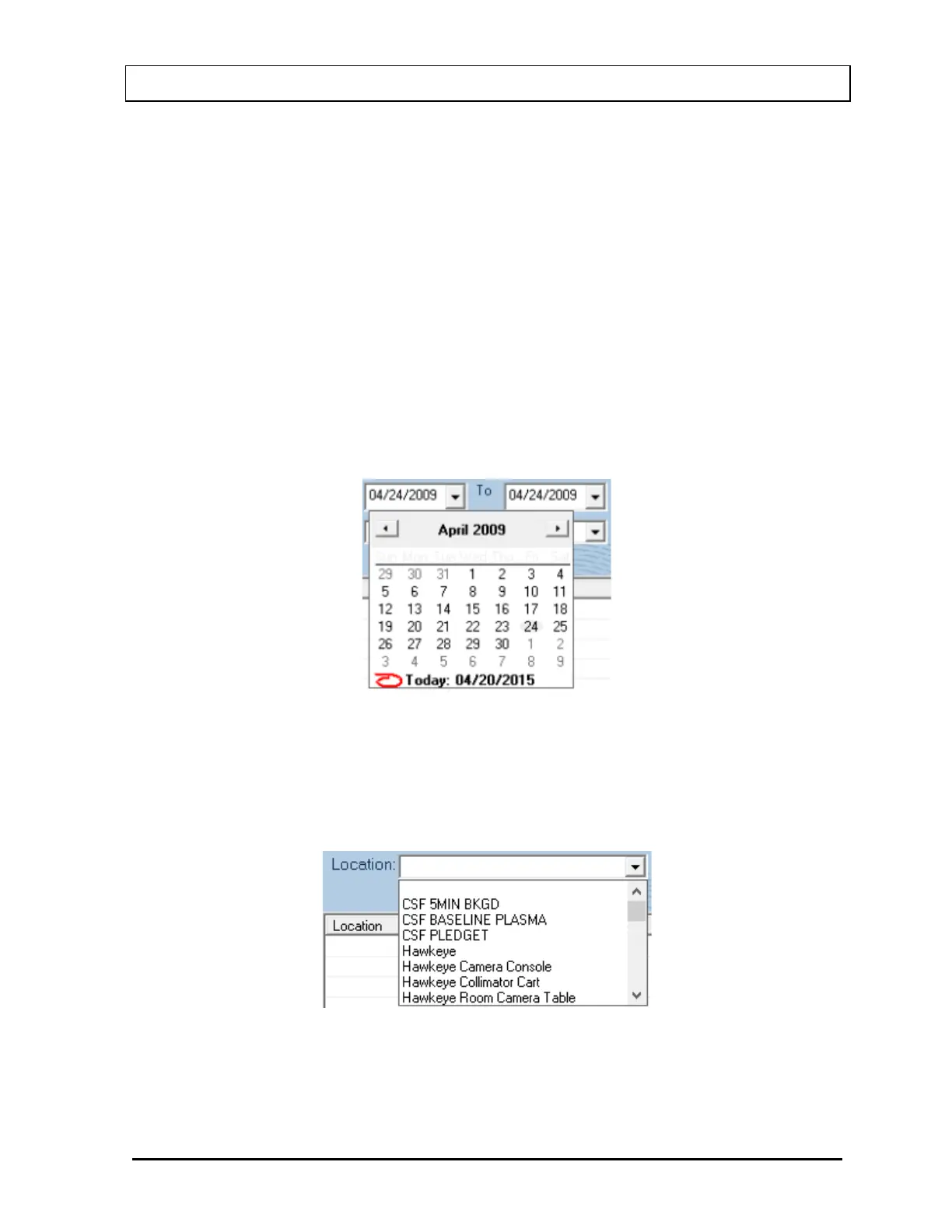
• Wipe Date/To ...... This allows the setting of a date or a range of dates that the user is
interested in. The date can be selected by selecting the drop-down
arrow and choosing the date from the pop-up calendar as shown
below or by directly typing the date in using the number keys in
conjunction with the arrow keys.
Figure 8-24
• Location .............. This allows the setting of the Wipe Location that the user is
interested in finding within the specified date range. The Location
is selected by clicking the drop-down arrow and choosing the
desired Location from the drop-down list.
Figure 8-25



 To Next Page