CAPINTEC, INC. CAPTUS
®
4000e
13-10 MCA August 15
SAVE AND RESTORE COUNT DATA OR MCA SETTINGS
Spectral count data and MCA settings may be saved and recalled for future evaluation and
use.
Note: Saving a spectrum stores the spectrum and the MCA settings. Saving MCA settings
stores only the settings and not the spectrum. If you recall a spectrum, the MCA
settings for its acquisition will automatically be restored.
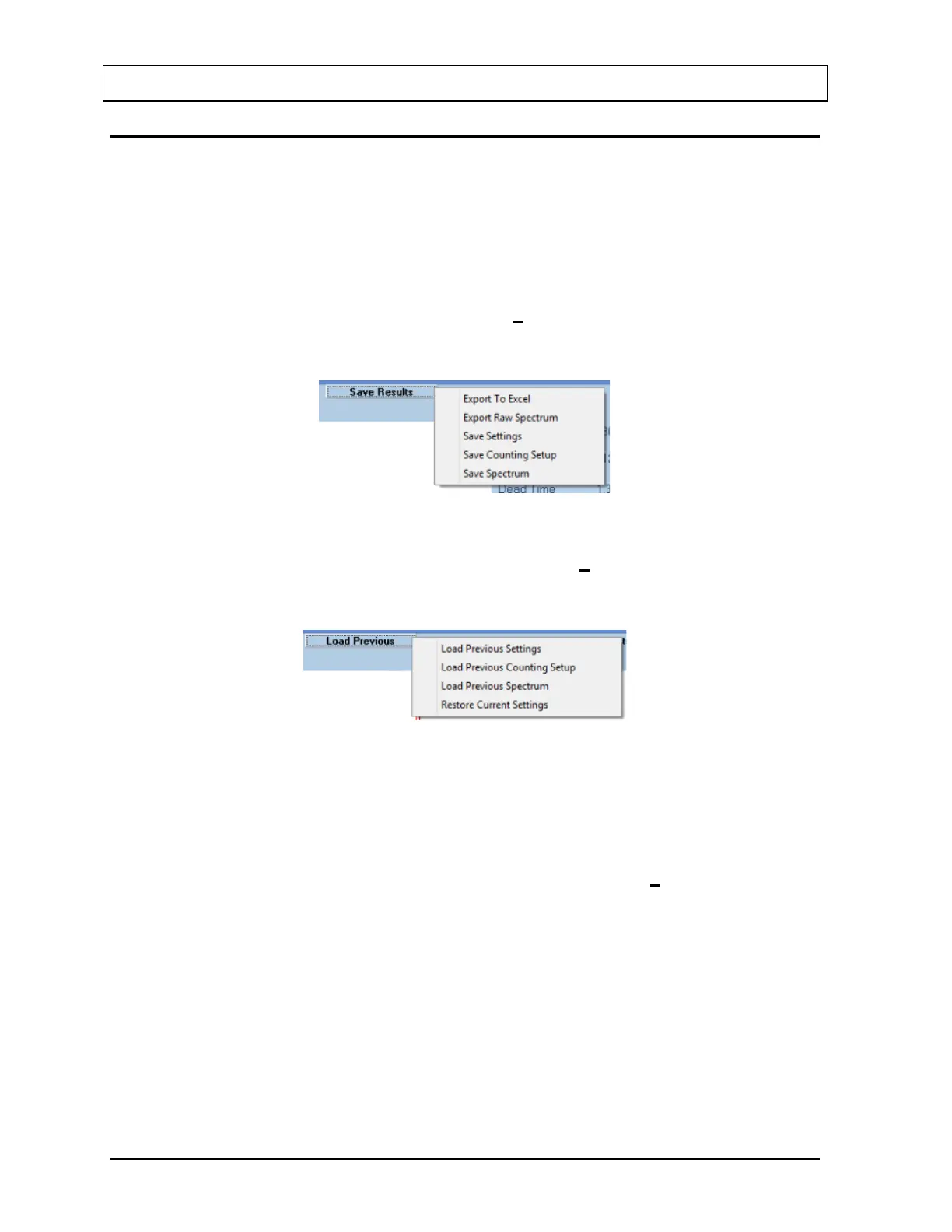
In order to export data or save settings, select the Save Results button on the menu bar or
press Alt+V. A pop-up menu will appear with 5 export/save functions as illustrated in Figure
13-11.
Figure 13-11
In order to load previously saved data or settings, select the Load Previous button on the
menu bar or press Alt+O. A pop-up menu will appear with 4 load functions as illustrated in
Figure 13-12.
Figure 13-12
Export, Save and Load functions are described in the following sections.
Save Spectrum
After acquisition has been stopped, select Save Spectrum from the Save Results button on
the menu bar. The Save Spectrum dialog box will appear, as shown in Figure 13-13.



 To Next Page