CAPINTEC, INC. CAPTUS
®
4000e
4-14 GENERAL SETUP November 16
To print a report of the displayed Log On Data, select the Print button.
Exiting
To exit the Log On Reports window and return to Log On window, select the Done button.
FIRST TIME STARTUP
If this is the first time the CAPTUS
®
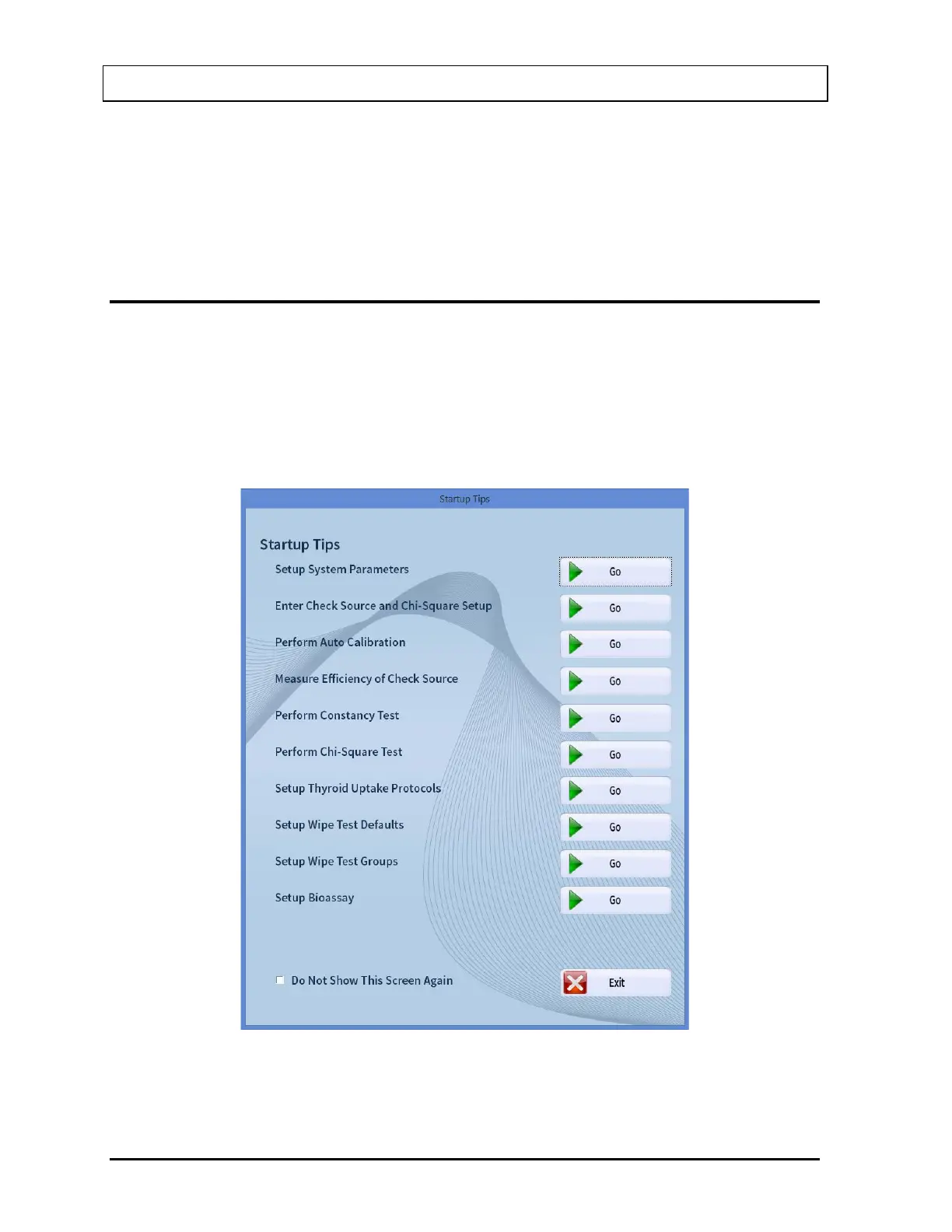
4000e software is run, the Startup Tips screen will be
displayed as shown in Figure 4-10 Startup Tips Window.
The Startup Tips window provides a quick and convenient way to get ready for performing
test procedures. This window provides access to the System Parameters, Quality Assurance
Tests and the preliminary Measurement Setups that need to be performed before beginning
measurements.
Figure 4-10 Startup Tips Window



 To Next Page