CAPINTEC, INC. CAPTUS
®
4000e
17-8 DICOM November 16
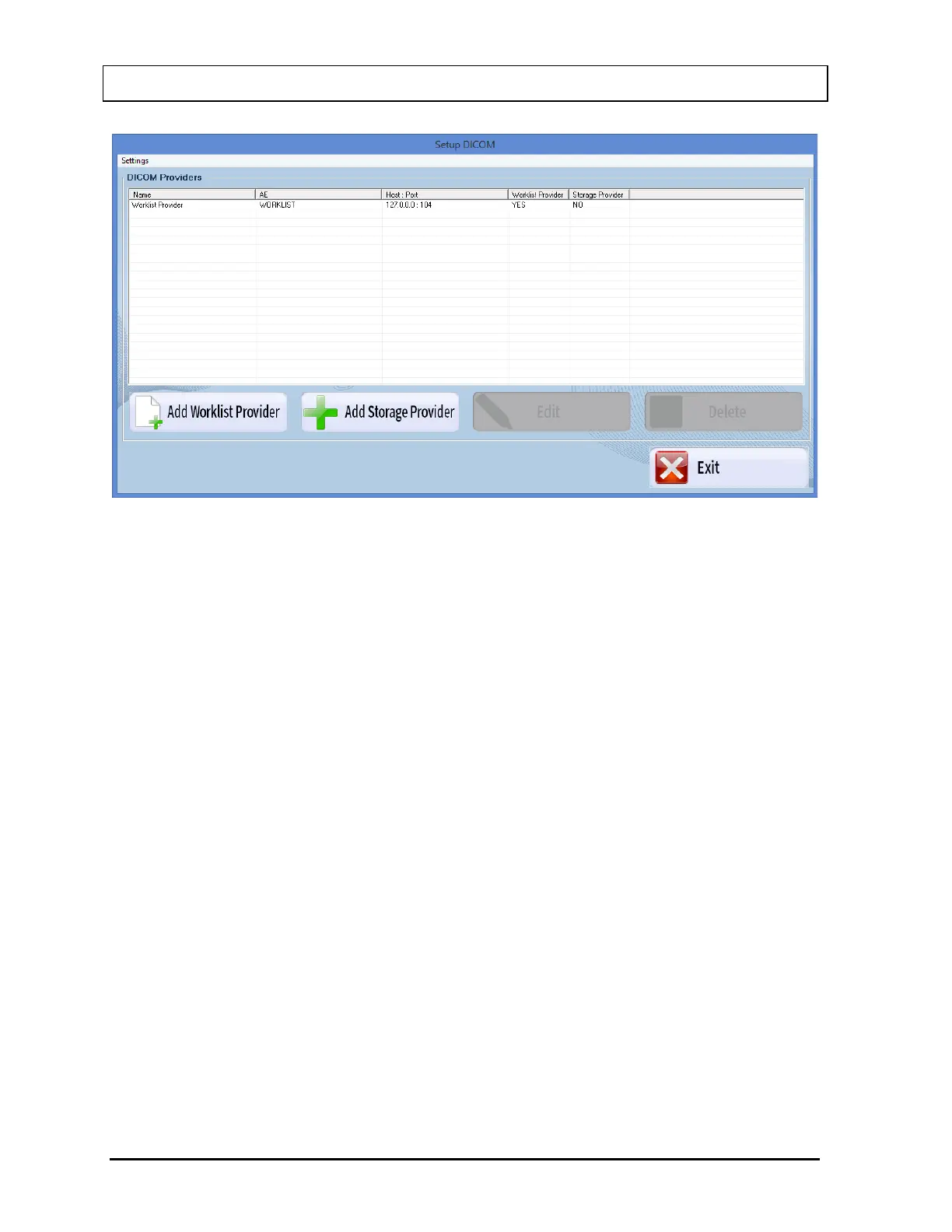
Figure 17-7
Editing Worklist Provider
To select a Worklist Provider to be edited, use the and arrow keys or the Page
Up and Page Down keys to move up or down in the Worklist Provider list. If the list is
long, the scroll bar is also available.
Select the Edit button. The screen appears as shown in Figure 17-8.



 To Next Page