CAPINTEC, INC. CAPTUS
®
4000e
10-48 LAB TESTS November 16
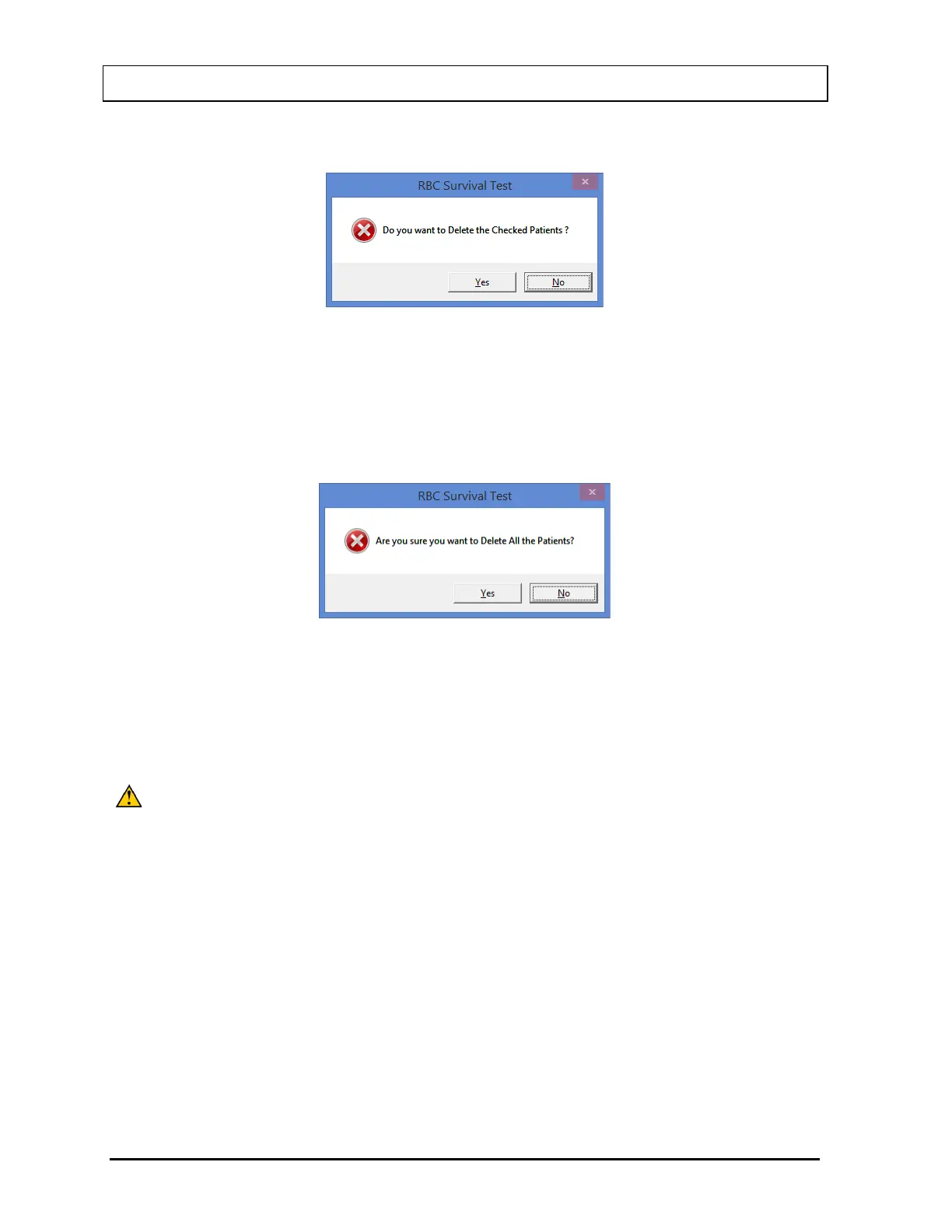
2. Select the Delete button. Figure 10-70 will appear.
Figure 10-70
3. Select the Yes button or press the Y key to confirm the deletion or select the No button or
press the N key to cancel.
4. To delete all the patients at once, simply select the Delete All button. You will be
prompted to confirm the deletion. Figure 10-71 will appear.
Figure 10-71
5. Select the Yes button or press the Y key to confirm the deletion. Otherwise, select the No
button or press the N key.
Making Measurements
CAUTION: Calibration is recommended before making any measurements. Refer to
CHAPTER 5: QUALITY ASSURANCE TESTS; SECTION: AUTO
• Before making any measurements on a patient, verify that all required patient information
has been entered.
• Make sure the default settings on Edit Patient screen and the Setup screen are
appropriate. The values on Edit Patient screen override those on the Setup screen.
1. To select a patient for the test, click on that record in the Patient Directory box on Figure
10-64 RBC Survival Test Main Screen. The Patient Status box will show the current
status of the patient. If this box reads, “All Data has been entered”, the Count Selected
Patients button at the bottom of the screen is enabled and the test can be started. If data
is partially entered, the Count Selected Patients button is disabled.



 To Next Page