CAPINTEC, INC. CAPTUS
®
4000e
November 16 LAB TESTS 10-49
Note: If the Patient Status box shows “Data Partially Entered”, no measurements can
be made until all the required information is entered. Refer to Editing Patient
Information on page 10-46.
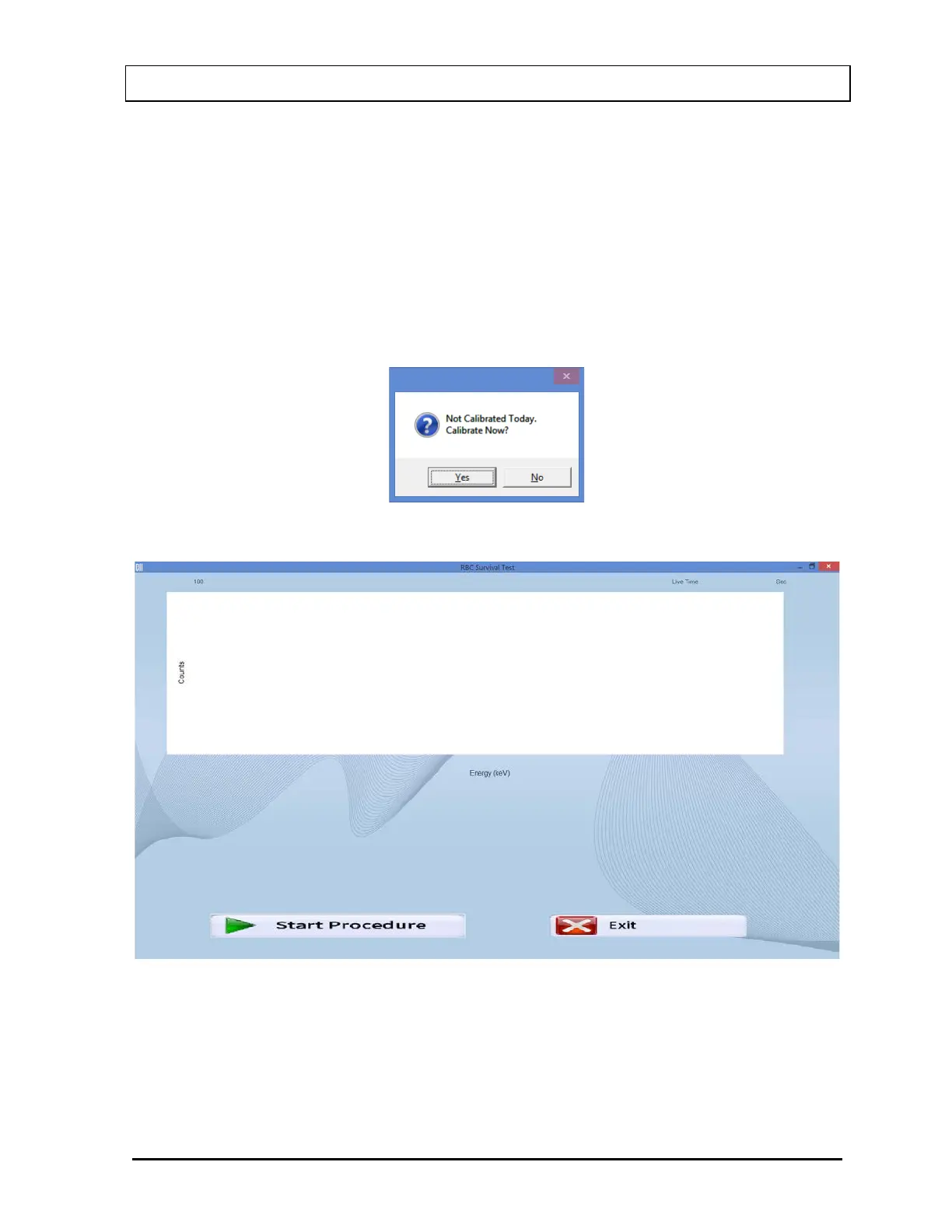
2. To begin the measurements, select the Count Selected Patients button or press Alt+C.
The screen appears as shown in Figure 10-73.
Note: If calibration has not been performed, you will be prompted with the screen as
shown in Figure 10-72. If calibration is performed, after the calibration is
complete, the program will return to the RBC Survival Test measurement screen
shown in Figure 10-73.
Figure 10-72
Figure 10-73
3. Select the Start Procedure button or press Alt+S to begin the test. Figure 10-74 will
appear confirming the selected patient. To cancel the test or if the incorrect patient was
selected, select the No button to return to Figure 10-67, otherwise select Yes to continue.



 To Next Page