CAPINTEC, INC. CAPTUS
®
4000e
November 16 LAB TESTS 10-19
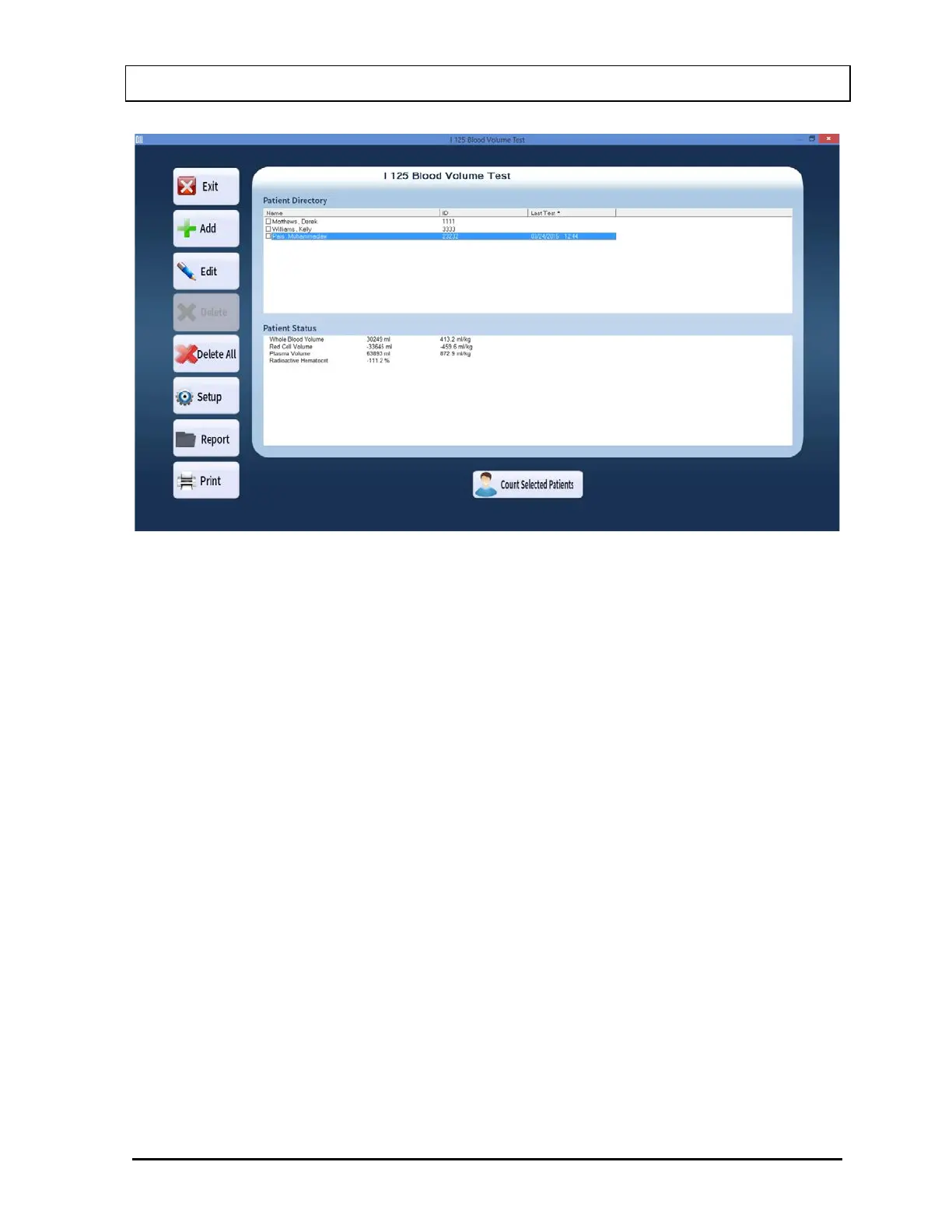
Figure 10-27 I 125 Blood Volume Test Main Screen
To return to the CAPTUS
®
4000e Main Screen from here, select the Exit button or press the
Esc key. select the Exit button or press the Esc key again.
Setup Counting Parameters
1. Select the Setup button on Figure 10-27 I 125 Blood Volume Test Main Screen. The
screen appears as shown in Figure 10-28. This screen allows the user to input counting
parameters, which will be the default settings each time a patient is entered into the I-125
Blood Volume Test patient directory. These settings may be changed as needed for any
individual patient or patients.



 To Next Page