CAPINTEC, INC. CAPTUS
®
4000e
15-8 CUSTOM PROTOCOLS December 15
To enter or change the name of the workbook to be used to analyze the data for the protocol,
from Figure 15-2 Main Protocol Screen, select the Excel File button. If the selected
workbook has already been assigned to a protocol, an error message will appear.
PATIENT DATA
Adding Patients
1. Select the Add button on Figure 15-1 Custom Protocols Main Screen.
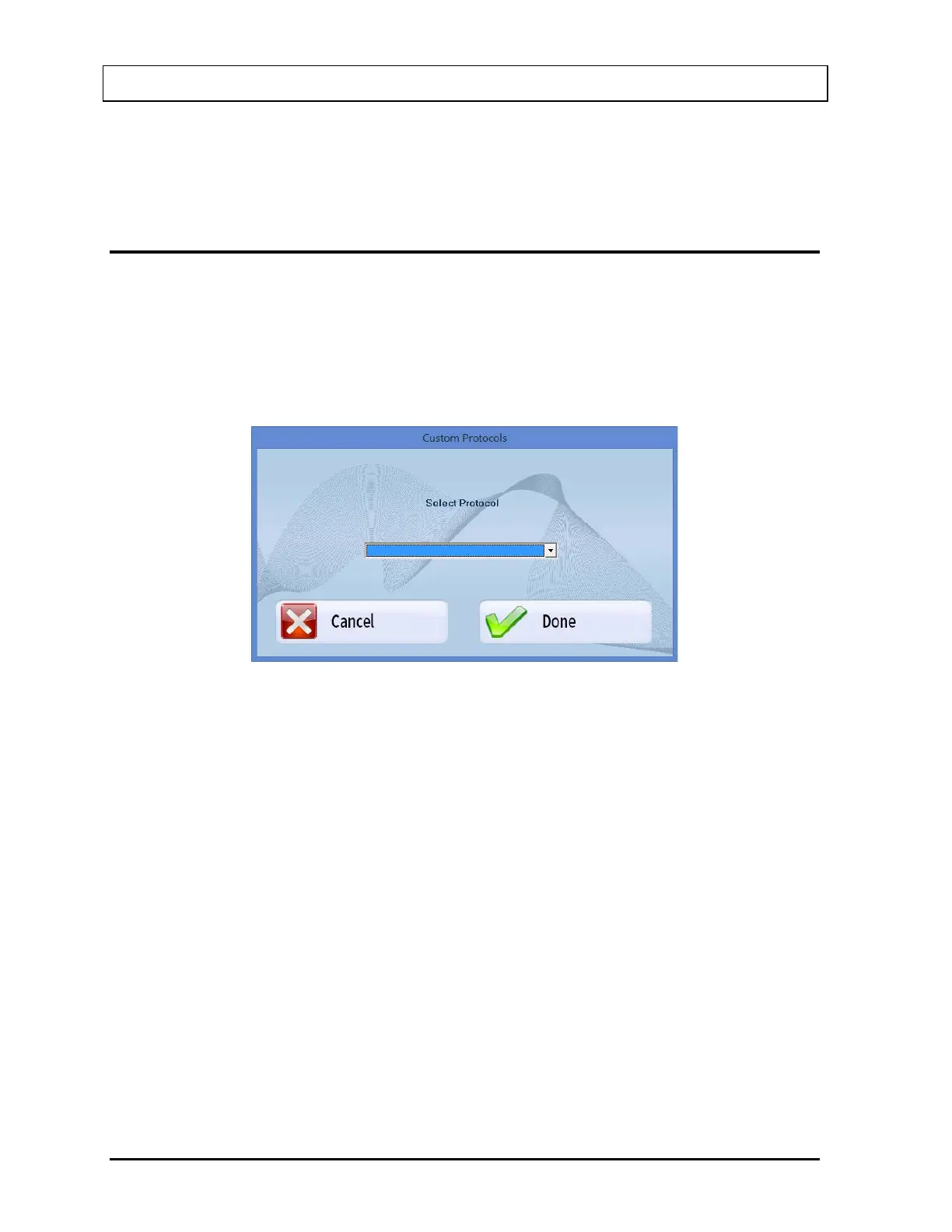
2. If there is more than 1 custom protocol, the Protocol Selection Screen will appear as
shown in Figure 15-7.
Figure 15-7
3. Select the desired protocol from the drop-down list.
4. To cancel adding the patient, select the Cancel button or press ALT+C. To continue
adding the patient, select the Done button or press ALT+D. The Patient Entry screen
will appear as shown in Figure 15-8.
Note: The Patient Entry screen shown is for the case where all the optional fields
have been selected for the protocol.



 To Next Page