CAPINTEC, INC. CAPTUS
®
4000e
December 15 CUSTOM PROTOCOLS 15-9
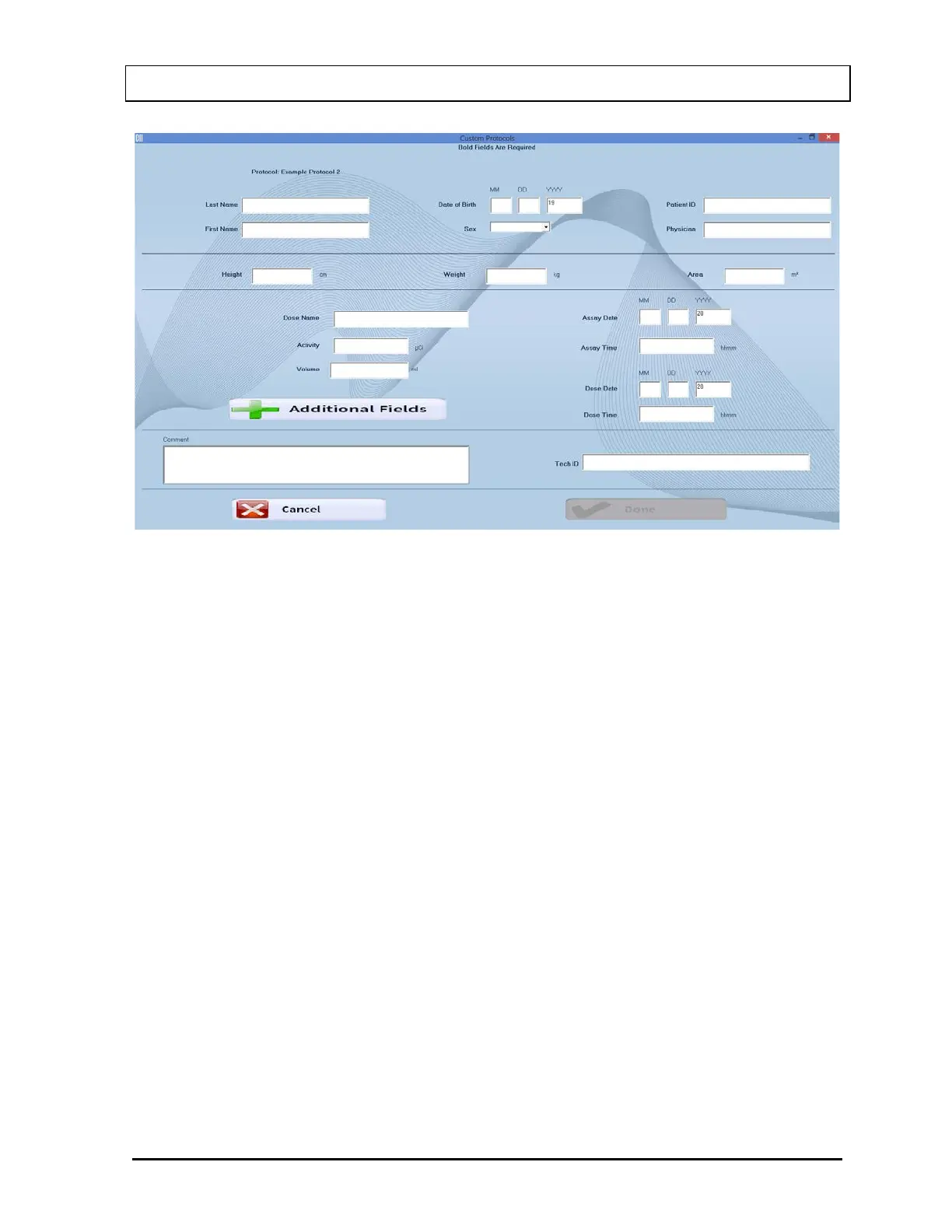
Figure 15-8
5. Click in the field box or use Tab key to move from one field box to another.
6. Input the Patient Information. In the Sex drop-down list box, select from the list or
press the M or F key. Remember that bold fields are required.
7. Input the data for all the optional fields that are shown.
8. If additional fields have been entered for the patient, select the Additional Fields
button to input those values. (If there were no additional fields, this button will not be
displayed).
In the example shown in Figure 15-9, there are 3 additional fields. Input the numeric
data and select the Done button or press ALT+D to save the data and return to
Figure 15-8.



 To Next Page