CAPINTEC, INC. CAPTUS
®
4000e
13-12 MCA August 15
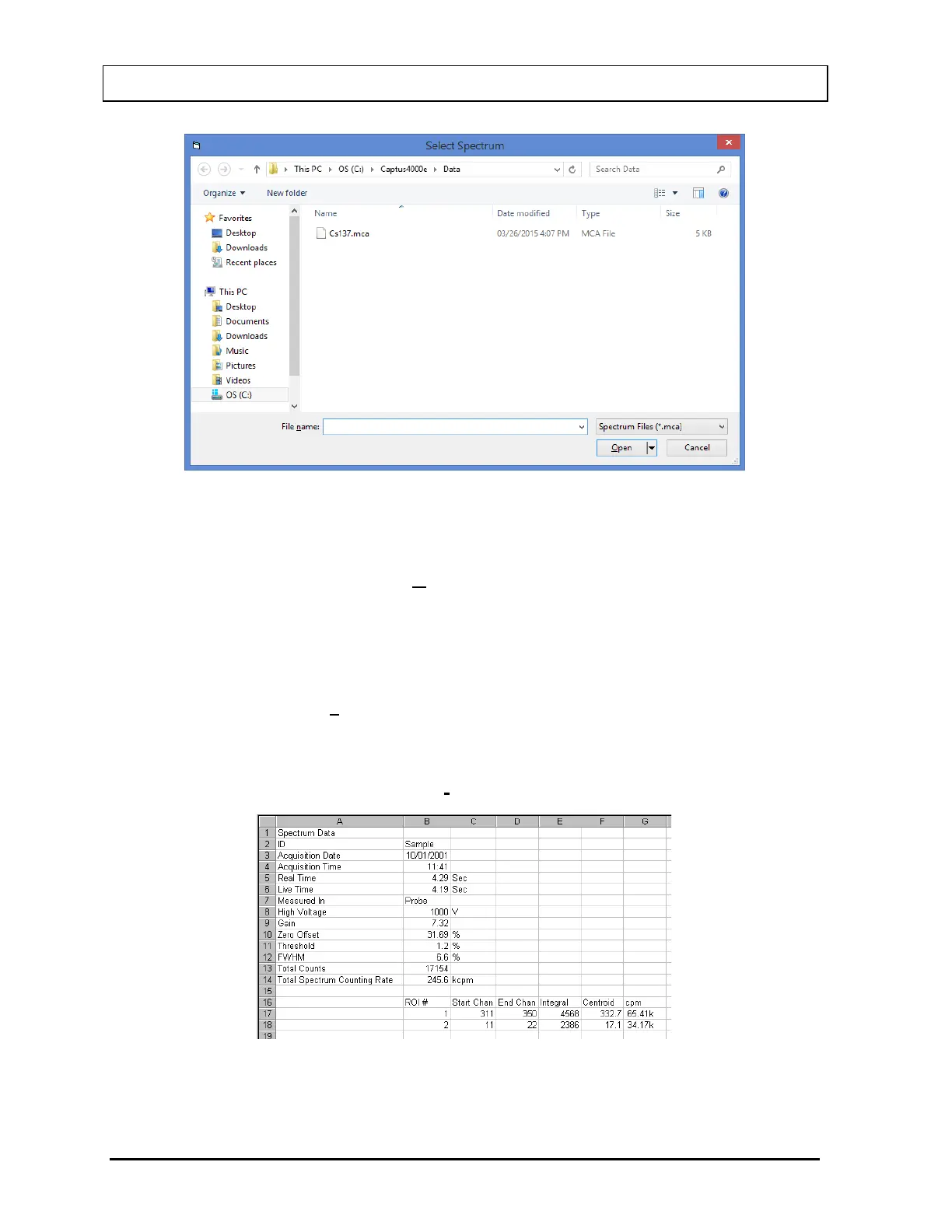
Figure 13-14
Select the desired spectrum from the list. The default folder is C:\Captus4000e\Data. To load
a spectrum from a different folder, browse to the desired location, and then select the file
name. To load the spectrum, select the Open button.
Export to Excel
An MCA result summary can be exported to Excel format. This includes counts in the active
ROIs (it does not include the raw spectrum count data). To export summary data, select
Export to Excel from the Save Results button on the menu bar. A dialog box similar to the
Save Spectrum dialog box will appear (as shown in Figure 13-13), but the file extension will
be .xls. Figure 13-15 illustrates the exported data when opened in Excel.
Note: It is recommended that the Save as type: is not changed from MCA Spectra (*.xls)
Figure 13-15



 To Next Page