CAPINTEC, INC. CAPTUS
®
4000e
November 16 GENERAL SETUP 4-5
Note: To remove main power from the system, the Isolation Transformer main power cable
must be unplugged from the wall socket.
There are three power switches associated with the system:
• the computer has a power switch, and
• the CAP-MCA has a power switch,
• the printer has a power switch.
Turn on all three switches.
Your system will power up, go through the computer boot-up sequence, and display the
Windows
®
start up screen.
CAUTION: Changing the date or time while a timed test is in progress (for example,
a 24 hour Thyroid Uptake Test) might affect the results or introduce
unexpected error. Care should be taken to evaluate any potential impact
for ongoing tests before changing the date or time. Verify that the under
the Date and Time Properties in Windows that the Automatically adjust
clock for daylight saving changes checkbox is not checked.
LOG ON
Note: Before performing any measurements, allow the system to warm up at least 30
minutes.
To run the CAPTUS
®
4000e software, double-click on the CAPTUS
®
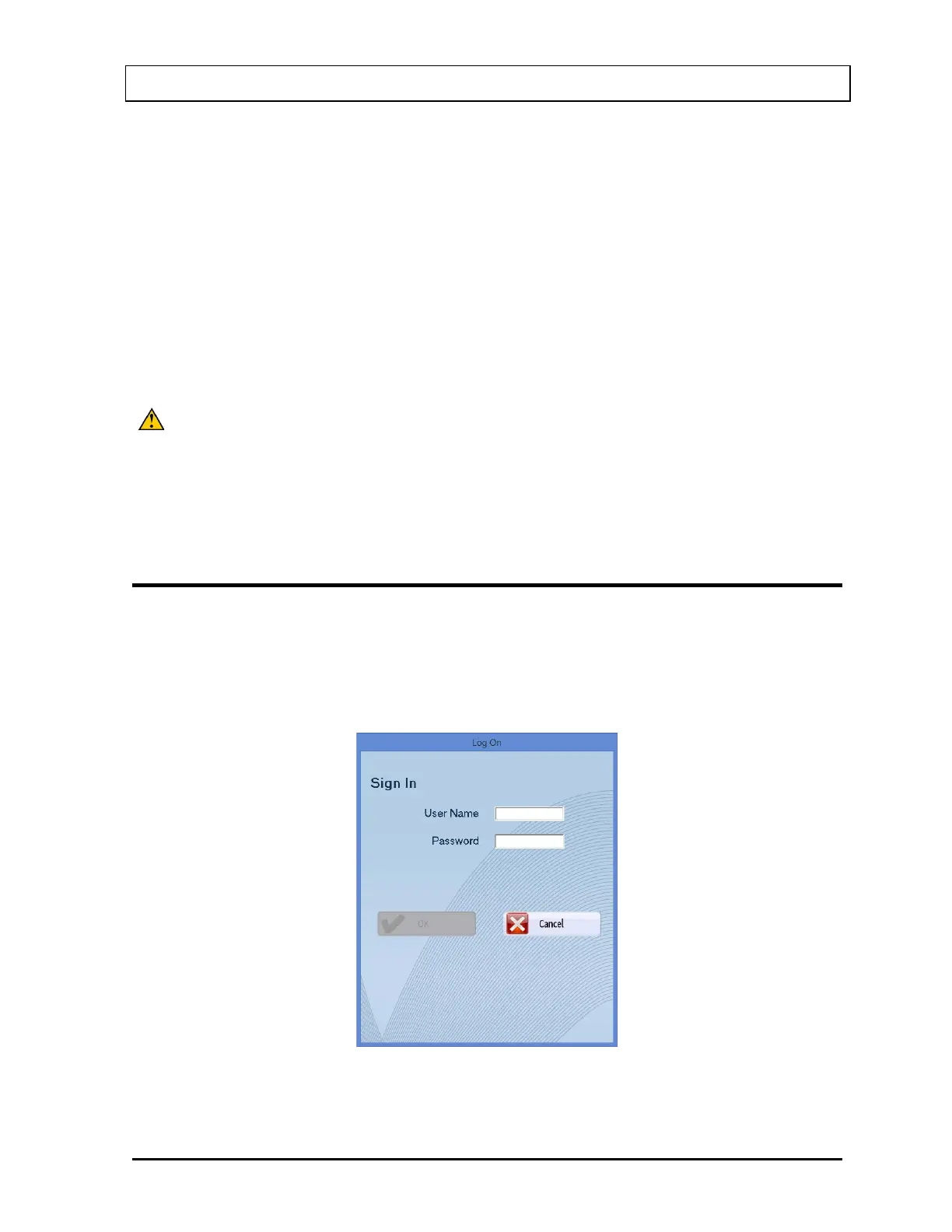
4000e icon. When the
program is launched, Figure 4-3 Log On Sign In Window will appear:
Figure 4-3 Log On Sign In Window



 To Next Page