CAPINTEC, INC. CAPTUS
®
4000e
November 16 DICOM 17-13
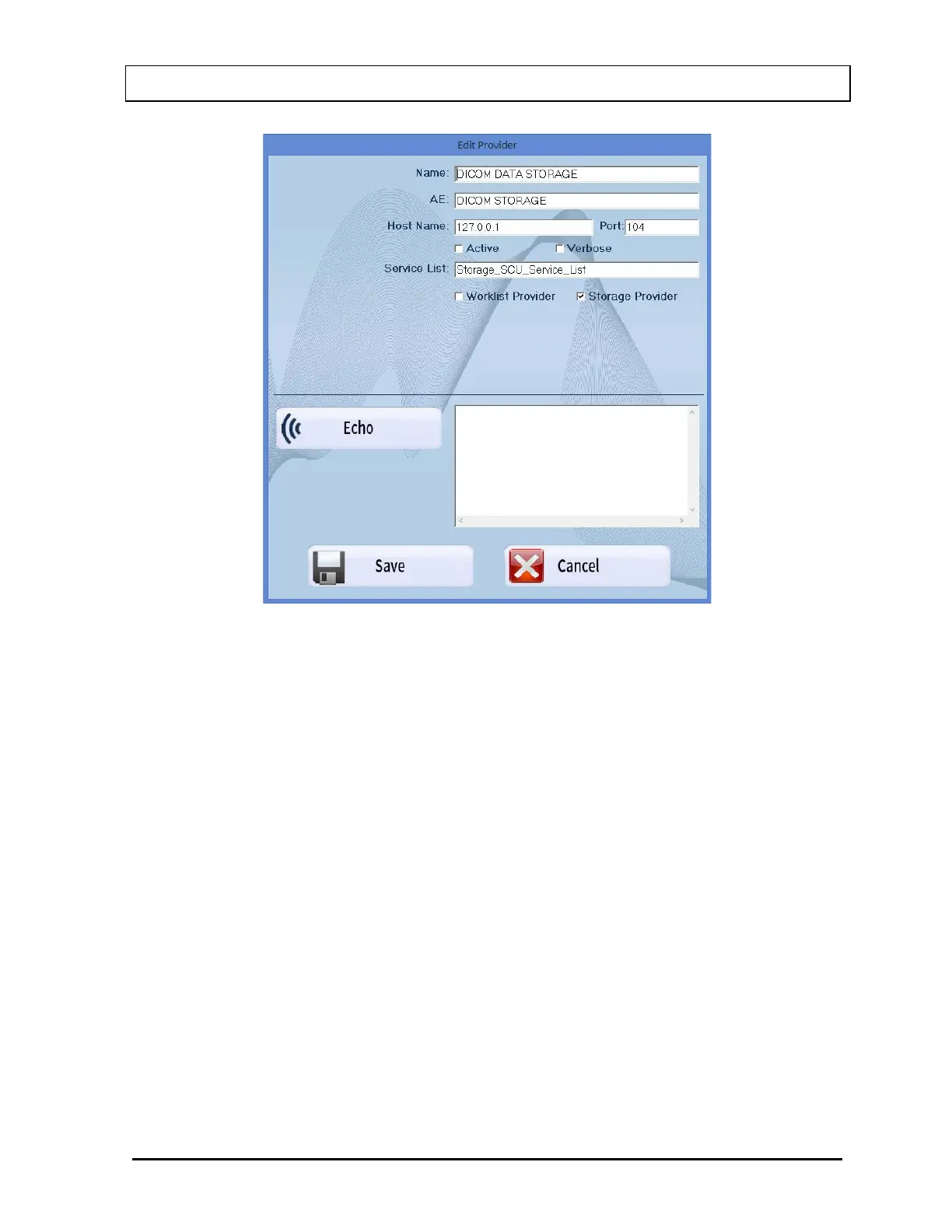
Figure 17-3
Click in the text box to be edited and type over the existing information.
After entering the data, select the Echo button to confirm that the DICOM SERVER is
communicating with the CAPTUS
®
4000e. The message “Successful Echo, Success”
will be displayed as shown in Figure 17-10.
Select the Save button to save the changes or select the Cancel button to cancel the
changes.
Once saved, the Storage Provider will be displayed in the list as shown in Figure
17-11.
Deleting Storage Provider
To select a Storage Provider to be deleted, use the and arrow keys or the Page
Up and Page Down keys to move up or down in the Worklist Provider list. If the list is
long, the scroll bar is also available.
Select the Delete button. The select Storage Provider will be removed from the list.



 To Next Page