CAPINTEC, INC. CAPTUS
®
4000e
November 16 DICOM 17-17
Accession Number, Patient Id and Patient Name
These provide the user with the means to search for a specific name, ID or Accession
number in the Worklist. DICOM requires that all Worklist Providers to support queries
by Patient Name, Patient ID and Accession number but not all providers have this
functionality. The provider should support “*,?” “*,?”. Check the Worklist providers
DICOM conformance statement for details.
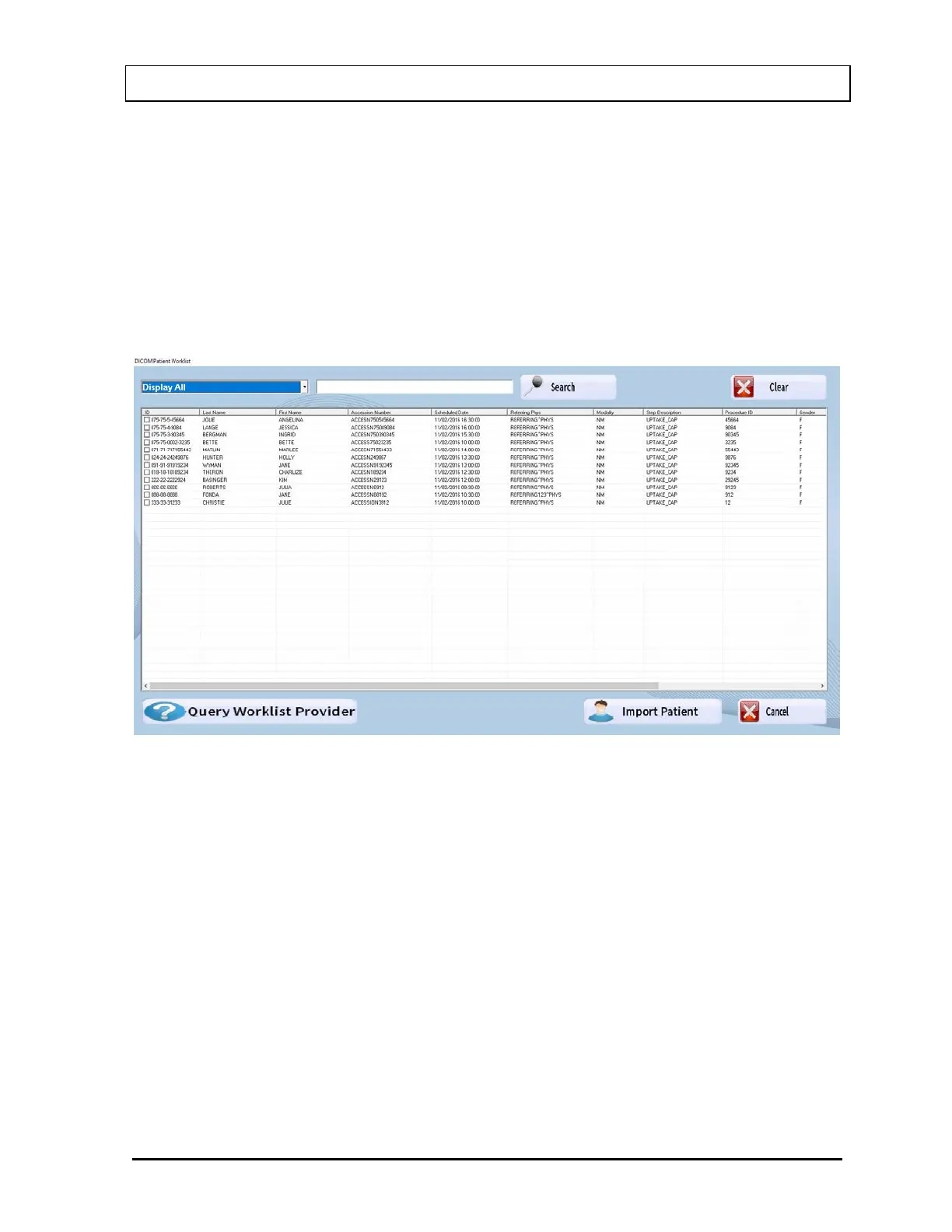
5. Select the Query button. Once the Worklist is queried, a list of patients available is
displayed similar to that shown in Figure 17-17.
Figure 17-8
Import Patient
The patient that is scheduled can be selected by checking the box and highlighting. Select
the Import Patient button.
The imported patient will be displayed in the Thyroid Uptake Patient Directory list (Figure
17-14) with a Patient Status of “Data Partially Entered”. Refer to CHAPTER 7: THYROID
UPTAKE; SECTION: EDITING PATIENT INFORMATION for instructions on editing patient
information. Complete the data entry for the nuclide used.



 To Next Page