CAPINTEC, INC. CAPTUS
®
4000e
August 15 GENERAL OPERATING INSTRUCTIONS 3-7
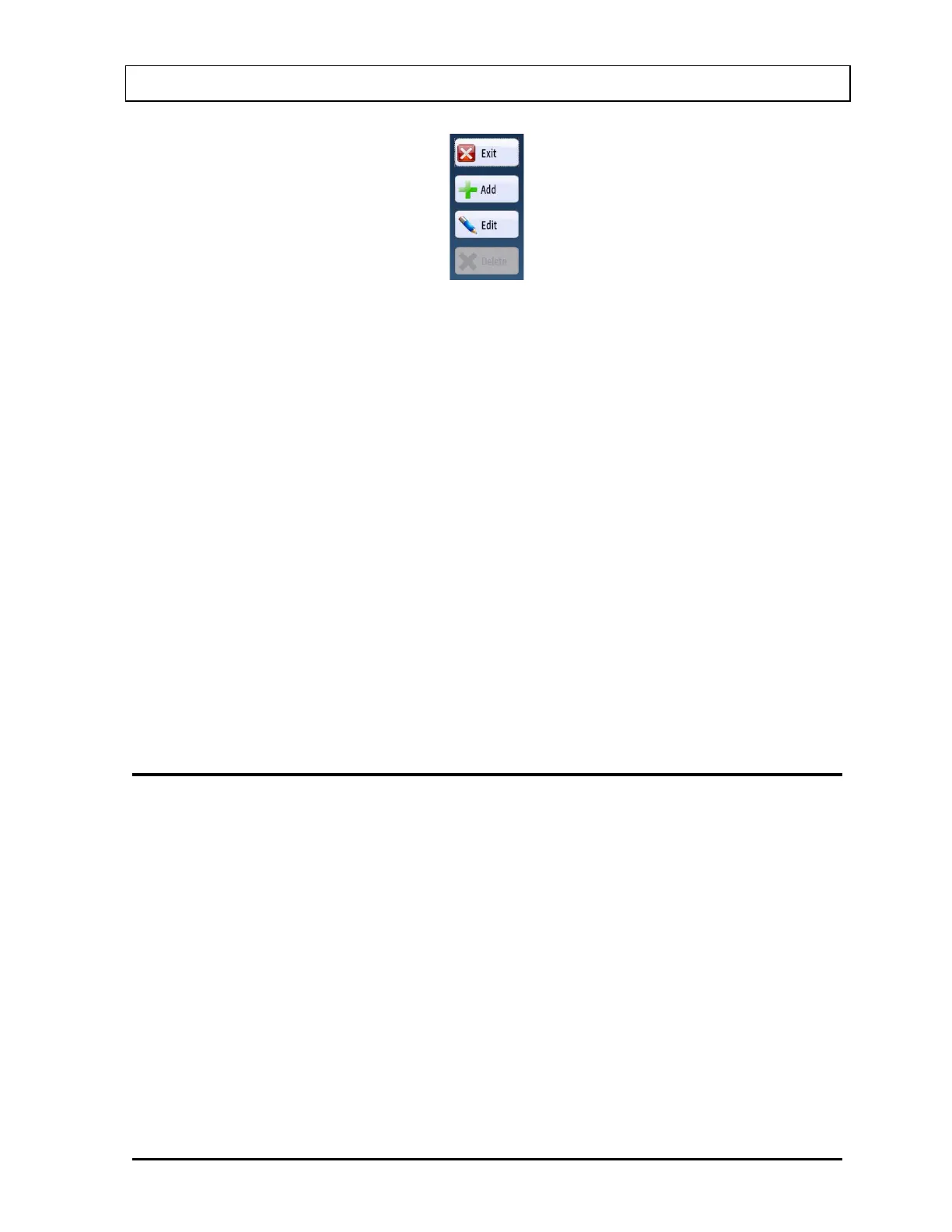
Figure 3-4
A button can be activated in the following ways:
• positioning the pointing device over the button and clicking the pointing
device's left button once,
• tapping the button with your finger or stylus, or
• using the Tab key on the keyboard to move the highlight from button to button
until the desired control is highlighted and then press the Enter key.
Activating a button causes it to perform the specified function. This may involve
additional dialog boxes or various other modes of interaction with the user.
Keyboard Control
Most commands or actions can also be activated by keyboard strokes. The command
buttons and menu bar items are all controlled from the keyboard in the same manner.
Each word has one letter underlined. Holding down the Alt key, and then pressing the
underlined letter on the keyboard activates the selection. Almost every action in the
CAPTUS
®
4000e can be accomplished from keyboard control in this manner.
CAPTUS SCREENS
The CAPTUS
®
4000e Main screen appears as shown in Figure 3-5. This screen provides
access to all the user modules (Quality Assurance, Thyroid Uptake, Lab Tests, Wipe Test,
Bioassay, Time Activity Analysis, MCA). At the bottom of the screen, access is provided to
General Setup modules (Setup), an Isotope Reference Library (Isotopes), Archived results
(Archives) and contact information for Capintec, Inc. (About). To select a module, move the
pointing device’s cursor over the name of the module you wish to select. A highlight box will
appear around the module title. Then, single left-click to activate the module. A module can
also be selected by tapping the name of the module you wish to select with your finger or
stylus.
Note: The Custom Protocol and Absorbed Dose ALERT selections shown below are
optional modules and must be purchased separately in addition to the CAPTUS
®
4000e system. The related button will be displayed on the Main screen after a valid
license is entered for each module in Setup.



 To Next Page