CAPINTEC, INC. CAPTUS
®
4000e
15-18 CUSTOM PROTOCOLS December 15
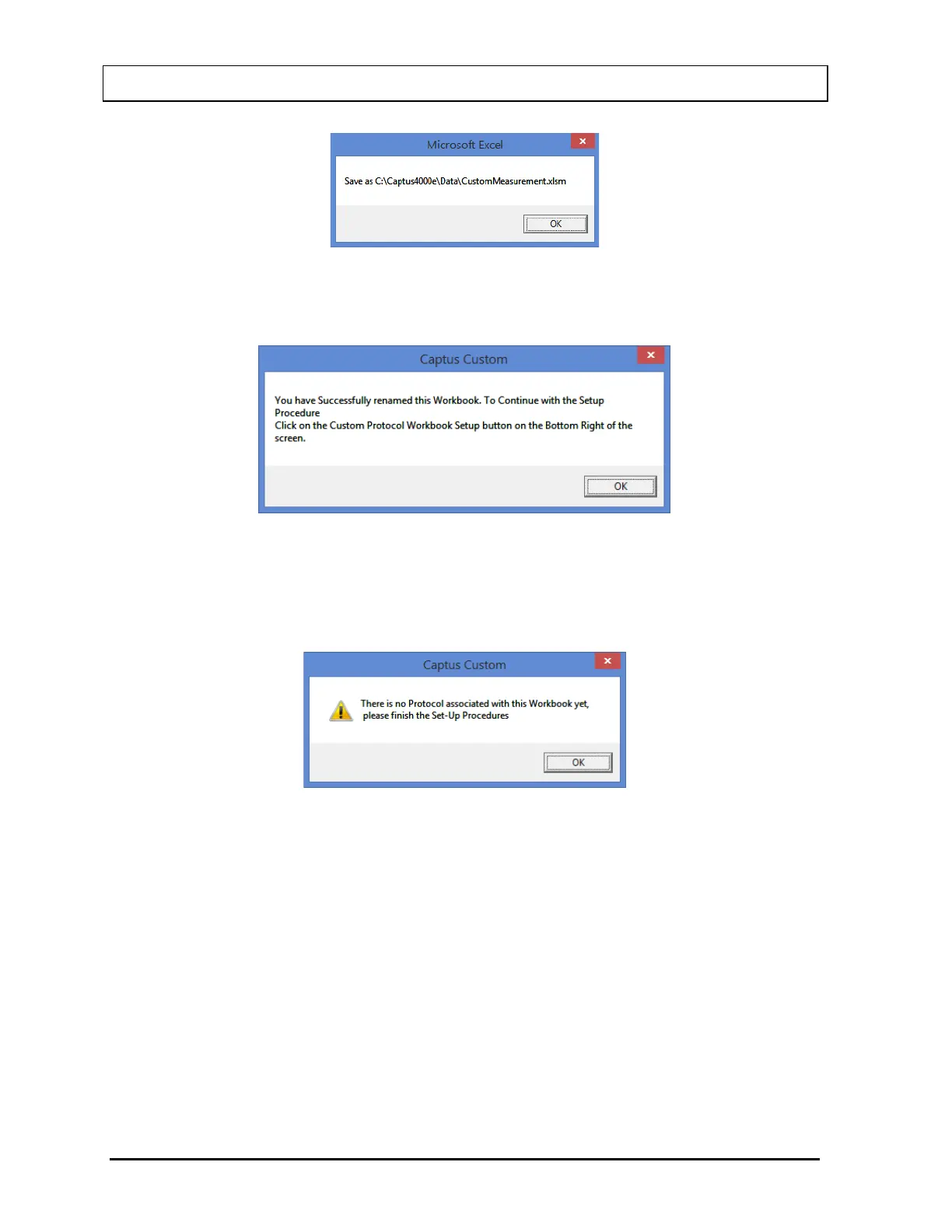
Figure 15-22
Select the OK button. The message box shown in Figure 15-23 will appear.
Figure 15-23
You may continue the Setup procedure now or exit and return later. If you choose to exit now
and continue the Setup procedure later, when you re-open the CustomMeasurement
workbook, the message box in Figure 15-24 will appear.
Figure 15-24
Select the OK button and Figure 15-20 will re-appear showing the new name at the top of the
workbook.
Setting Up the Workbook
To enter Setup from the Custom Protocols Workbook Splash Screen, select the Custom
Protocol Workbook Setup button (Figure 15-25) in the lower right hand corner of the
workbook shown in Figure 15-20:



 To Next Page