CAPINTEC, INC. CAPTUS
®
4000e
August 15 ABSORBED DOSE ALERT 9-21
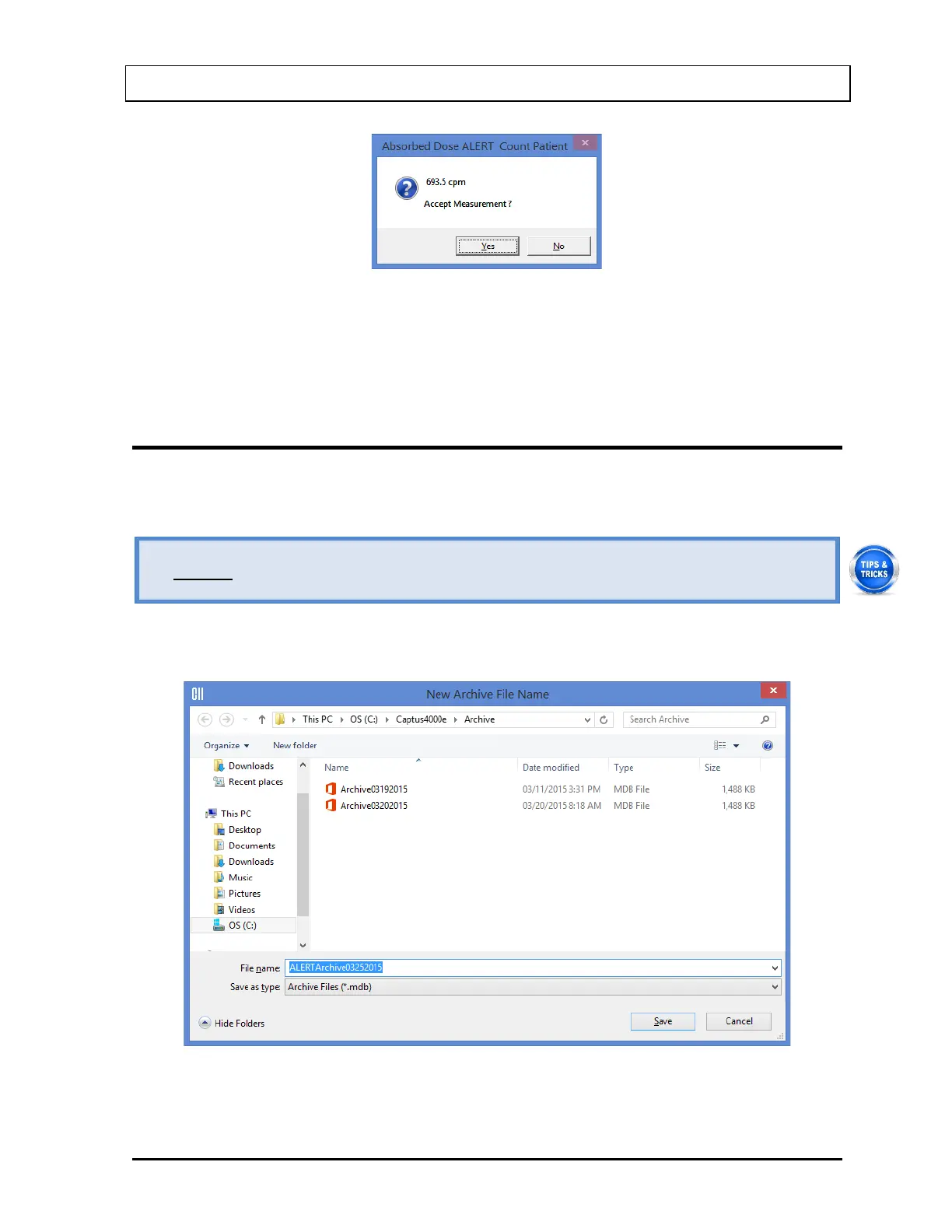
Figure 9-28
To accept the measurements and continue with the next step, select the Yes button or press
the Y key. To discard and recount the current measurement, select the No button or press
the N key.
CREATING AN ARCHIVE
The Absorbed Dose ALERT database should be kept current by periodically archiving, then
deleting completed patients from the Patient Directory.
• Always archive the database before deleting patients
1. On Figure 9-3 Absorbed Dose ALERT Main Screen, select the Create Archive
button. The Create Archive dialog, Figure 9-29, will appear.
Figure 9-29



 To Next Page