CAPINTEC, INC. CAPTUS
®
4000e
July 16 CLEANING AND MAINTENANCE 16-11
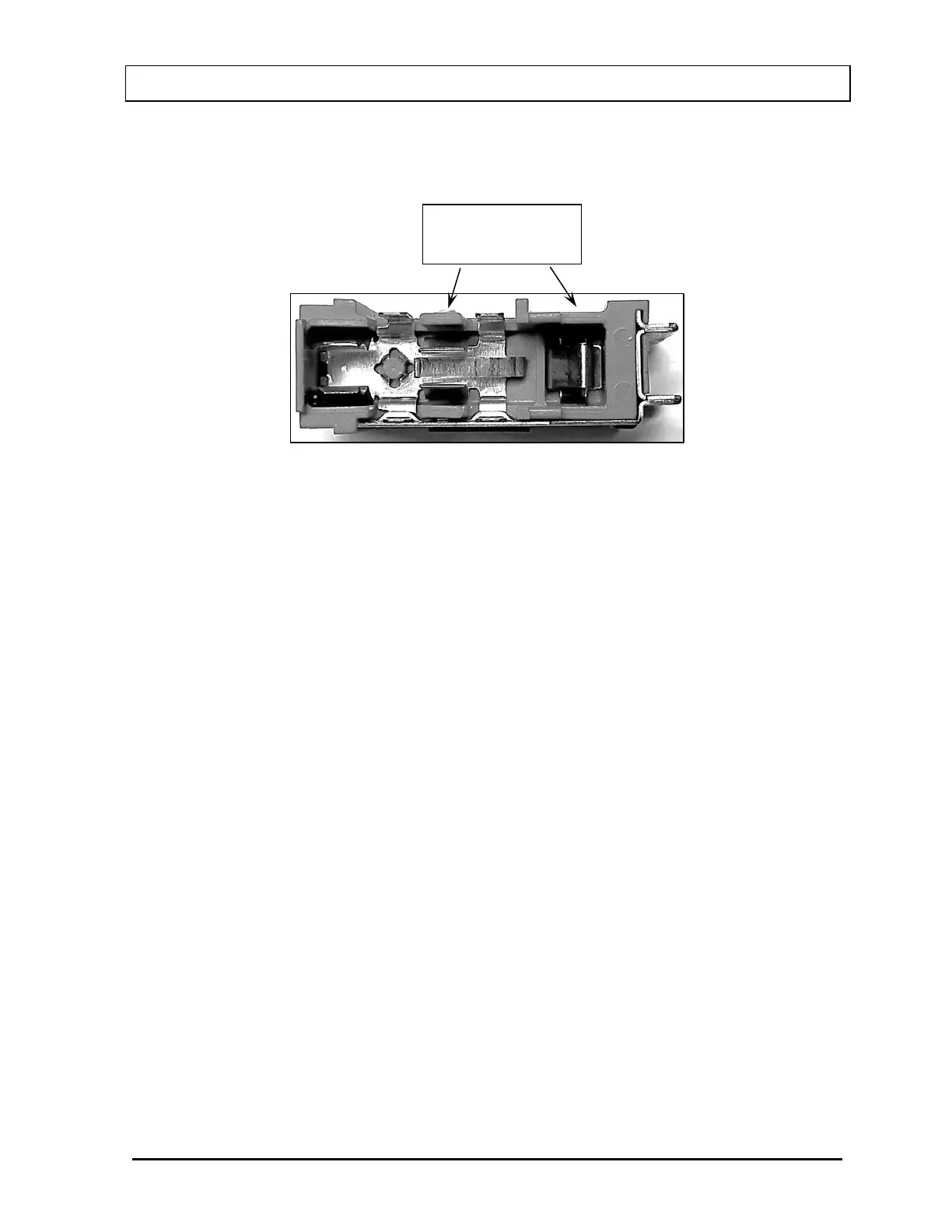
6. Remove the blown fuse(s) from the holder and replace it/them with the fuses
specified on the Isolation Transformer label. When installing the new fuse(s), verify
that they are contacting the correct terminals as shown in Figure 16-8.
Figure 16-8
7. After installing the fuse(s) in the fuse drawer, verify that their positioning visually
matches what is shown in Figure 16-7.
8. Slide the fuse drawer inward to lock and then snap the door closed. Verify that the
correct operational voltage is displayed.
9. Reconnect the power cord to the Isolation Transformer connector.
10. Switch the power switch to the on position.
11. Turn on the power to the computer, CAP-MCA and printer.
12. Verify that the CAPTUS
®
4000e System is functioning correctly by performing the
daily tests.
Computer and Printer Fuses
The fuses for the computer and printer are not accessible from outside of their case and
must be replaced by a qualified service representative.
must contact these two



 To Next Page