CAPINTEC, INC. CAPTUS
®
4000e
15-22 CUSTOM PROTOCOLS December 15
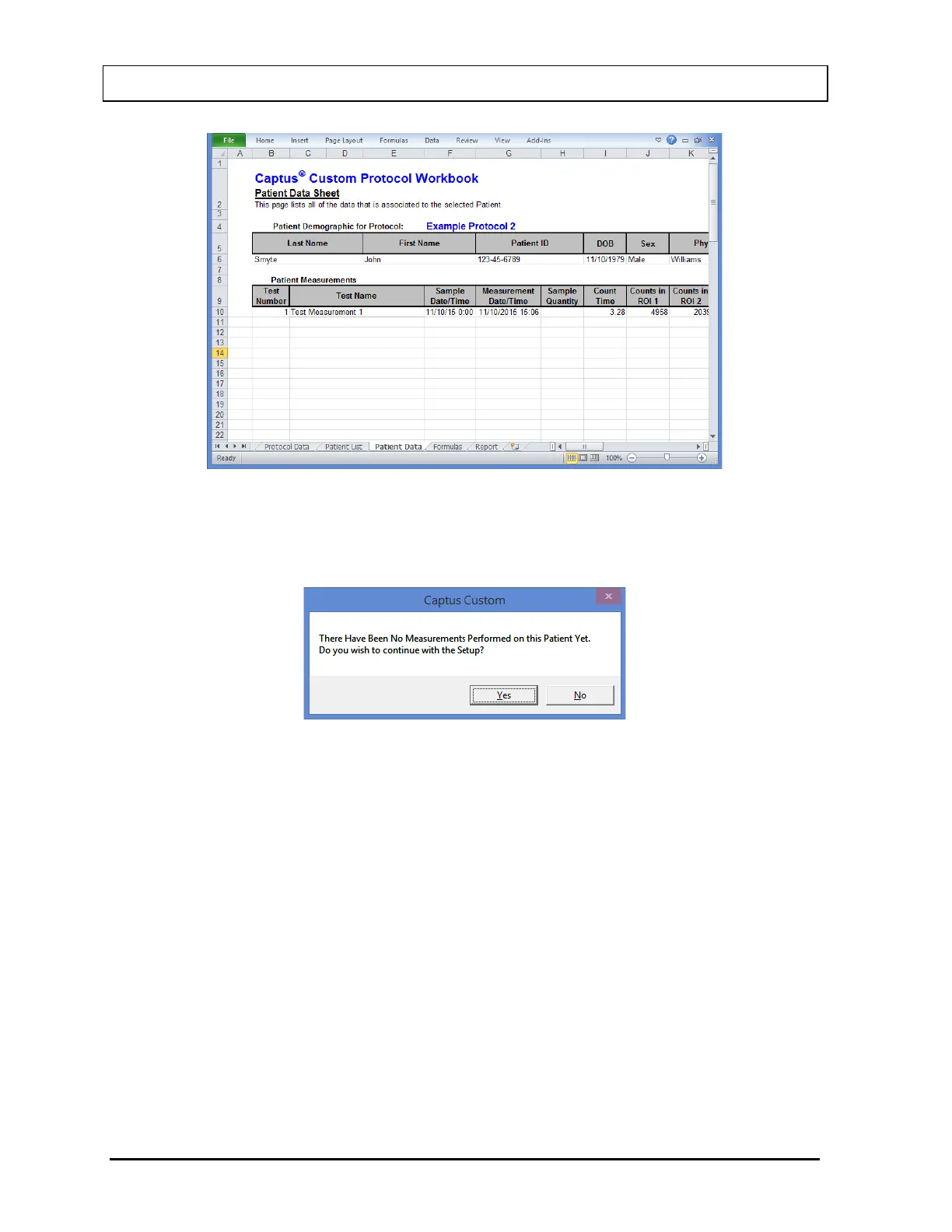
Figure 15-32
If the selected patient has no measurements then the message box shown in Figure
15-33 will be displayed.
Figure 15-33
Selecting the Yes button will allow you to continue with the Setup and selecting the
No button will return you to the Patient List sheet.
Entering Formulas
To enter formulas for calculating measurement results, select the Formulas tab at the
bottom of the workbook. The Formulas sheet will be shown (Figure 15-34).



 To Next Page