CAPINTEC, INC. CAPTUS
®
4000e
13-4 MCA August 15
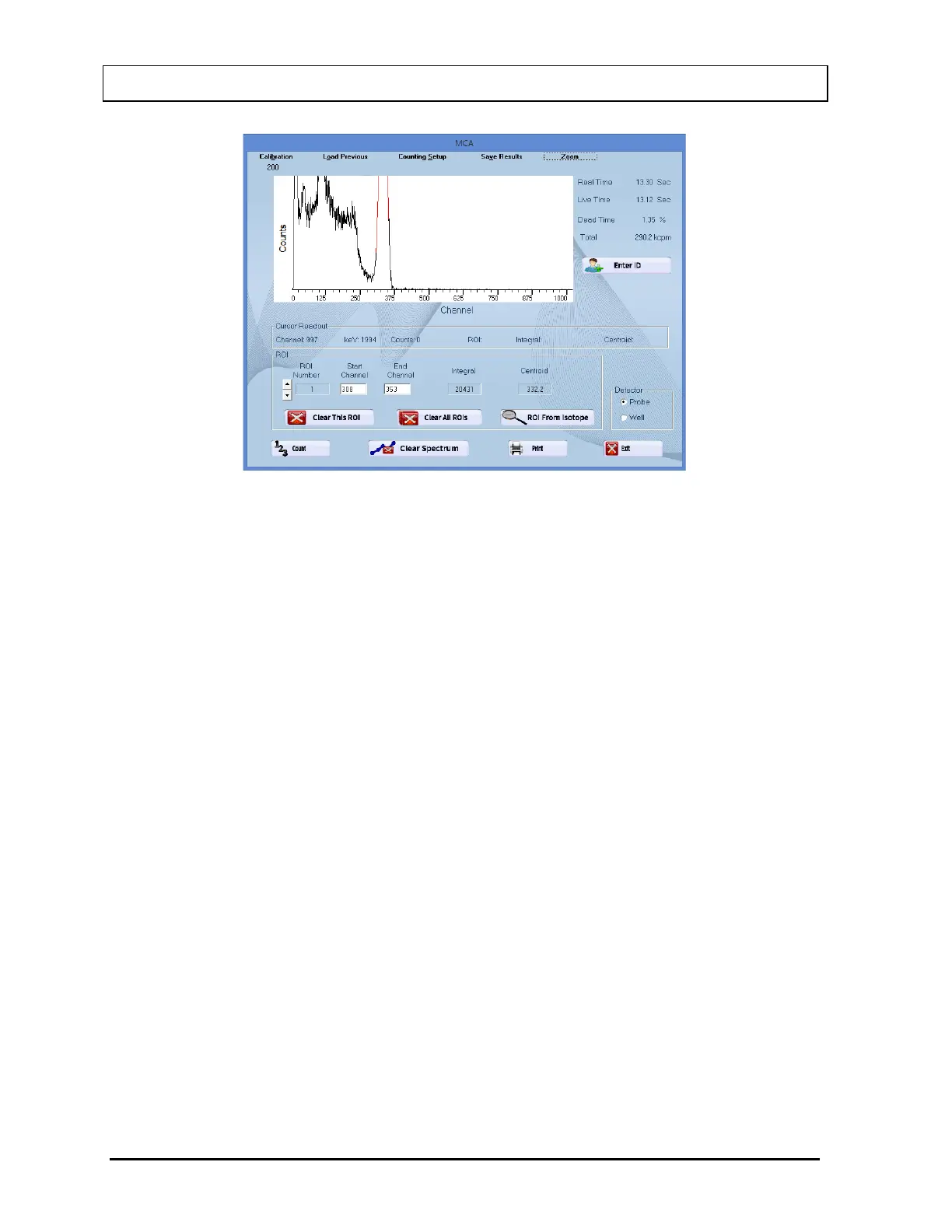
Figure 13-3
Horizontal Zoom
The Horizontal scale can be zoomed in two ways:
• Pre-defined channel ranges, or
• User selectable range
Pre-Defined Channel Ranges
There are four pre-defined channel ranges built into the CAPTUS
®
4000e: 0-255,
256-511, 512-767, and 768-1023.
To expand the spectral display area to one of the pre-defined channel ranges, from
Figure 13-2, select the Zoom button on the menu bar and, from the pop-up menu,
pause on Horizontal Zoom. Another pop-up menu will appear showing the available
channel ranges.
Select one of the channel ranges and the spectral display area will update to show
the selected channel range. In the example shown in Figure 13-4, channels 256-511
were selected.



 To Next Page