CAPINTEC, INC. CAPTUS
®
4000e
August 15 TIME ACTIVITY ANALYSIS 12-9
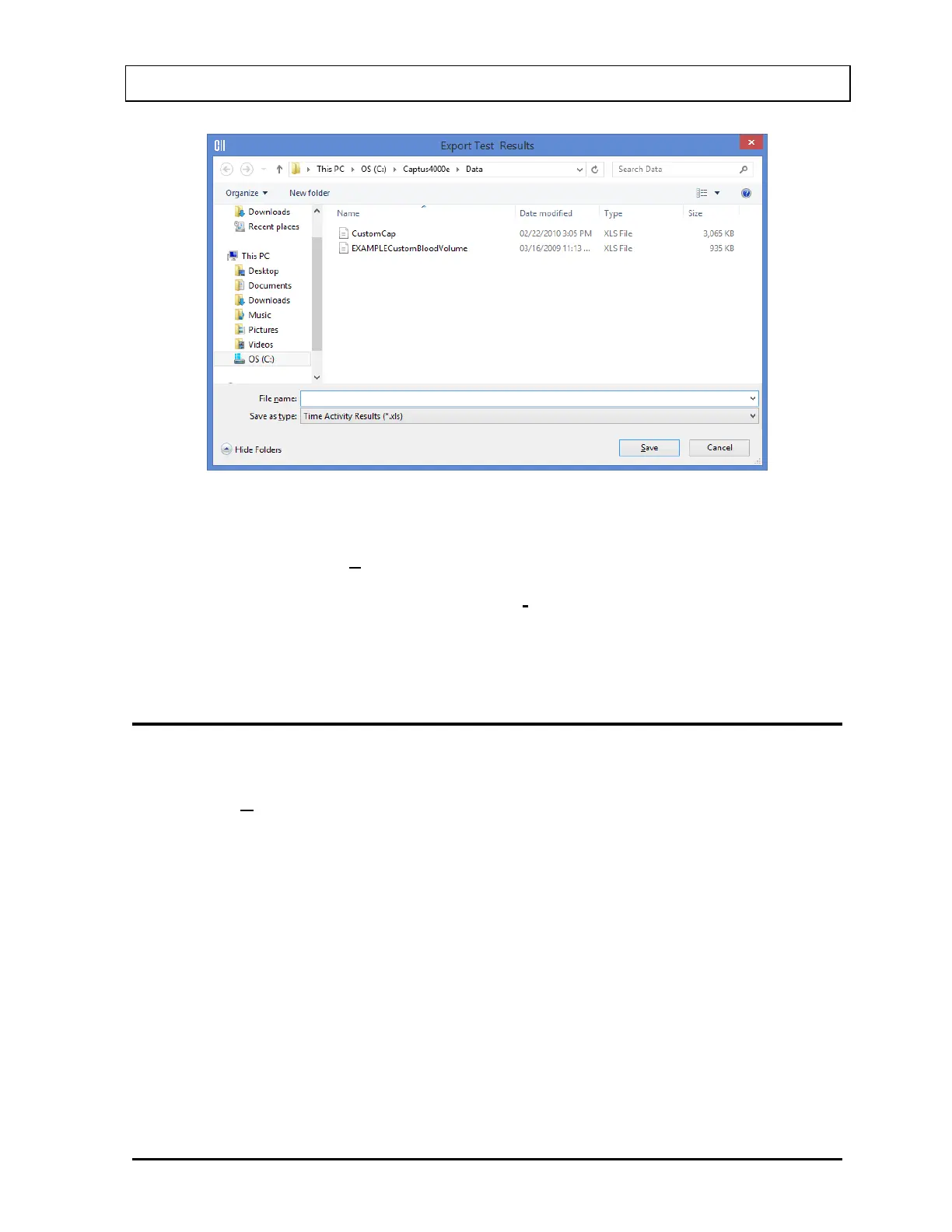
Figure 12-10
The default directory for saving the file is C:\Captus4000e\Data\. Type in the file
name and select the Save button or press Alt+S to save as .xls file.
Note: It is recommended that the Save as type: is not changed from Time Activity
Results (*.xls)
Time Activity results cannot be archived.
VIEWING PREVIOUSLY SAVED RESULTS
Note: Only .taa files can be opened from the Time Activity Analysis screen.
1. select the Open Previous Results button on the menu bar or press Alt+O on
Figure
12-1 Time Activity Analysis screen. The screen appears as shown in Figure 12-11.



 To Next Page