CAPINTEC, INC. CAPTUS
®
4000e
14-6 ARCHIVE August 15
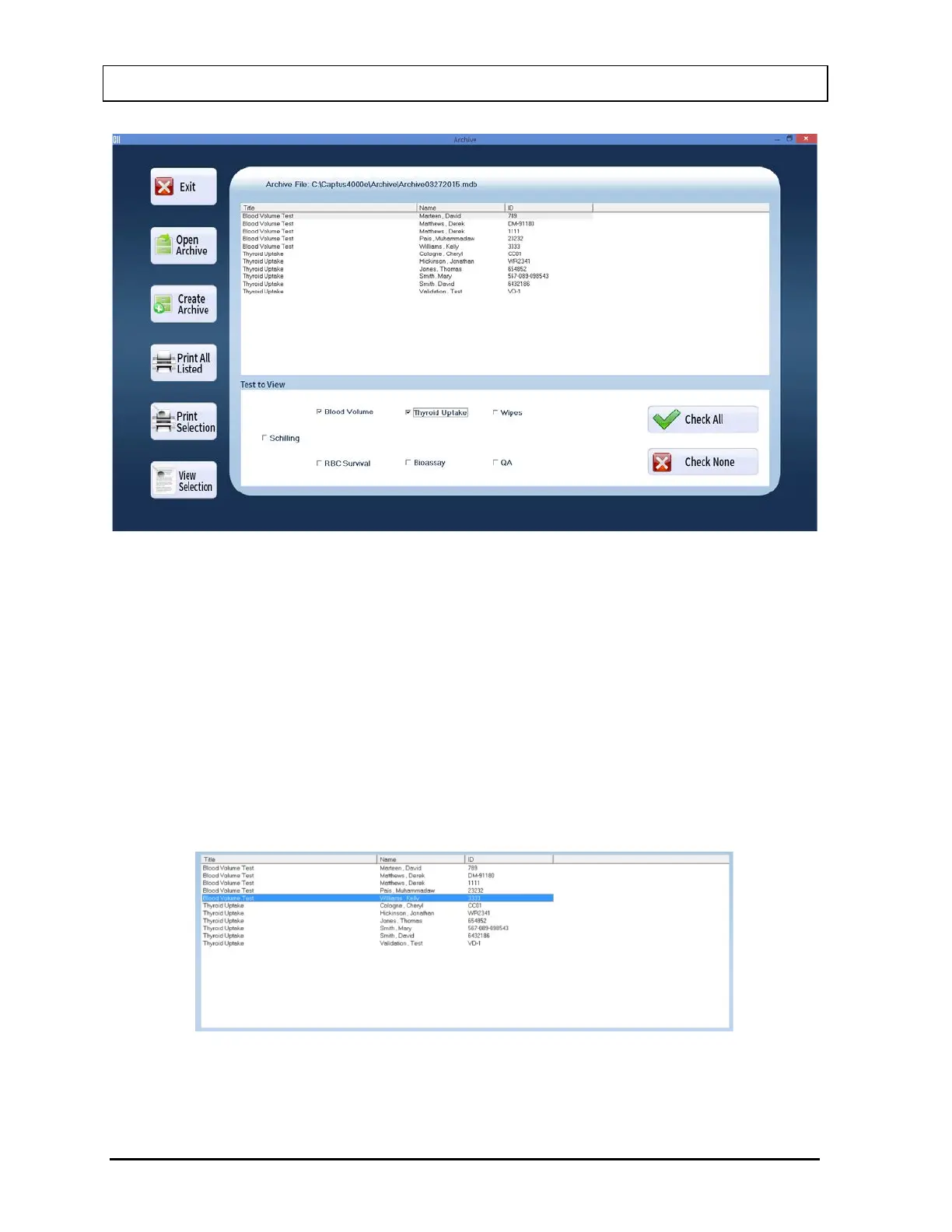
Figure 14-5
3. To select all the tests at once, select the Check All button or press Alt+A. Clicking in the
check boxes again, will uncheck or deselect the test.
Viewing or Printing a Record
1. Open an archive.
2. Select a specific test module for viewing its records. The records are arranged
alphabetically by Name.
3. Click on the scroll bar to move up or down the list of records as needed. To view a
specific record, click on that record as shown in Figure 14-6 below.
Figure 14-6



 To Next Page