CAPINTEC, INC. CAPTUS
®
4000e
August 15 ARCHIVE 14-7
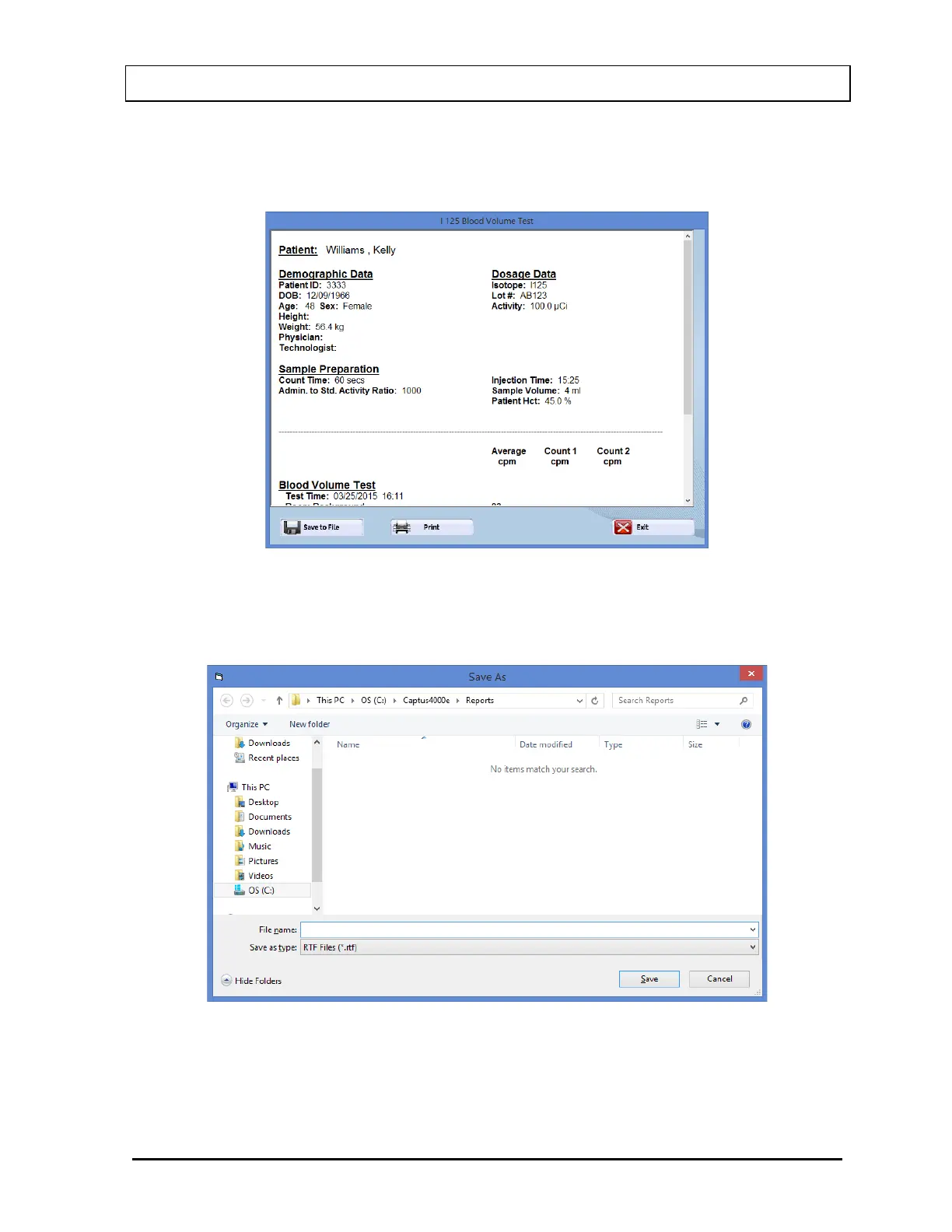
4. Select the View Selection button to view a detailed report of the selected record as in
Figure 14-7. All information on the subject, collected counts data and calculated results
appear.
Figure 14-7
5. To save the report displayed on the screen to another file, select the Save to File button
or press Alt+S. The Save As screen appears as shown in Figure 14-8.
Figure 14-8
6. To print the report displayed on the screen, select the Print button or press Alt+P.
7. To return to Figure 14-1 Main Archive Screen, select the Exit button or press Esc.



 To Next Page