CAPINTEC, INC. CAPTUS
®
4000e
14-2 ARCHIVE August 15
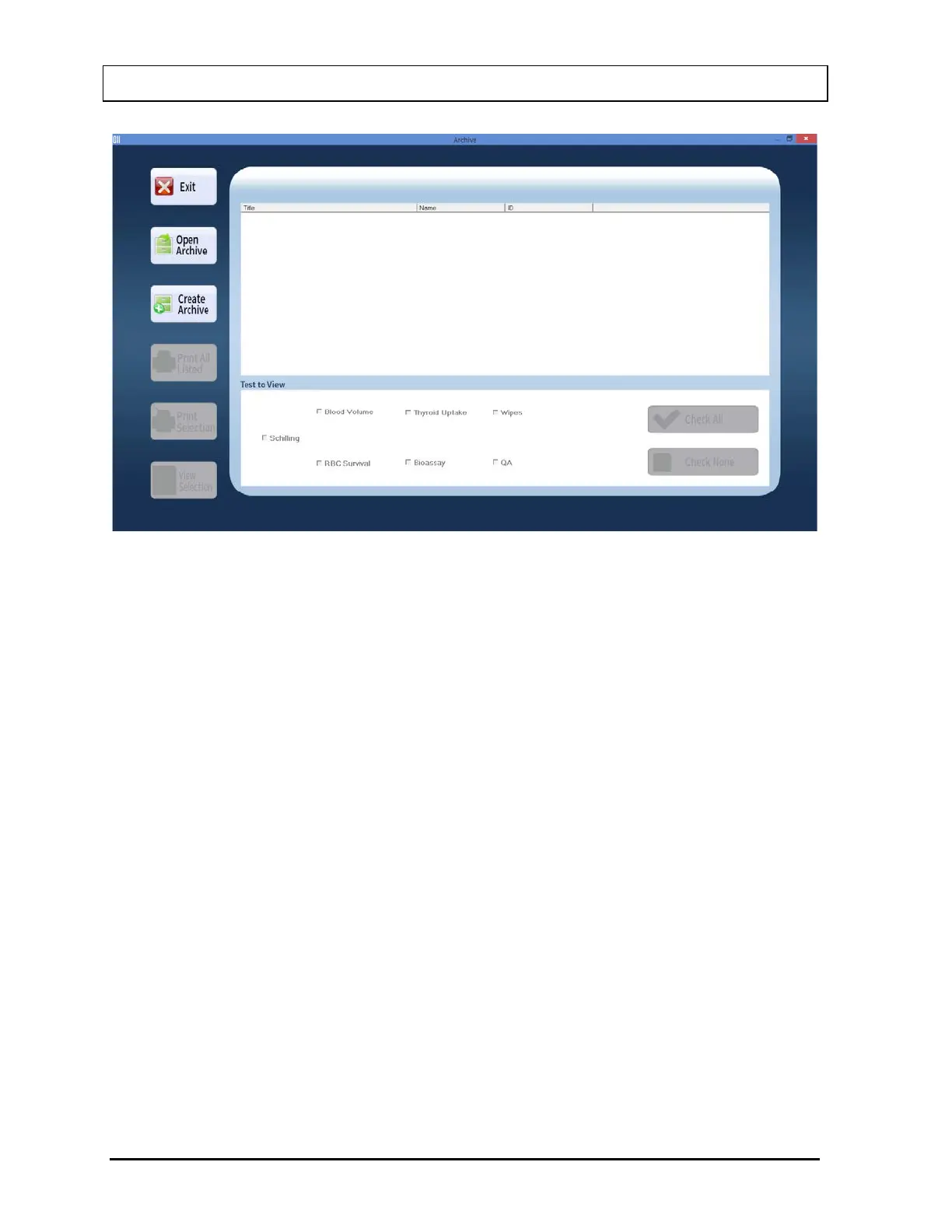
Figure 14-1 Main Archive Screen
The empty box in the middle of the screen will display saved data when an archive file is
opened. Each record appears with the name of the test performed, name and ID (if
applicable) of the subject. Buttons at the left of the screen provide functions to create a new
archive, open an existing archive and print and view records in detail. The Test to View
frame at the bottom of the screen lets you select or unselect particular test modules you may
wish to view and/or print.
To return to the CAPTUS
®
4000e Main Screen from the, select the Exit button or press the
Esc key.



 To Next Page