CAPINTEC, INC. CAPTUS
®
4000e
July 16 ISOTOPES 6-3
ADDING A NEW ISOTOPE TO THE LIBRARY
Note: All fields in bold are required before the Done button will be enabled.
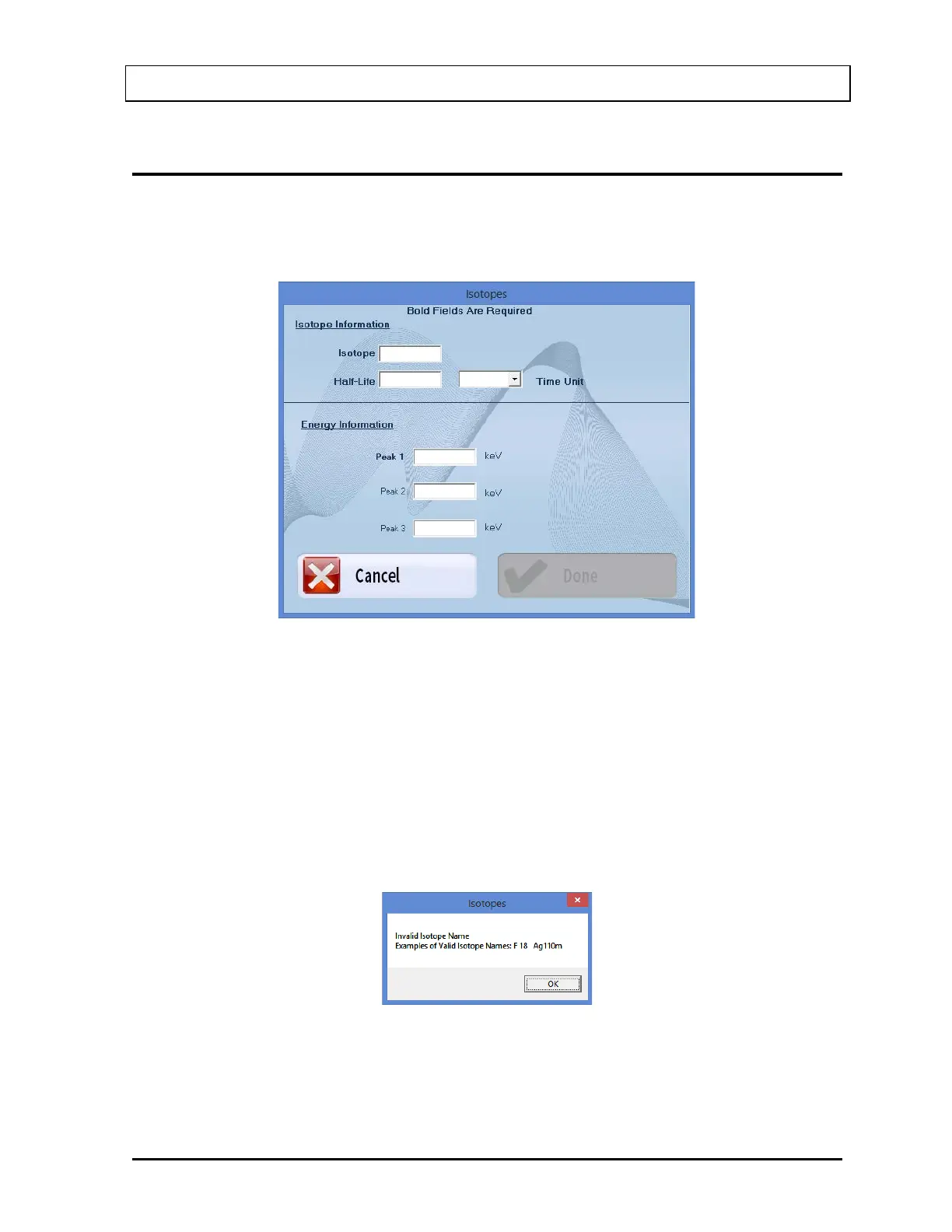
1. Select the Add button on Figure 6-1 Isotopes Main Screen. Figure 6-2 will appear.
Figure 6-2
2. Click in the appropriate text box under Isotope Information to input the isotope name
and its half-life. Select a time unit for the entered half-life from the drop-down list by
clicking on the Time Unit text box.
Note: An isotope name can be entered only in a specific format; which is the symbol of
the element (alphabetical character) followed by the atomic mass (number). If the
element symbol is one character, be sure to insert a space between the character
and the number. If the element symbol is two characters, do not insert a space
between the character and numbers. If entered otherwise, an error message will
appear as shown in Figure 6-3.
Figure 6-3



 To Next Page