CAPINTEC, INC. CAPTUS
®
4000e
17-20 DICOM November 16
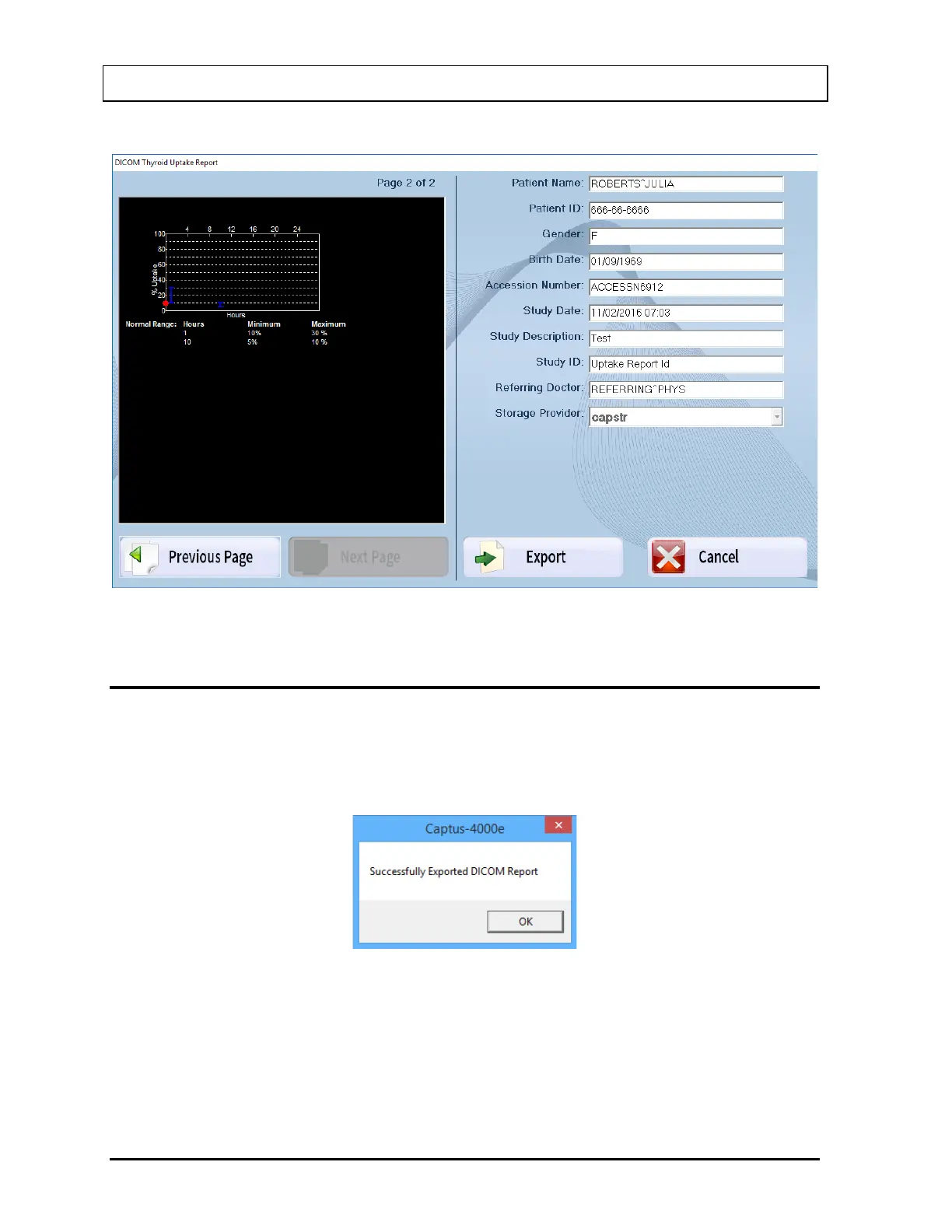
Select the Next Page button to see the rest of the report.
Figure 17-12 DICOM Report Window – Page 2
EXPORTING A STUDY
Once the study is completed it is ready to export to the DICOM server.
From the DICOM Report window, select the Export button. When the transfer is completed
successfully, Figure 17-23 will appear.
Figure 17-13
Select the OK button. The Report has been sent to the DICOM Server and you will be
returned to Figure 17-20.
Select the Exit button to close the Report window. Figure 17-19 will appear.



 To Next Page