CAPINTEC, INC. CAPTUS
®
4000e
5-24 QUALITY ASSURANCE August 17
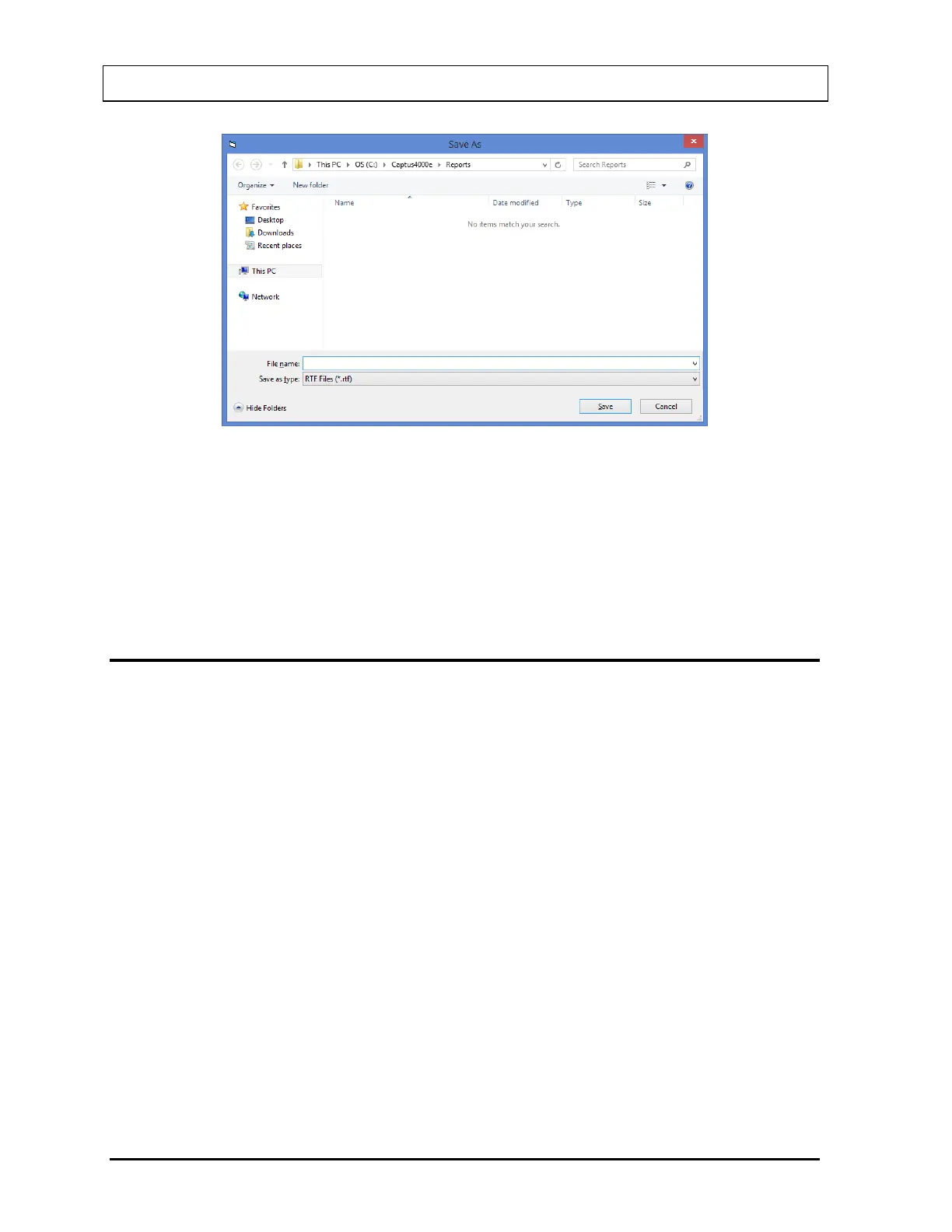
Figure 5-28
3. Type an appropriate file name and select the Save button or press Alt+S.
4. To print all of the parameters, select the Print button or press Alt+P.
5. To return to Figure 5-1 Quality Assurance Main Screen, select the Exit button or press
Alt+E.
VIEWING AND PRINTING HISTORY
This function provides a history of all the QA Tests performed to date. It can be accessed
from Figure 5-1 Quality Assurance Main Screen or any one of the QA Test screens.
1. To access the QA Tests history, select the Print/View History button or press Alt+V on
Figure 5-1 Quality Assurance Main Screen or any one of the QA Test screens. The
screen appears similar to that shown in Figure 5-29. There are various ways of viewing
the history. Note that the default selection is Today’s Tests. All of the tests performed on
that day appear with the date at the top. When the selection is changed, the screen
changes accordingly.



 To Next Page