CAPINTEC, INC. CAPTUS
®
4000e
August 22 QUALITY ASSURANCE 5-25
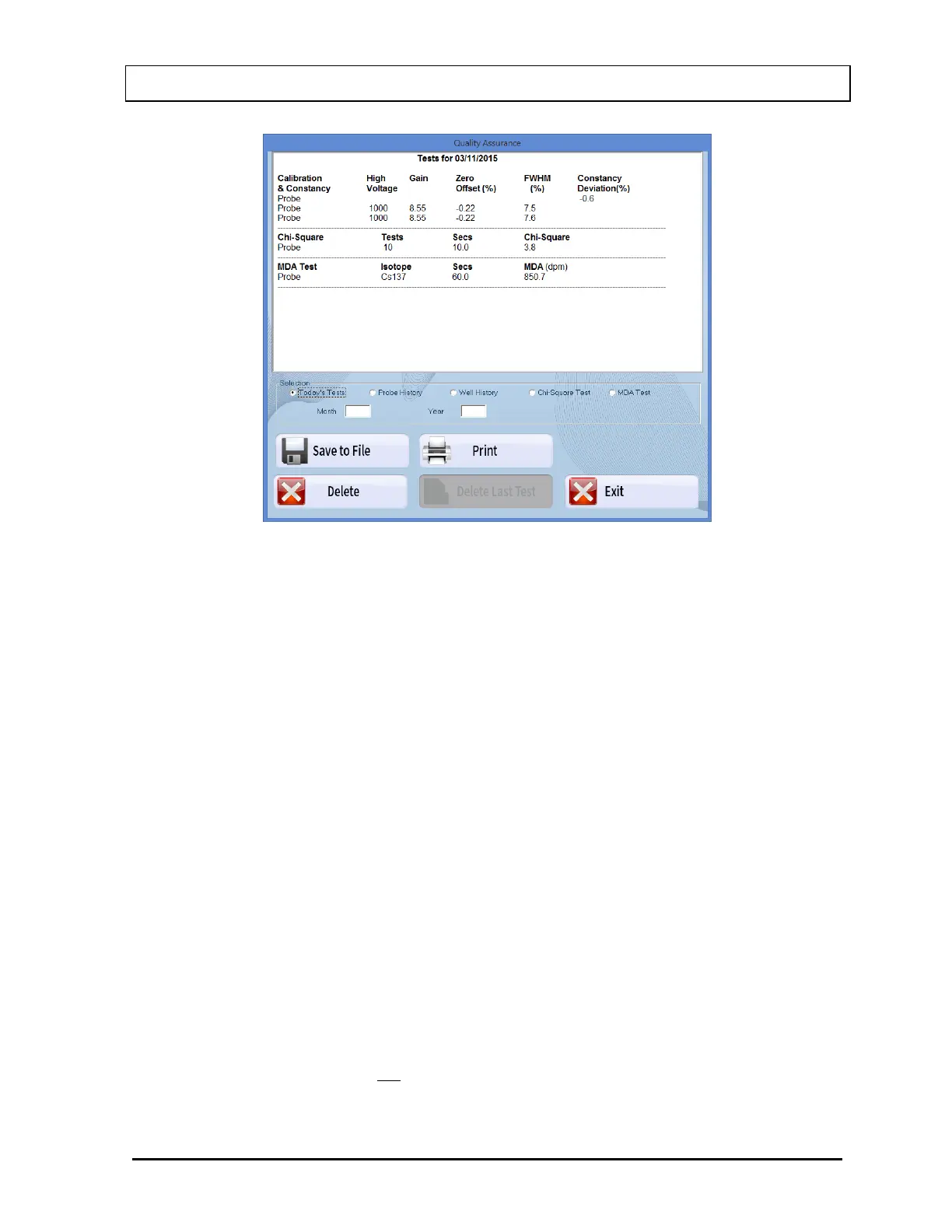
Figure 5-29
2. To view all of the results of each Auto Calibration and Constancy Test performed to date
on the Probe or Well detector, select the appropriate radio button for the Probe History
or Well History.
To view only the results from a specific month and year:
In the Month text box, input the month in numeric format (1 to 12).
In the Year text box, input the year in 4-digit year format (2000 to 2050).
Select the Probe History or Well History radio button to display the selected data.
3. To view all of the results of each Chi-Square Test or MDA Test performed to date,
select the appropriate radio button for that test.
To view only the results from a specific month and year:
In the Month text box, input the month in numeric format (1 to 12).
In the Year text box, input the year in 4-digit year format (2000 to 2050).
Select on the Chi-Square Test or MDA Test radio button to display the selected
data.
4. To print the results on the current screen, select the Print button or press Alt+P.
5. To save the results on the current screen, select the Save to File button or press Alt+S.
6. To delete the latest test on the current screen, select the Delete Last Test button or
press Alt+L. This function is not accessible when Today’s Tests is selected. The screen



 To Next Page