CAPINTEC, INC. CAPTUS
®
4000e
5-26 QUALITY ASSURANCE August 17
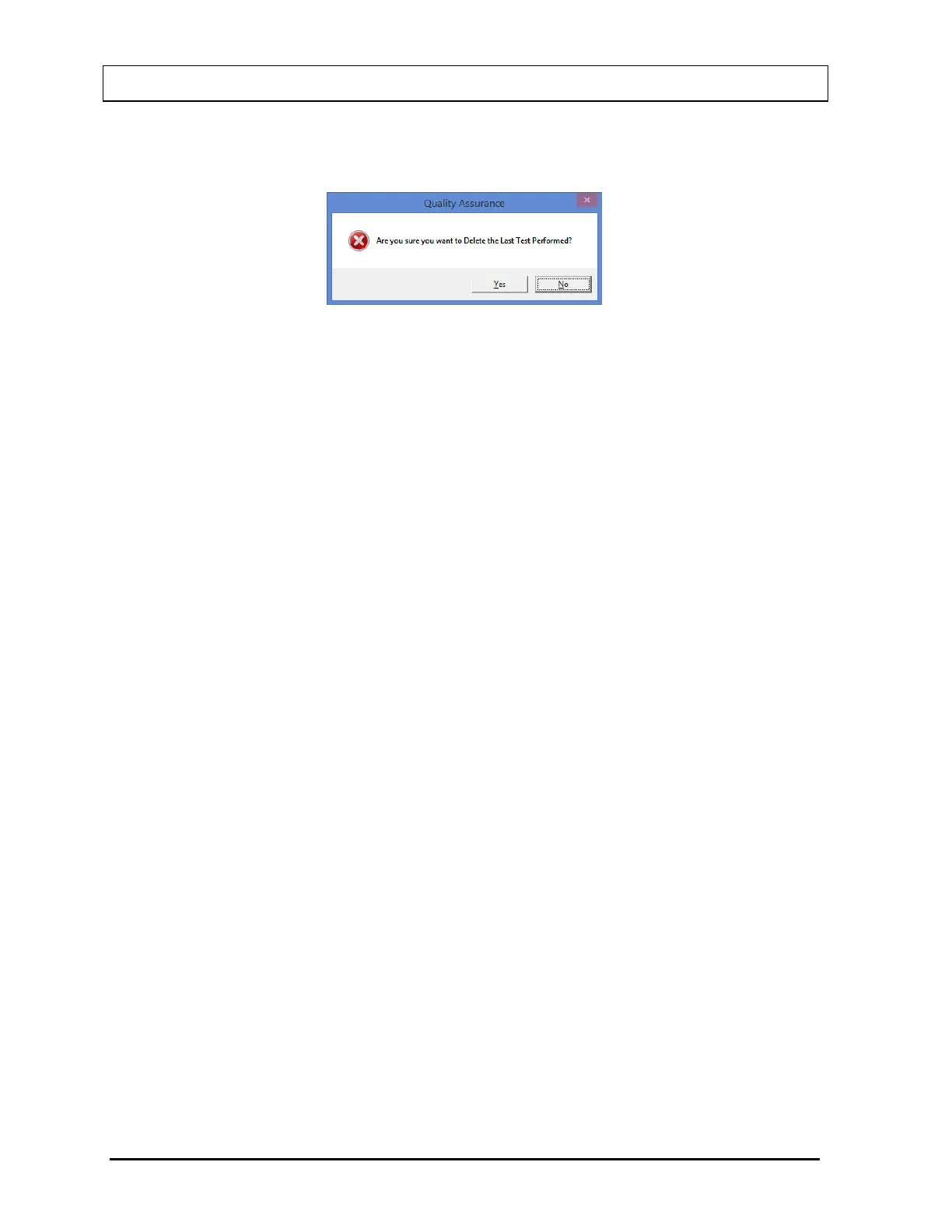
appears as shown in Figure 5-30. Select the Yes button or press the Y key to confirm the
deletion. Otherwise, select the No button or press the N key.
Figure 5-30
7. To delete all of the tests on the current screen, select the Delete button or press Alt+D.
You will be prompted to confirm the deletion as shown in Figure 5-30 above.
Note: You may want to archive the QA data before deleting the history. Refer to
CHAPTER 14: ARCHIVE.
8. To exit the Print/View History screen and return to Figure 5-1 Quality Assurance Main
Screen or the previous QA Test screen, select the Exit button or press Alt+E.



 To Next Page