CAPINTEC, INC. CAPTUS
®
4000e
November 16 WIPE TESTS 8-23
Note: It is recommended that the Save as type: is not changed from CSV Files
(*.csv)
1. Select the result or results to be exported as described above.
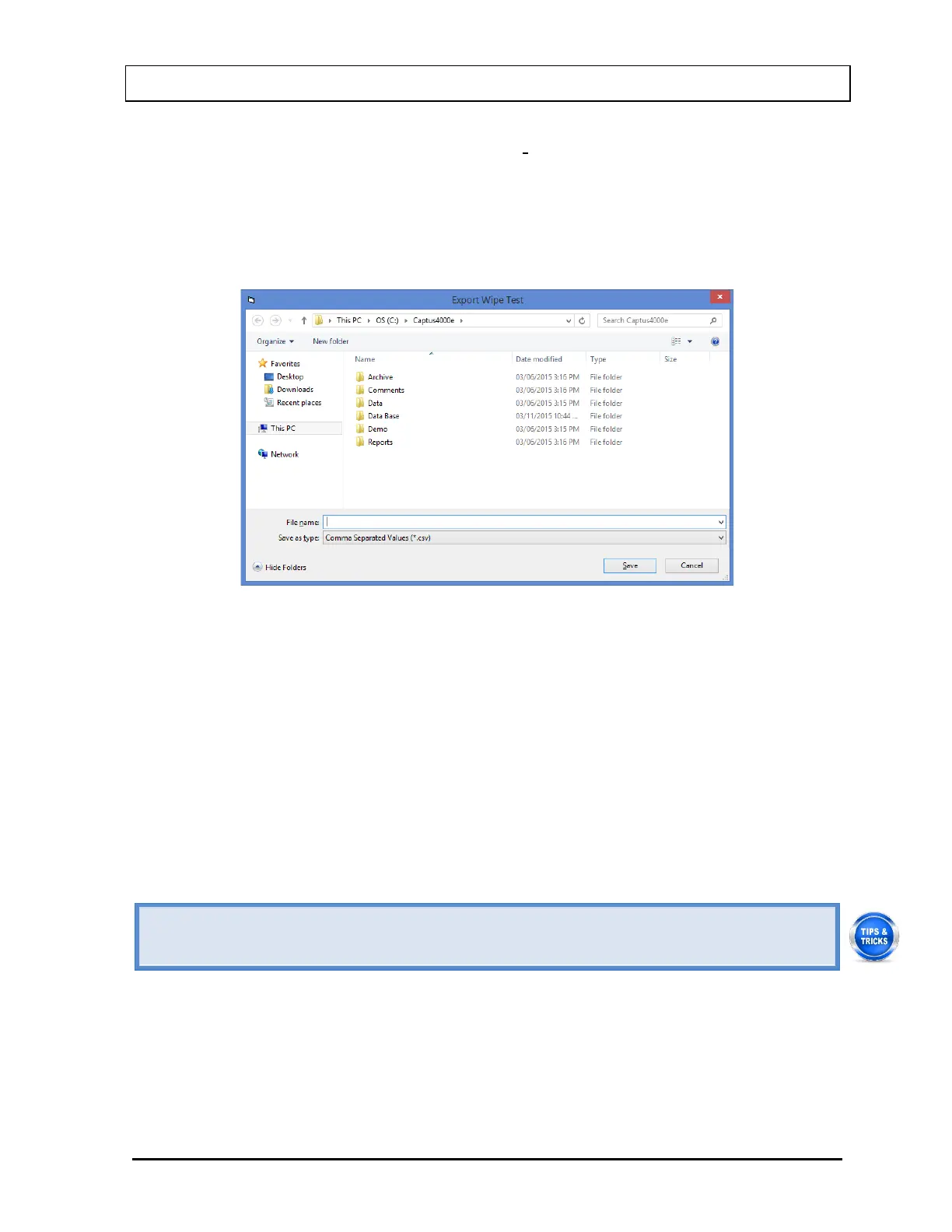
2. Select the Export Selected button to export the selected result(s). Figure 8-31
Export Wipe Test Dialog Window will appear.
Figure 8-31 Export Wipe Test Dialog Window
3. Input a file name and select the Save button. The file can then be opened in a
spreadsheet program.
Printing Wipe Test Results
Any or all of the displayed Wipe Test search results may be printed to the system
printer.
1. Select the result or results to be printed as described above.
2. Select the Print Selected button.
• Sort the results to organize your Wipe Test data before exporting or printing.
• To return to the Figure 8-13 Wipe Test Main Screen, select the Done button.
Exiting Search
Select the Done button on Figure 8-23 Wipe Test Search Window to return to Figure
8-13 Wipe Test Main Screen.



 To Next Page