CAPINTEC, INC. CAPTUS
®
4000e
7-10 THYROID UPTAKE November 16
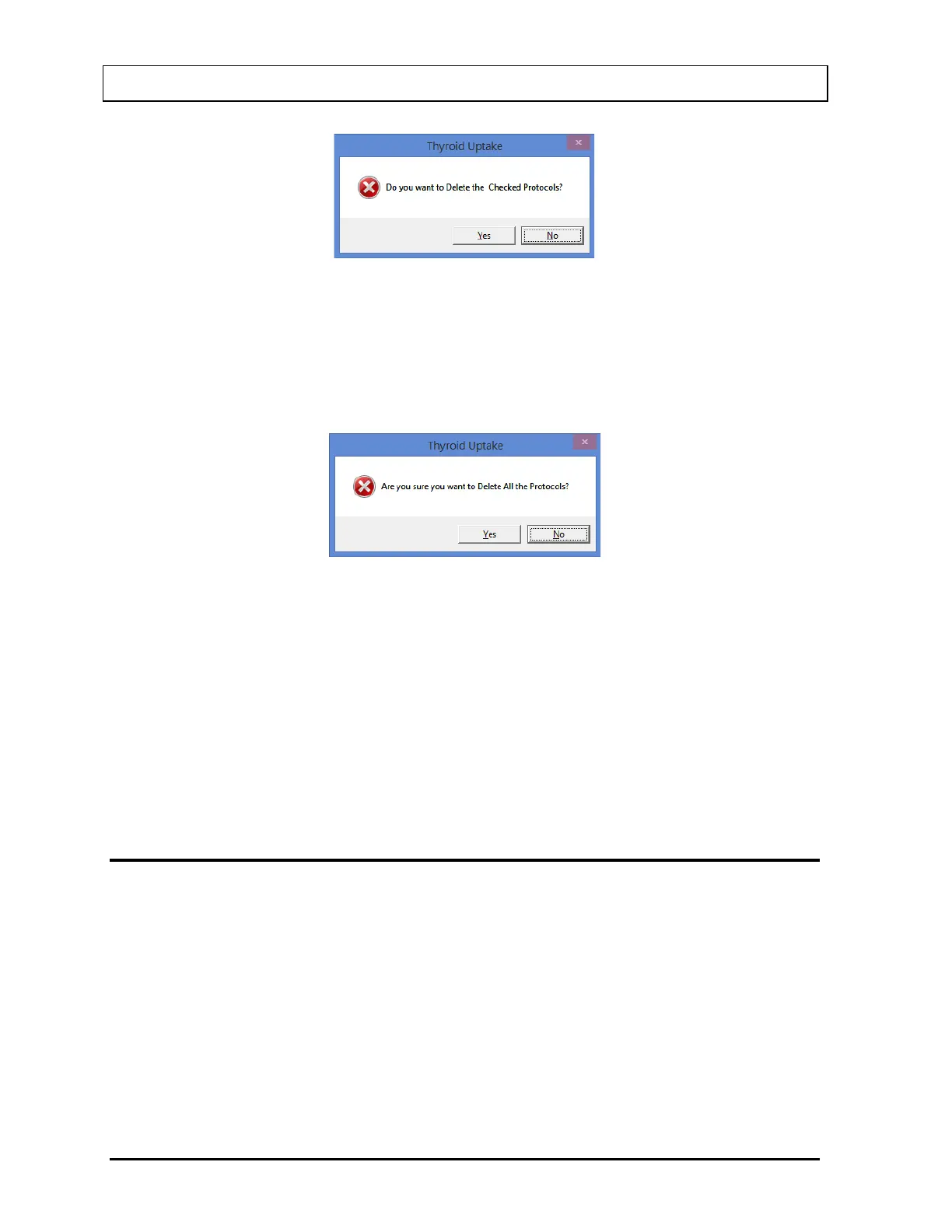
Figure 7-7
3. Select the Yes button or press the Y key to confirm the deletion. Otherwise, select the No
button or press the N key.
4. To delete all of the protocols at once, select the Delete All button. The message window
appears as shown in Figure 7-8 prompting you to confirm the deletion.
Figure 7-8
5. Select the Yes button or press the Y key to confirm the deletion. Otherwise, select the No
button or press the N key.
6. Select the Exit button to return to Figure 7-1 Thyroid Uptake Main Screen.
Printing Protocol Report
Select the Print Protocols button to print a list of the existing protocols along with their
settings.
PATIENT INFORMATION
Adding Patients
To add patients to the database, at least one measurement protocol must exist. To create a
protocol, refer to MEASUREMENT PROTOCOLS on page 7-3.
Note: All fields in bold are required before you can begin the uptake procedure. However,
you may enter the patient’s First and Last Name, ID and Date of Birth and then select
the Done button and enter the rest later. The Patient Status box on Figure 7-1
Thyroid Uptake Main Screen will show that the patient data is partially entered.



 To Next Page