CAPINTEC, INC. CAPTUS
®
4000e
August 15 ABSORBED DOSE ALERT 9-9
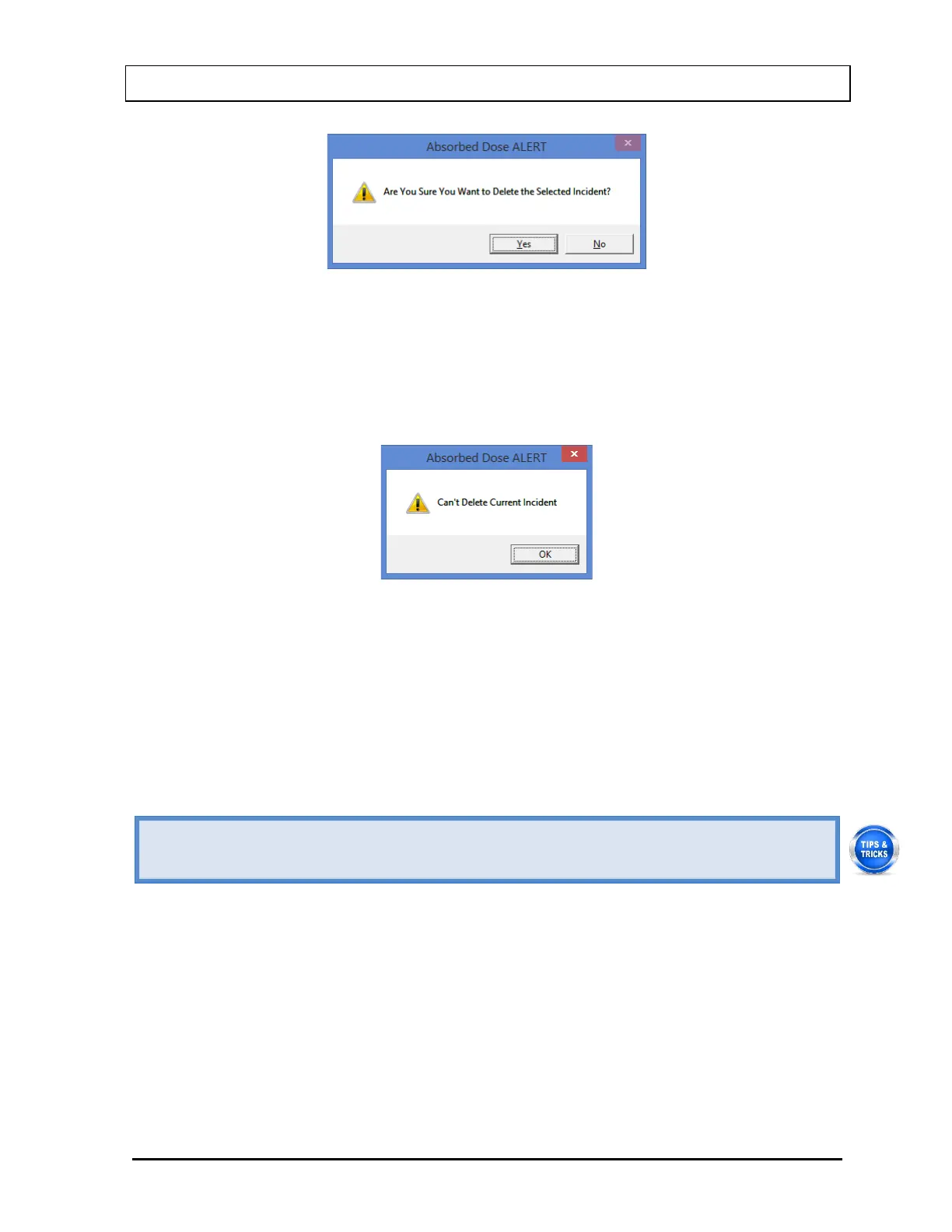
Figure 9-9
2. Select the Yes button or press the Y key to confirm the deletion. Otherwise, select the No
button or press the N key.
3. If the selected incident is the currently active incident, it cannot be deleted without first
setting another incident as the current incident. Figure 9-10 will appear.
Figure 9-10
4. Select the OK button to dismiss the dialog window.
To delete the currently active incident, choose (highlight) a different incident and select the
Select Incident button. The Incident Setup Screen will re-appear displaying the parameters
for the selected incident. Select the Select Incident button on the Incident Setup Screen.
Figure 9-7 Incident Selection Screen will re-appear. Highlight the desired incident and select
the Delete Incident button. Figure 9-9 will appear.
• To return to previous screen without saving changes press the ESC key.
Edit Incident
Once an incident has been saved, it can be edited.
Select the Incident Setup button on Figure 9-3 Absorbed Dose ALERT Main Screen. Figure
9-11 will appear.



 To Next Page