CAPINTEC, INC. CAPTUS
®
4000e
7-16 THYROID UPTAKE November 16
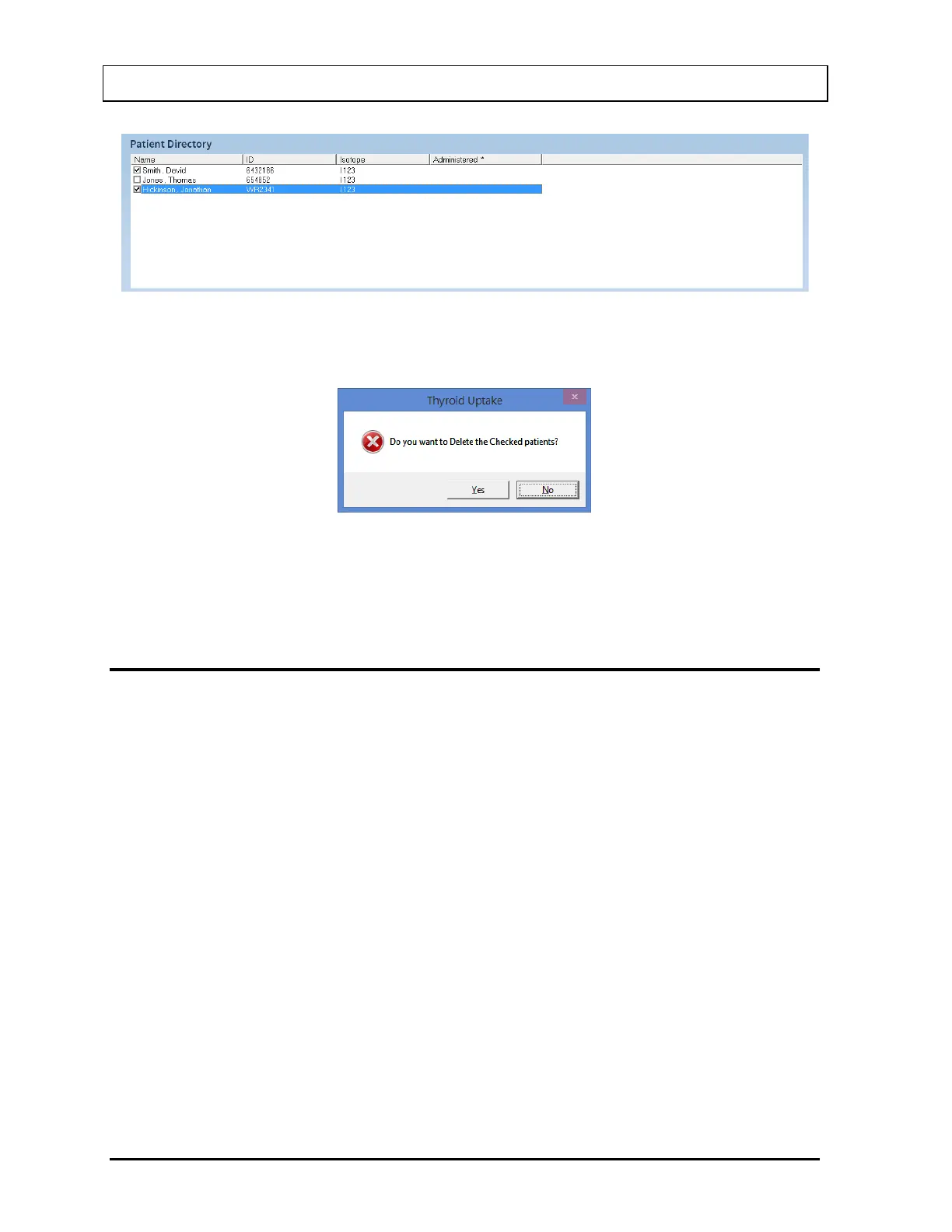
Figure 7-13
2. Select the Delete button. The message window shown in Figure 7-14 will appear.
Figure 7-14
3. Select the Yes button or press the Y key to confirm the deletion. Otherwise, select the No
button or press the N key.
VIEWING AND CHANGING THE SETUP
1. Select the Setup button on Figure 7-1 Thyroid Uptake Main Screen. The Thyroid Uptake
Setup window appears as shown in Figure 7-15 with four frames: Normal Range,
Counting Parameters, ROI Selection and Report Font Size.



 To Next Page