CAPINTEC, INC. CAPTUS
®
4000e
14-4 ARCHIVE August 15
OPENING AN ARCHIVE
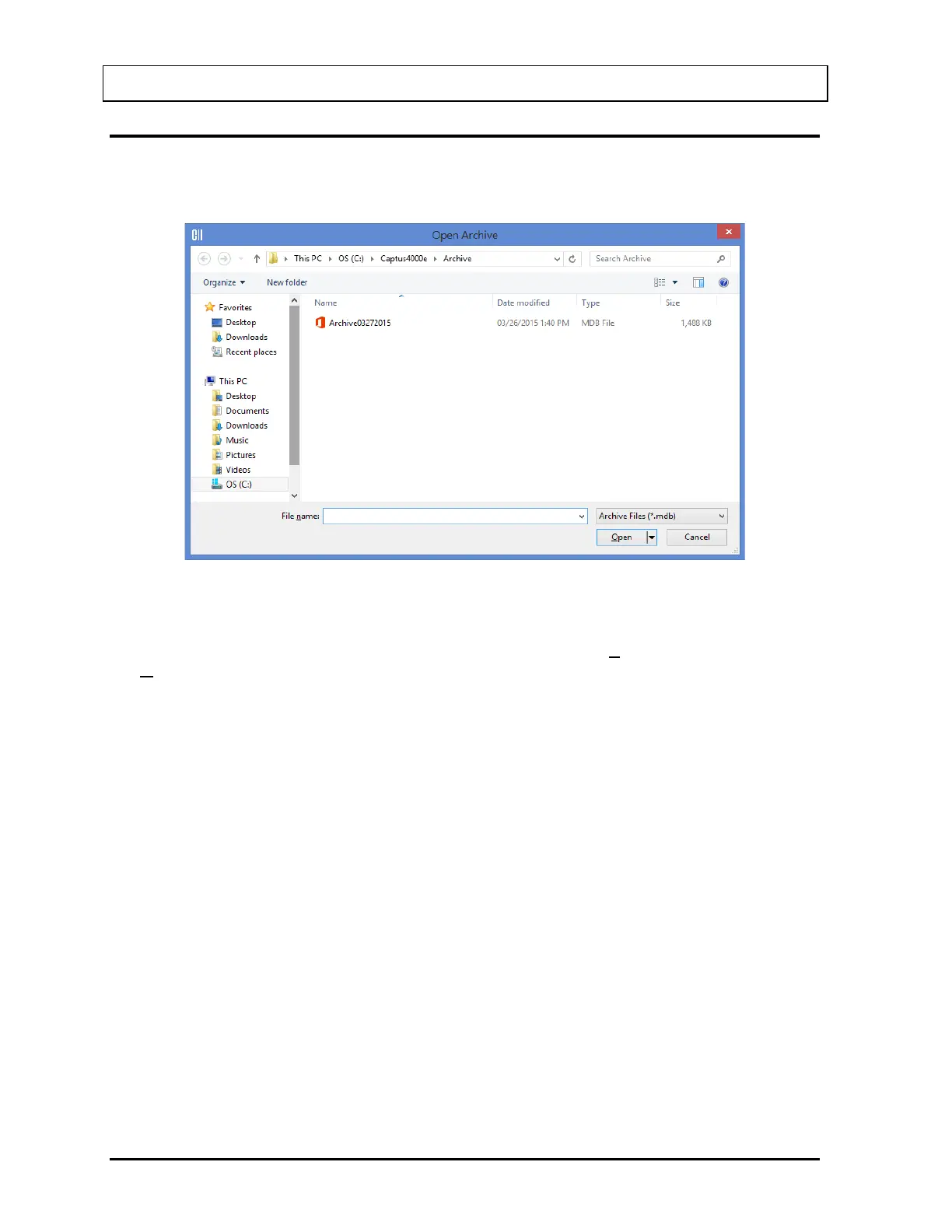
1. To open an archive, select the Open Archive button. The screen appears as shown in
Figure 14-3.
Figure 14-3
2. The screen shows existing archive files in the default C:\Captus4000e\Archive folder.
Click on the file name to open it or type in the filename in File name box and select the
Open button or press Alt+O.
3. To return to Figure 14-1 Main Archive Screen without opening any file, select the Cancel
button or press the Esc key.



 To Next Page