CAPINTEC, INC. CAPTUS
®
4000e
August 15 GENERAL OPERATING INSTRUCTIONS 3-11
Measurement Screen
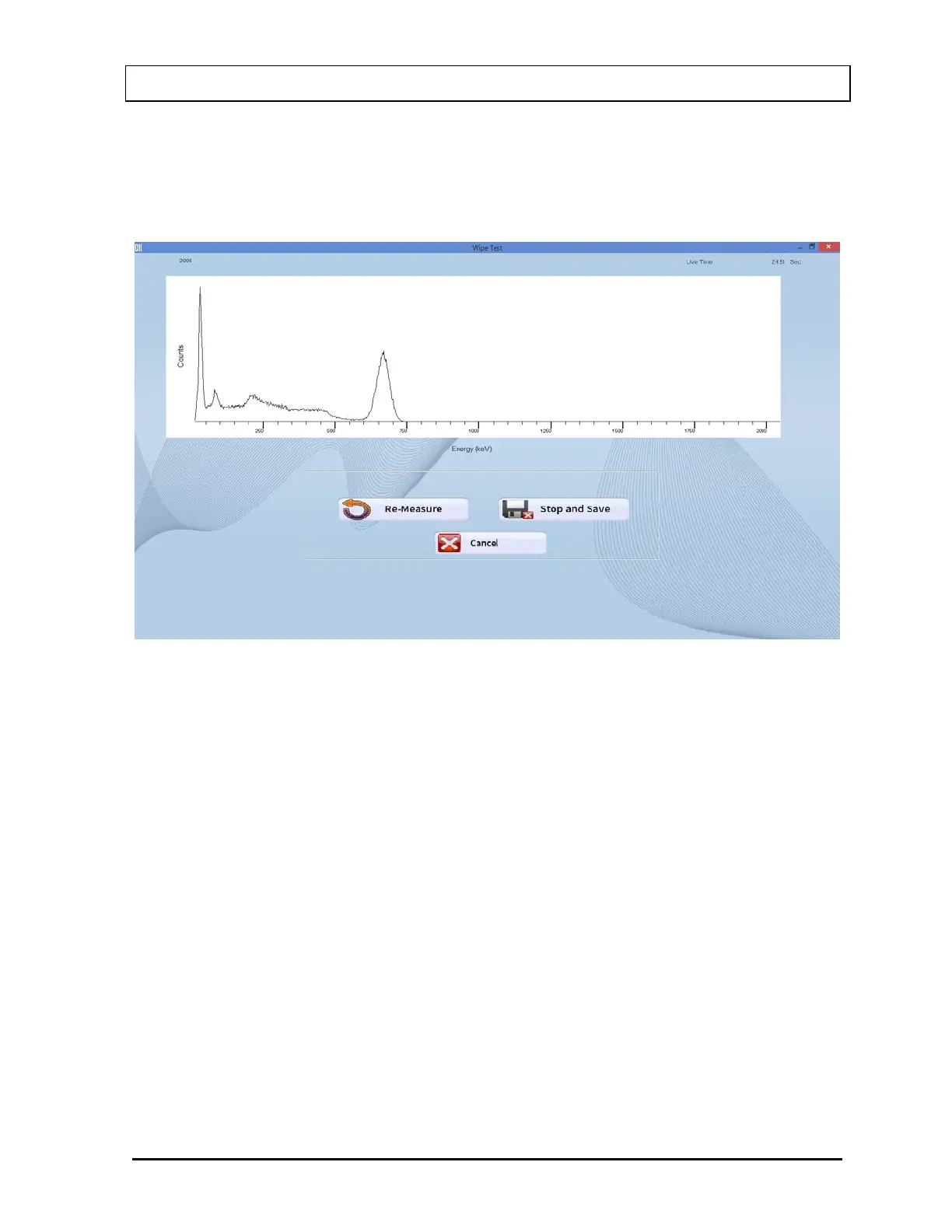
The Measurement screen is identical in all the test procedures and is as shown in Figure 3-8.
The live time elapsed while counting appears on the upper right hand corner of the screen.
The spectrum of the measurement is displayed in the white box.
Figure 3-8
The counting lasts for a duration as specified on the Test Setup screen.
To interrupt the counting, three options are available:
• Re-Measure button or press Alt+R – To discard collected counts and begin counting
again.
• Stop and Save button or press Alt+S – To stop collecting counts midway and save
the data.
• Cancel button or press Alt+C – To stop collecting counts midway and discard the
data collected.



 To Next Page