CAPINTEC, INC. CAPTUS
®
4000e
13-8 MCA August 15
Figure 13-8
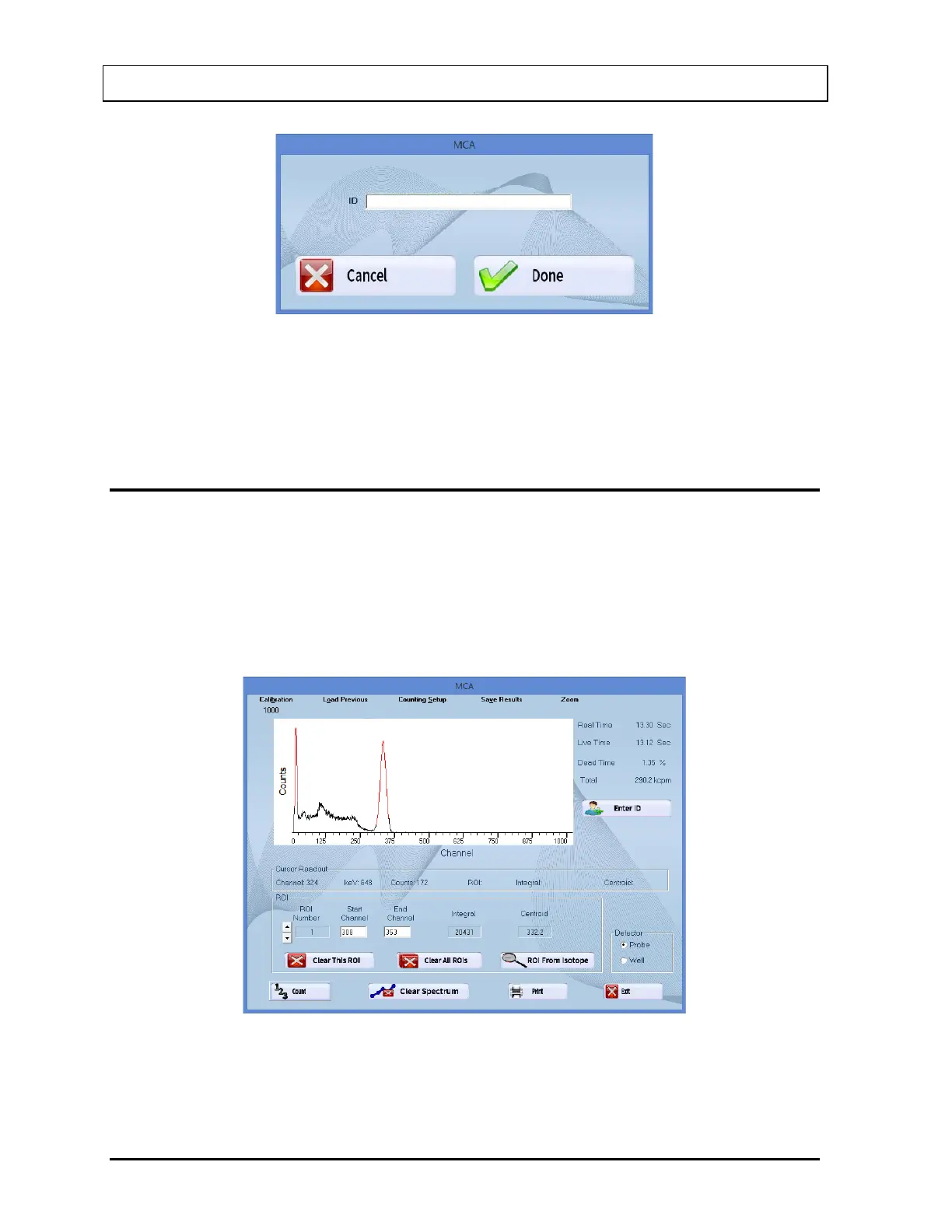
Type the identifying information into the text box. Select the Done button or press Alt+D to
save the ID or select the Cancel button or press Alt+C to cancel the ID and return to Figure
13-1 MCA Main Screen.
REGIONS OF INTEREST (ROI)
Up to 16 Regions of Interest (ROIs) are available at any one time. Each ROI will be
highlighted in red in the spectral display area. ROIs may overlap or one ROI may be defined
inside another ROI, if required.
To view active ROIs, look in the ROI frame on the MCA screen. One ROI is displayed at a
time. To scroll through the ROI list, click the up and down arrow buttons to the left of the ROI
Number box. Figure 13-9 illustrates two ROIs.
Figure 13-9
To define an ROI, scroll through the ROI list to find the ROI number to add or modify. ROIs
can be entered in three ways:



 To Next Page