CAPINTEC, INC. CAPTUS
®
4000e
10-2 LAB TESTS November 16
INTRODUCTION
The Lab Tests module on the CAPTUS
®
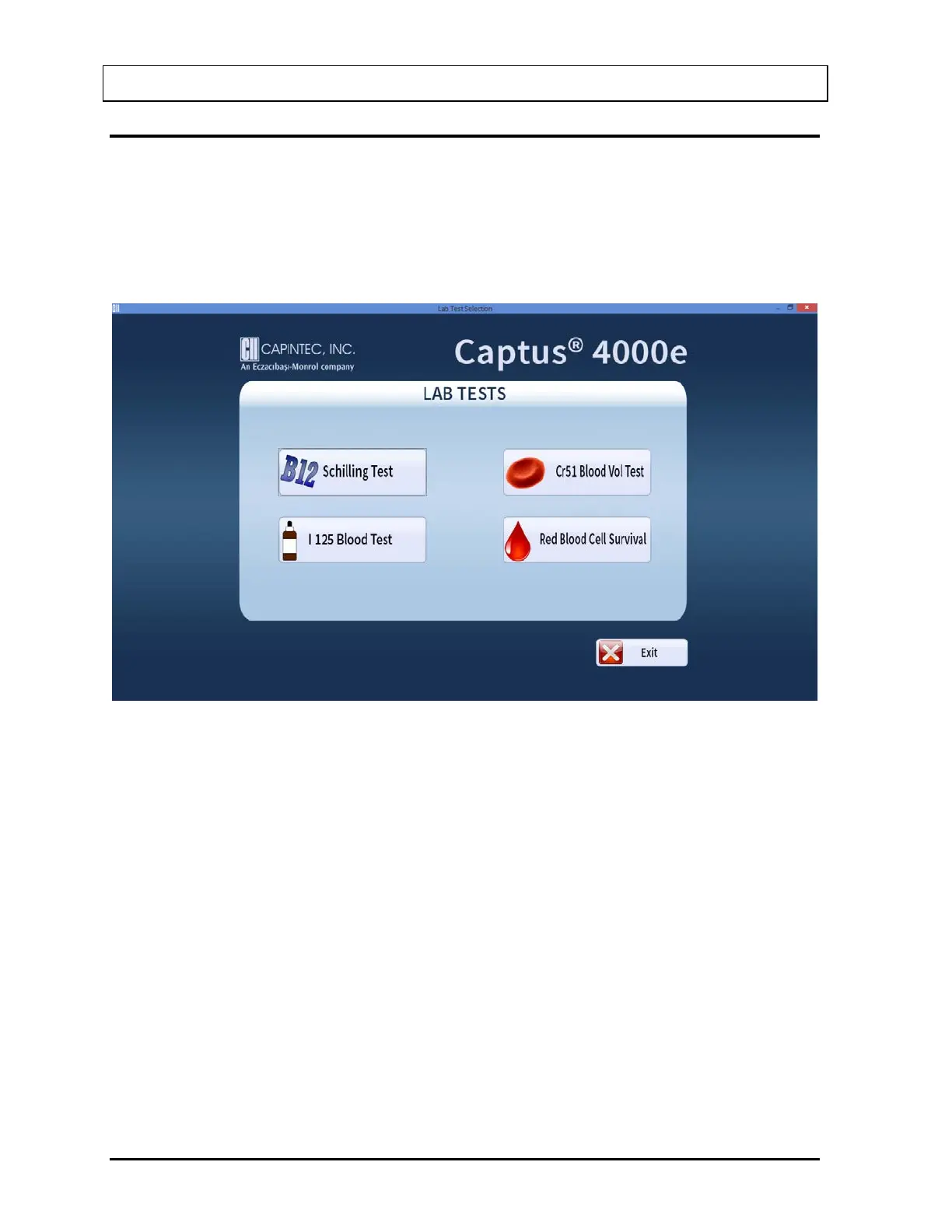
4000e Main screen is comprised of all the in vitro
testing modules for urine and blood – Schilling Test, I 125 and Cr51 Blood Volume Test and
Red Blood Cell (RBC) Survival Test.
Select the Lab Tests button or press Alt+L on the CAPTUS
®
4000e Main screen to access
the Lab Tests. Figure 10-1 Lab Tests Main Screen will appear.
Figure 10-1 Lab Tests Main Screen
All of the tests in the Lab Tests module have the same screen layout. As in Figure 10-2
Schilling Test Main Screen, they have the Exit, Add, Edit, Delete, Delete All, Setup, Report
and Print buttons located on the left of the screen. The Patient Directory box, displaying the
patient records, appears in the middle of the screen. The Patient Status box below displays
the latest patient information (For complete results of the patient, use the Report function
located on the left of the screen). The Count Selected Patients button at the bottom of the
screen is used to perform measurements for a selected patient(s). The Data Acquisition
screen also operates in an identical manner in each test.



 To Next Page