CAPINTEC, INC. CAPTUS
®
4000e
3-12 GENERAL OPERATING INSTRUCTIONS August 15
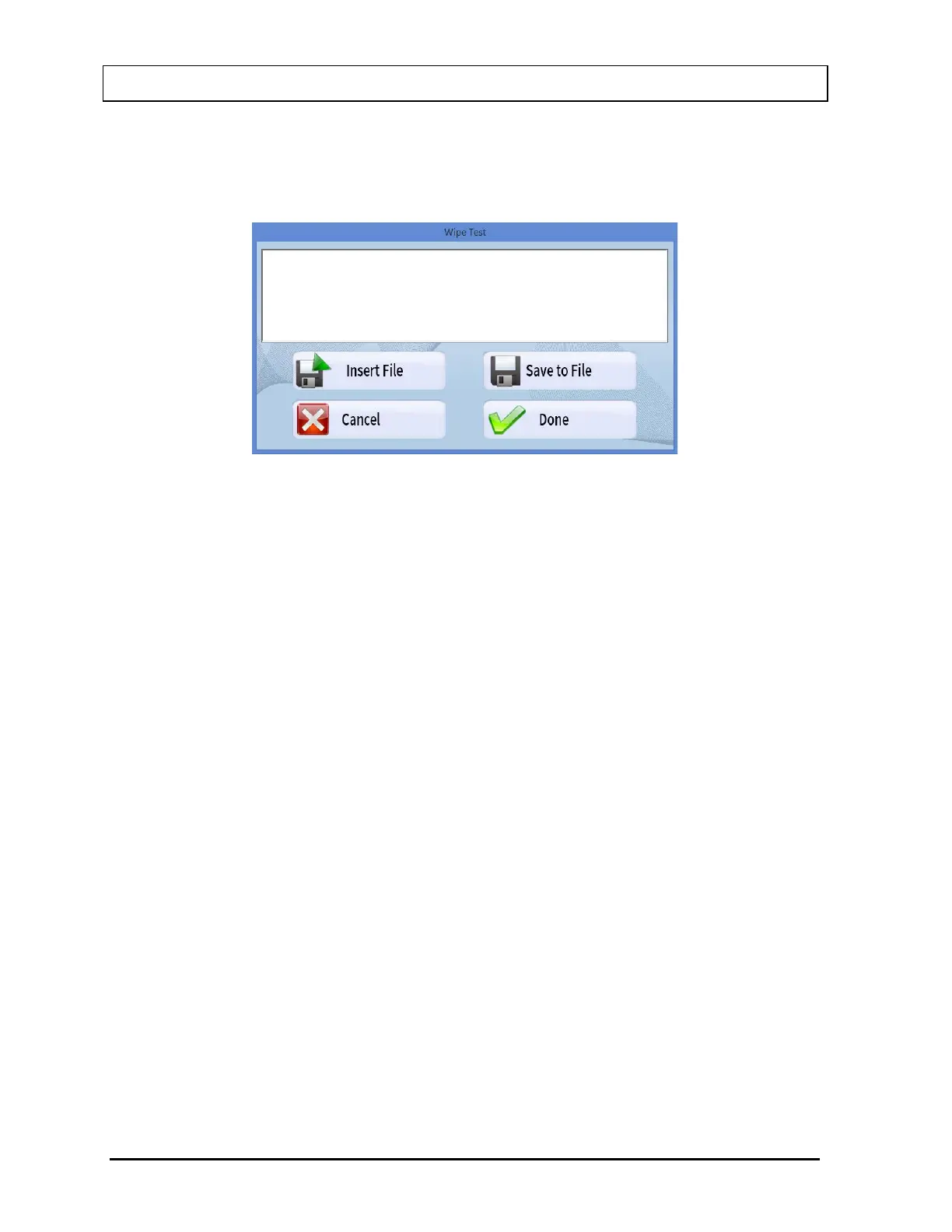
Add Comments Screen
The screen for adding comments to reports is identical to those for all the test procedures.
You may type in the comments as free text using standard editing keys.
Figure 3-9
The following options are available on this screen:
• Insert File button or press Alt+I – To copy comments from an existing text file (.txt
files only).
• Save to File button or press Alt+S – To save the entered comments as a text file (.txt
file only).
• Cancel button or press Alt+C – To discard the changes made and quit.
• Done button or press Alt+D – To save the changes made and quit.



 To Next Page