CAPINTEC, INC. CAPTUS
®
4000e
November 16 GENERAL SETUP 4-11
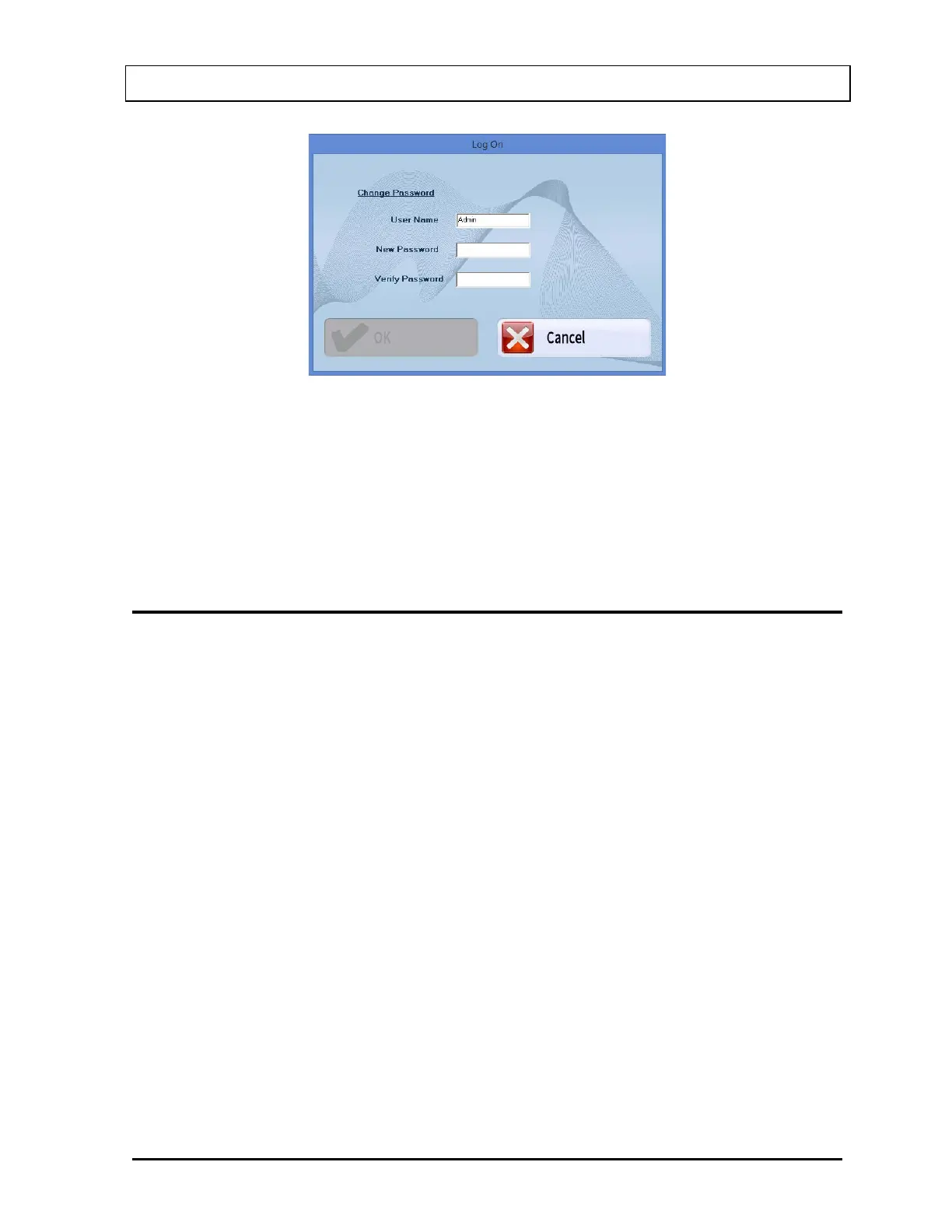
Figure 4-8 Change Password Window
The current User Name is displayed and cannot be changed.
Input the New Password and then re-input it again in the Verify Password text box.
Select the OK button to accept the new password.
LOG ON REPORT
A log is kept of when each user logs on and logs off.
When Admin is logged on (Figure 4-4 Admin Log On Sign In Window), the Log On Report
may be viewed by selecting the Report button. Figure 4-9 Log On Report Window will
appear.



 To Next Page