CAPINTEC, INC. CAPTUS
®
4000e
9-8 ABSORBED DOSE ALERT August 15
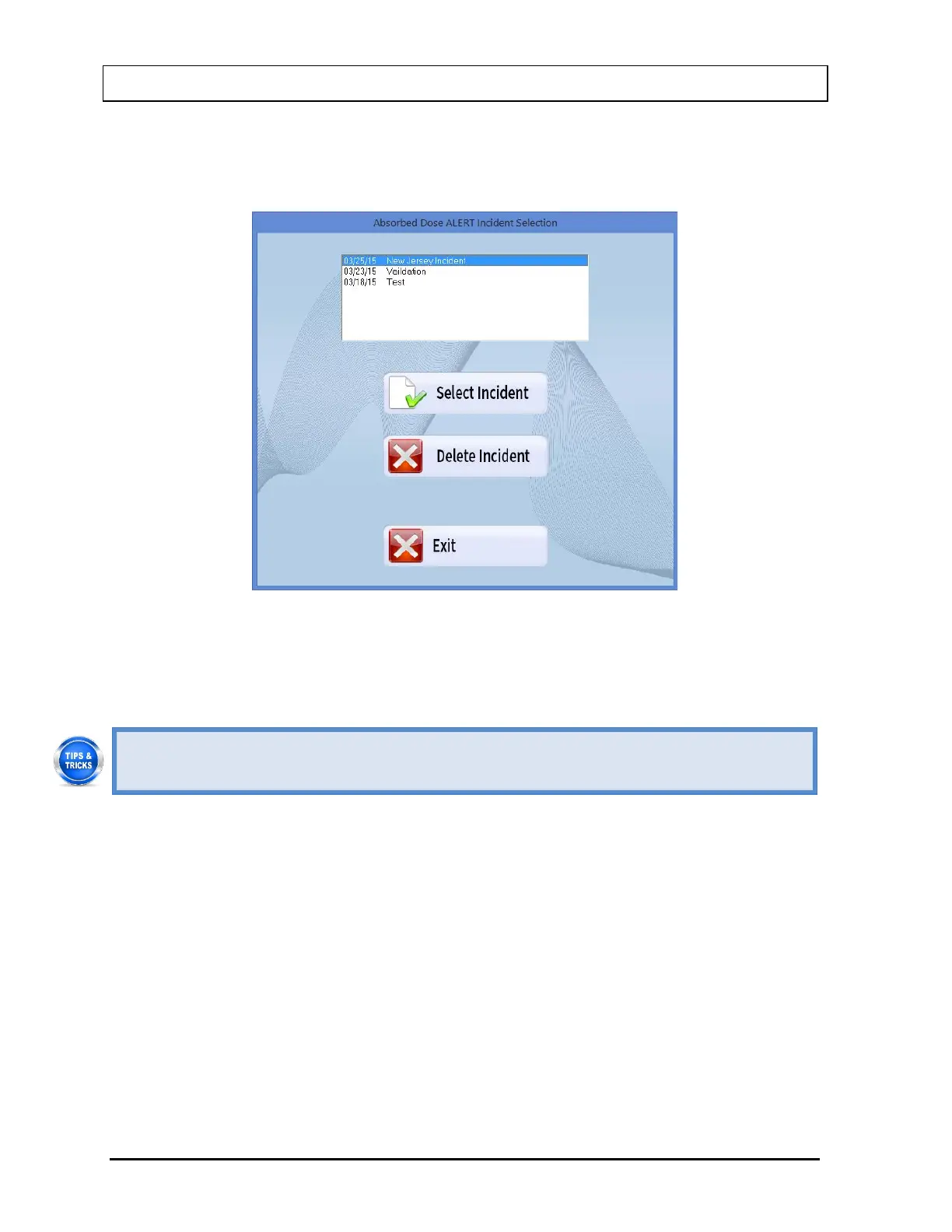
2. To select an incident, click on the incident name in the list box on Figure 9-7 Incident
Selection Screen. The Incident name will become highlighted and the Select Incident
and Delete Incident buttons will become enabled as shown in Figure 9-8.
Figure 9-8
3. Select the Select Incident button to set the highlighted incident as the currently active
incident. The Incident Setup Screen (Figure 9-6) will re-appear displaying the parameters
for the selected incident.
• To return to previous screen without saving changes press the ESC key.
Note: Once an incident is selected, it becomes the currently active incident. Any patients
that are added after changing the incident will use the selected incident until another
incident is set up or selected.
Delete Incident
Note: The currently active incident cannot be deleted without first setting another incident
as the current incident.
1. To delete the selected incident, verify that the desired incident is highlighted in the
Incident list box (Figure 9-6) and Select the Delete Incident button. If the selected
incident is not the currently active incident, Figure 9-9 will appear.



 To Next Page