CAPINTEC, INC. CAPTUS
®
4000e
4-16 GENERAL SETUP November 16
Note: If the date format is changed, the conversion will also apply to stored data the
computer system’s date format will be changed. If the activity unit for counts is
changed, the new unit will apply to the new measurements only.
3. To select another detector type, select one of the radio buttons in the Detector 1 box. The
Detector 2 box options, Well and None, are applicable only when you select a Flat
Faced Probe as Detector 1.
Note: Your detector setting has been selected for the specific hardware shipped with
your system. Therefore, the detector default should not be changed without
consulting with the technical service staff at Capintec.
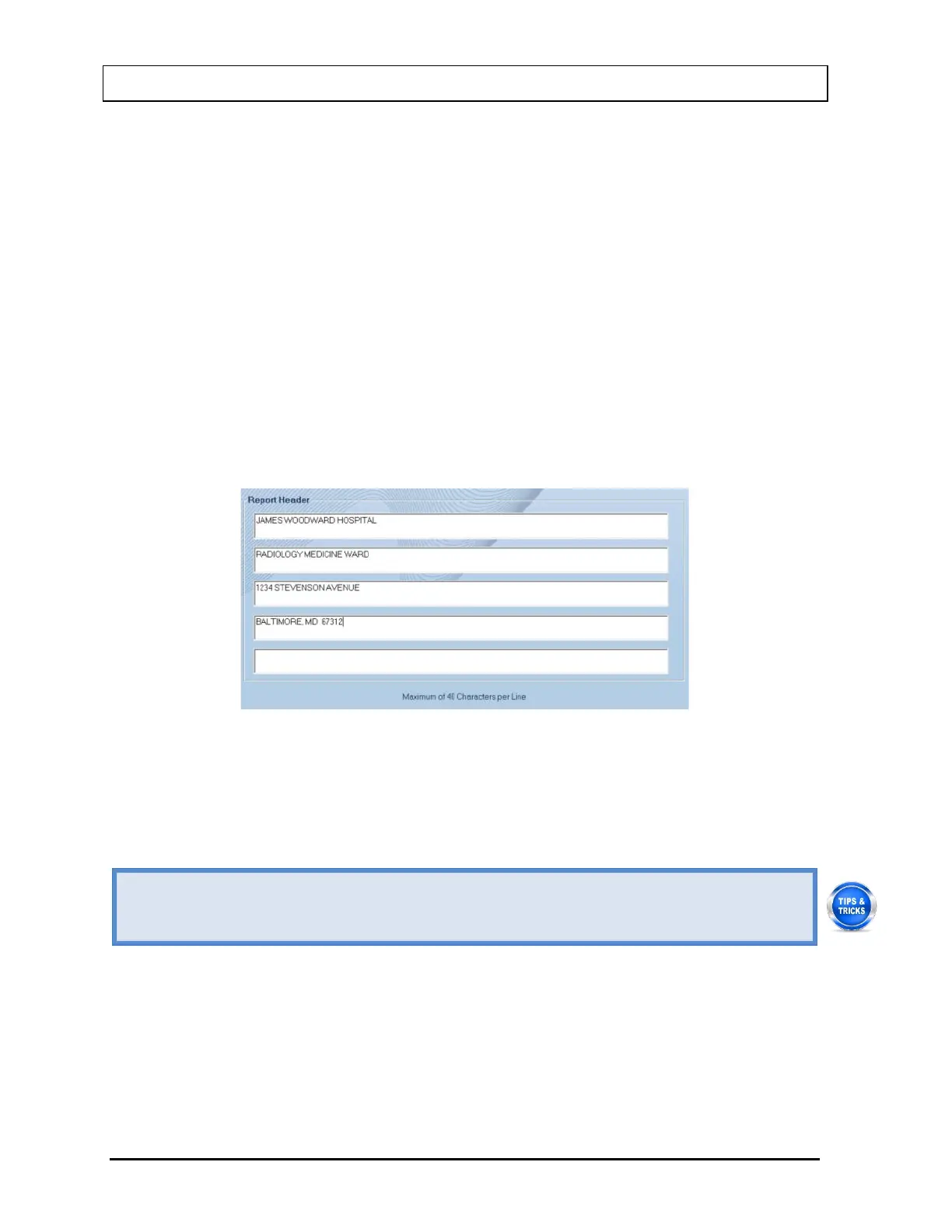
4. To enter a heading for each printed report, click in the first blank box under Report
Header. Enter the first line of the header. The length of each line is limited to 40
characters per line. To enter another line, click in the blank box below or press the Tab
key. An example of report header is as given below in Figure 4-12 Report Header Frame.
This header will appear centered at the top of each report printout.
Figure 4-12 Report Header Frame
5. Select the Done button or press Alt+D to save the changes or select the Cancel button
or press Alt+C to exit without saving the changes. Figure 4-10 Startup Tips Window will
re-appear.
• To move between boxes use the Tab key and to move within boxes use
• To customize your report printouts, you can input the address of your medical facility
Quality Assurance Tests
Note: All QA Tests (Enter Check Source and Chi-Square Setup, Auto Calibration, Measure
Efficiency, Constancy Test, and Chi-Square Test) must be performed before any
measurements can take place. Measurement Setups (Thyroid Uptake Protocols,
Wipe Test Defaults, Wipe Test Groups, Bioassay) need only be performed if required.



 To Next Page