CAPINTEC, INC. CAPTUS
®
4000e
12-2 TIME ACTIVITY ANALYSIS August 15
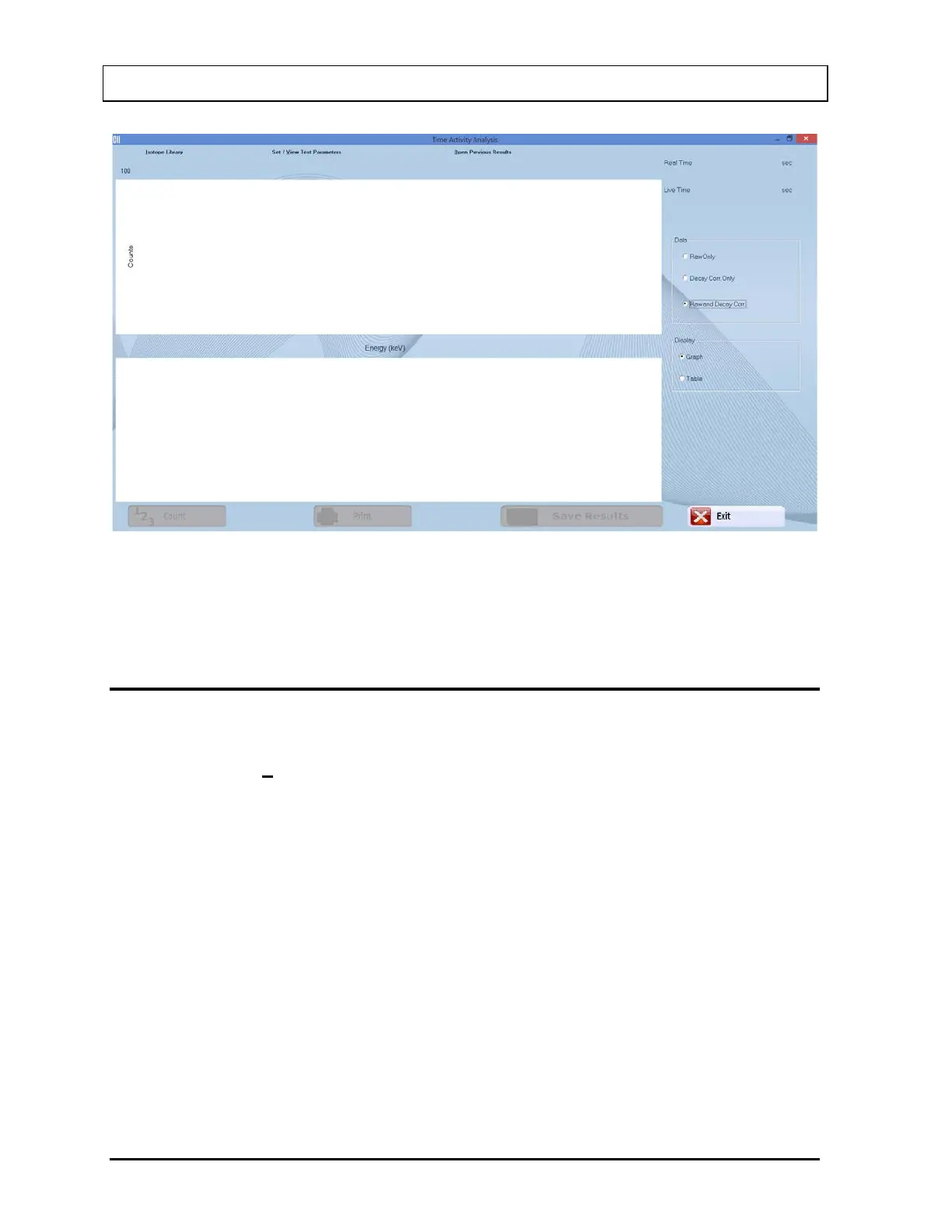
Figure 12-1 Time Activity Analysis screen
To return to the CAPTUS
®
4000e Main screen from the Time Activity Analysis screen, select
the Exit button or press Alt+E or press the Esc key.
SETTING UP PARAMETERS
Note: All fields in bold are required.
1. Select the Set / View Test Parameters button on the menu bar or press Alt+V. The
screen appears as shown in Figure 12-2.



 To Next Page