CAPINTEC, INC. CAPTUS
®
4000e
November 16 WIPE TESTS 8-21
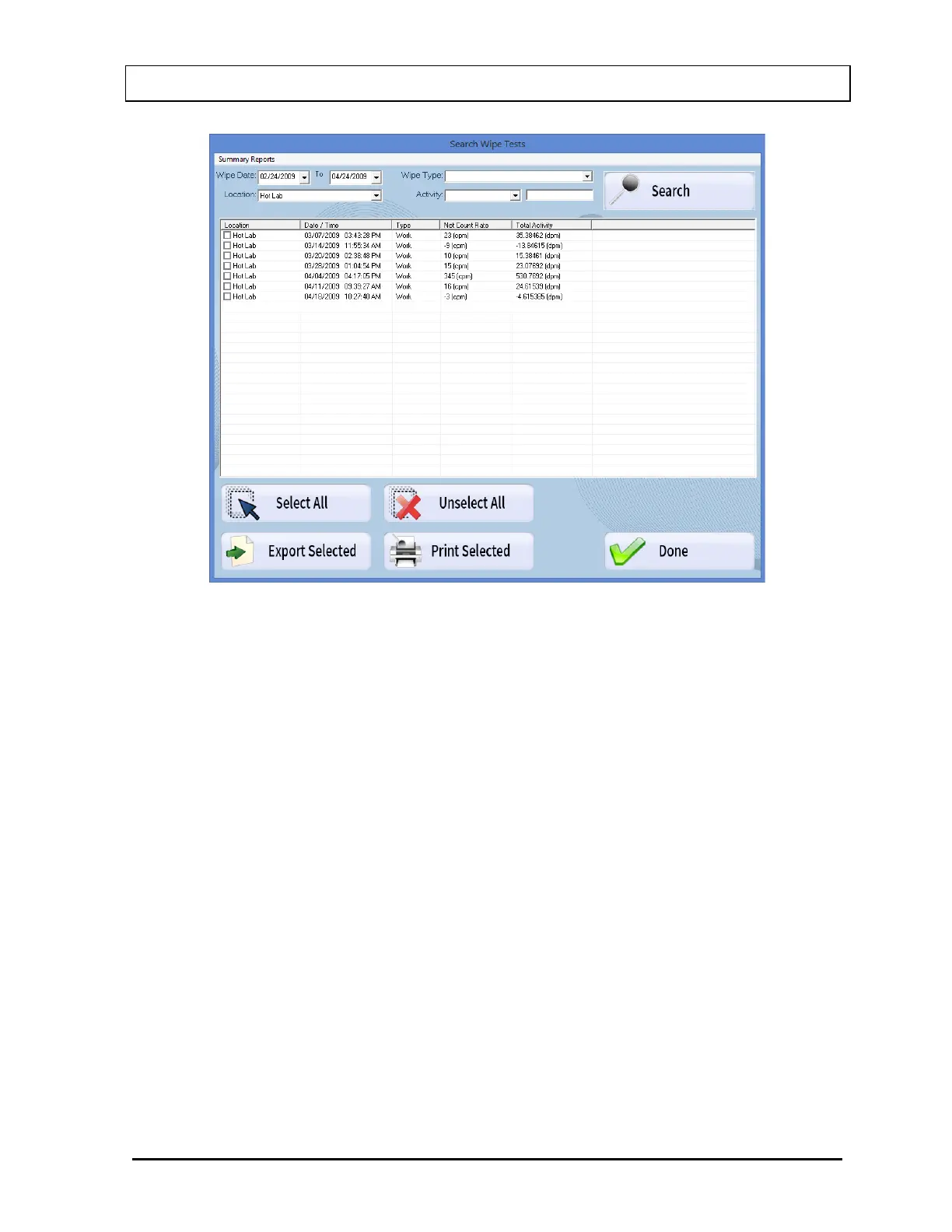
Figure 8-29 Wipe Test Search Window with Results
The Wipe Test Search Results box displays the Wipe Location, Wipe Date/Time, Wipe
Type, Net Count Rate and Total Activity. By default, searched results are sorted by the Wipe
Date/Time, oldest one first. The sort order can be changed by clicking on the column
headers in the Wipe Test Search Results box.
Viewing Wipe Test Data Selectively
The details for a specific Wipe Test can be viewed by double-clicking on the desired
data in the Wipe Test Search Results box. Figure 8-30 Selected Wipe Test Details
Window will appear showing the details of the selected Wipe Test.



 To Next Page