CAPINTEC, INC. CAPTUS
®
4000e
7-20 THYROID UPTAKE November 16
Counting Selected Patient
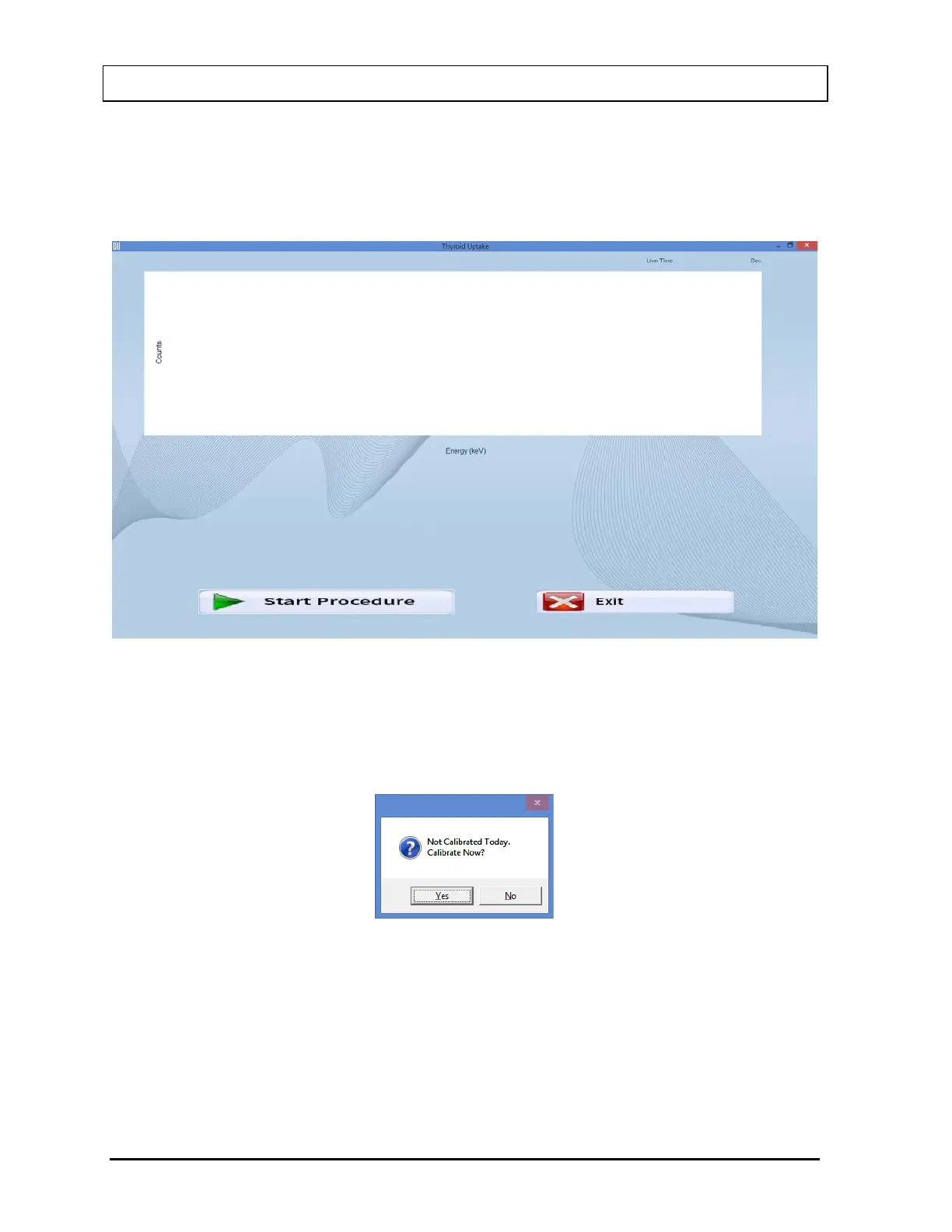
1. Select the Count Patient Dose button from Figure 7-1 Thyroid Uptake Main Screen. The
screen will appear as shown in Figure 7-16.
Figure 7-16
Note: If calibration has not been performed for the current day, you will be prompted
with the message window shown in Figure 7-17. If calibration is performed now,
the program will return to the Thyroid Uptake measurement screen shown in
Figure 7-16 after calibration is complete.
Figure 7-17
If Pre-Dose Measurement is set to ‘Yes’ in the protocol, the message window will
appear as shown in Figure 7-18. To perform Pre-Dose count, select the Yes button or
press the Y key. The screen will appear as shown in Figure 7-16.



 To Next Page