CAPINTEC, INC. CAPTUS
®
4000e
November 16 THYROID UPTAKE 7-21
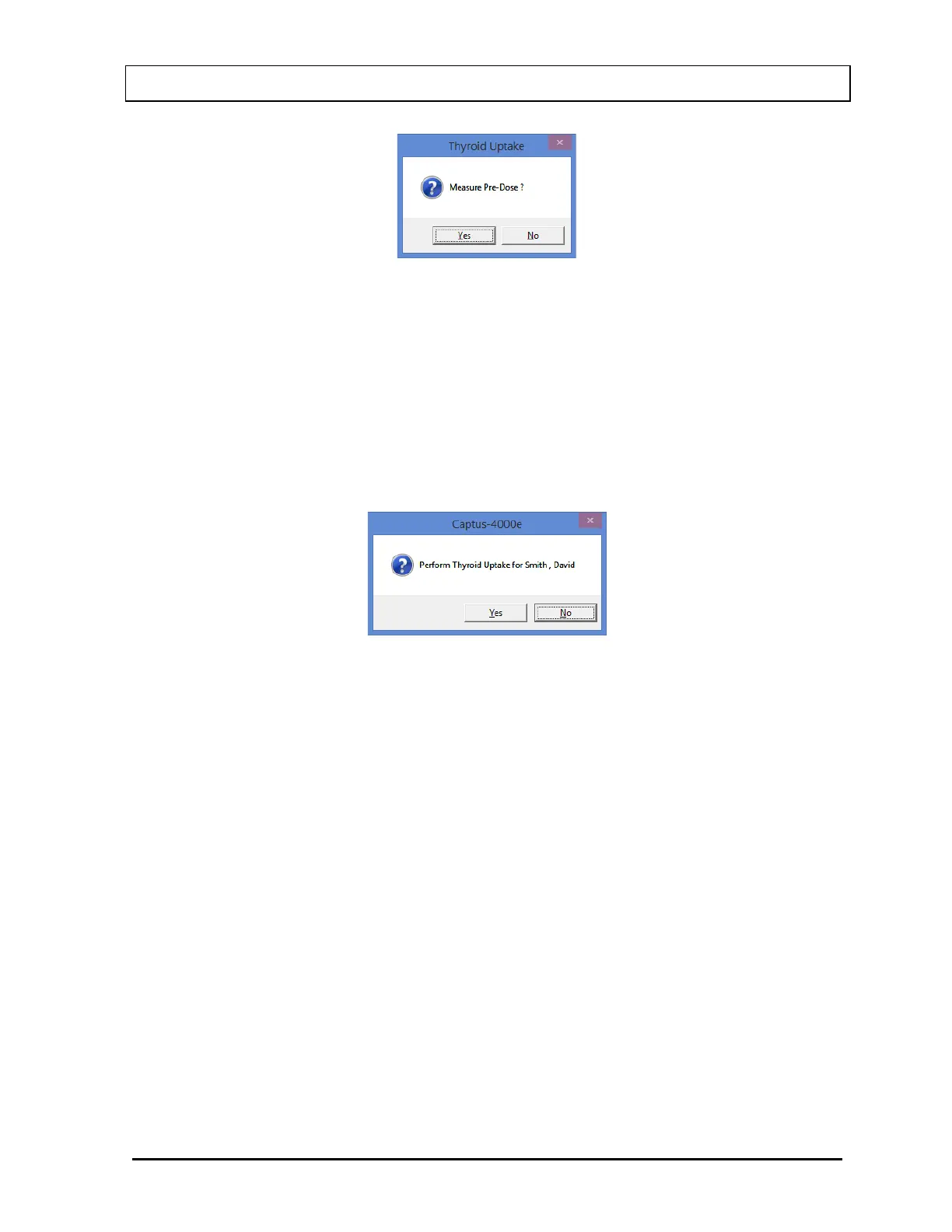
Figure 7-18
Note: Pre-Dose measurements may be skipped, if desired. This allows the Dose
Measurement to be performed before the Pre-Dose measurement. You will be
asked again to measure the Pre-Dose at the beginning of the Dose Administration
phase of the protocol.
2. Select the Start Procedure button or press Alt+S. The message window shown in Figure
7-19 will appear confirming the selected patient. To cancel the uptake or if the incorrect
patient was selected, select the No button to return to Figure 7-10, otherwise select Yes
to continue.
Figure 7-19
3. From this point onwards, the program begins a cycle, directing you through to measure
the Background counts, capsule or patient depending upon the protocol and the stage of
the uptake procedure. Simply follow the on-screen instructions. As the count progresses,
the Measurement screen appears as shown in Figure 7-20. The live spectrum is
displayed with time elapsed at the upper right corner.



 To Next Page