CAPINTEC, INC. CAPTUS
®
4000e
August 15 ABSORBED DOSE ALERT 9-3
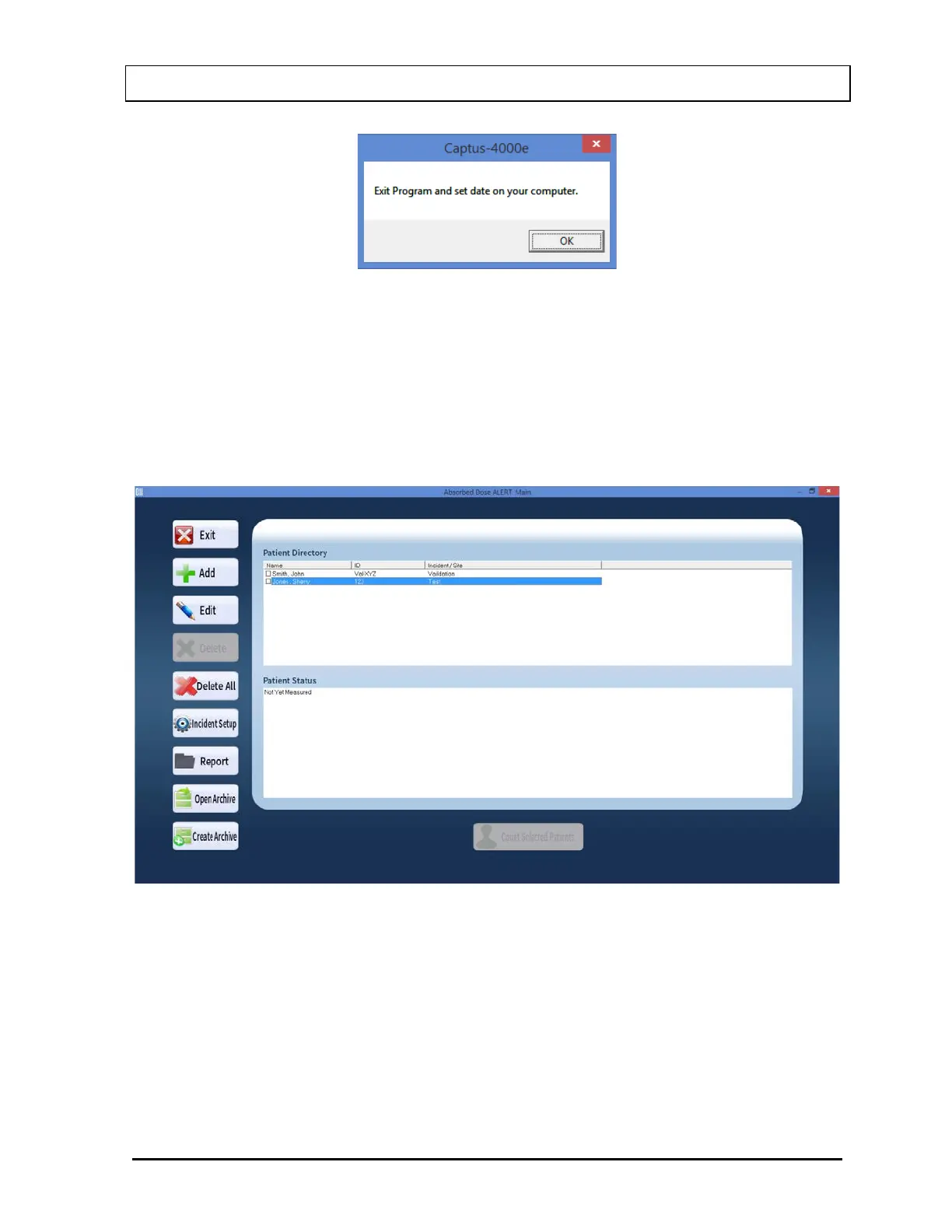
Figure 9-2
The program will remain on the CAPTUS
®
4000e Main Screen and will not be able to enter
the Absorbed Dose ALERT module until the date is verified.
The Patient Directory box will be empty if there are currently no existing patients in the
database. Each added patient will appear in this box with their name, ID and Incident/Site
Description. The Patient Status box will show the measurement results if a measurement
has been made.
Figure 9-3 Absorbed Dose ALERT Main Screen
To return to the CAPTUS 4000e Main Screen from here, select the Exit button or press the
Esc key.



 To Next Page